

 Español
 Català
 Deutsch
 Français
 Português
 Italiano
 Nederlands
 Polski
Before you press it: what Odoo already repairs by itself
In Odoo 20, with the default values, the scheduled task Amazon SP-API - Auto-repair queue v2 runs every 3 minutes and is active from installation. It processes the queued retries with the same pieces the button uses: it fixes unit_count if there is an issue of that kind, repairs the compliance media (compliance_media) if the issue is about an image and, if the listing is still in error and has neither of those two issues, it tries to send the full catalogue, provided the account setting that allows trying to publish the full catalogue is on (it is on by default in the code).
Also, when a stock push fails, the module looks at the stored issues of that listing and repairs the unit_count or image ones. If the repair works, it sends the stock again; if Amazon has not finished validating it, the push is left queued. That push is reached when you save a product form, when you validate a delivery that involves products, and in the task Amazon SP-API - Sync pending bindings (price/stock), which runs every minute.
The button is the manual route: it launches that repair in one go on the active listings of the account and its marketplace that are in error.
- Check the checkbox
Repair retries run in the background (opt-in)on theAccountsform, tabCatalog & Listings, groupAuto-repair Listing Errors. Its help says «Enables queued retries for transient errors (e.g. accepted without a final status).» and it is on by default. With it on, the button schedules retries in the cases that are left pending.

When it shows and who can press it
- Your user is a
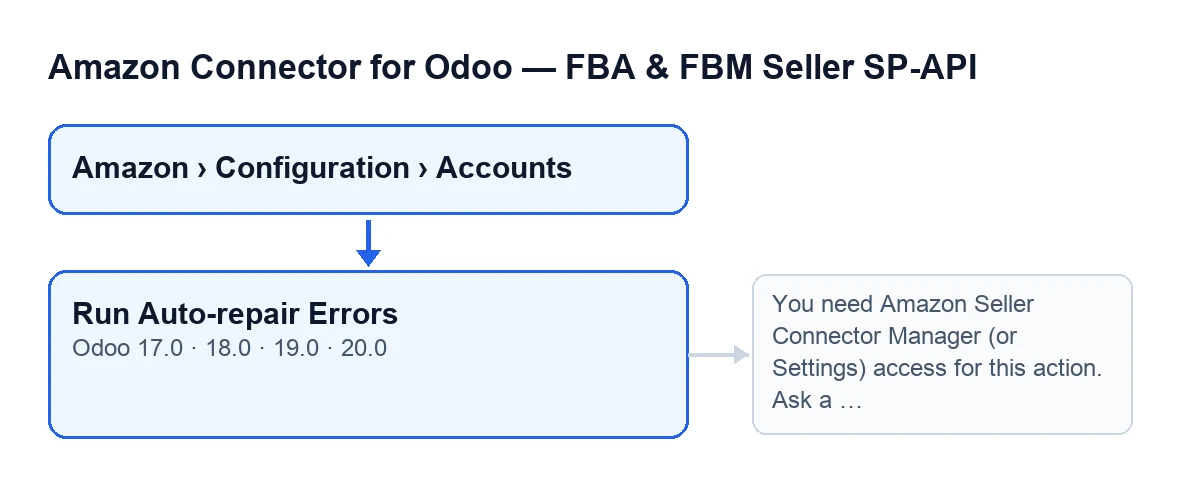
Managerof the connector or has Settings access. The path isAmazon › Configuration › Accounts: theConfigurationandAccountslevels requireManager, andAmazonrequiresViewer.
- Open the
Accountsscreen: theRun Auto-repair Errorsbutton shows with no condition, in versions 17, 18, 19 and 20.
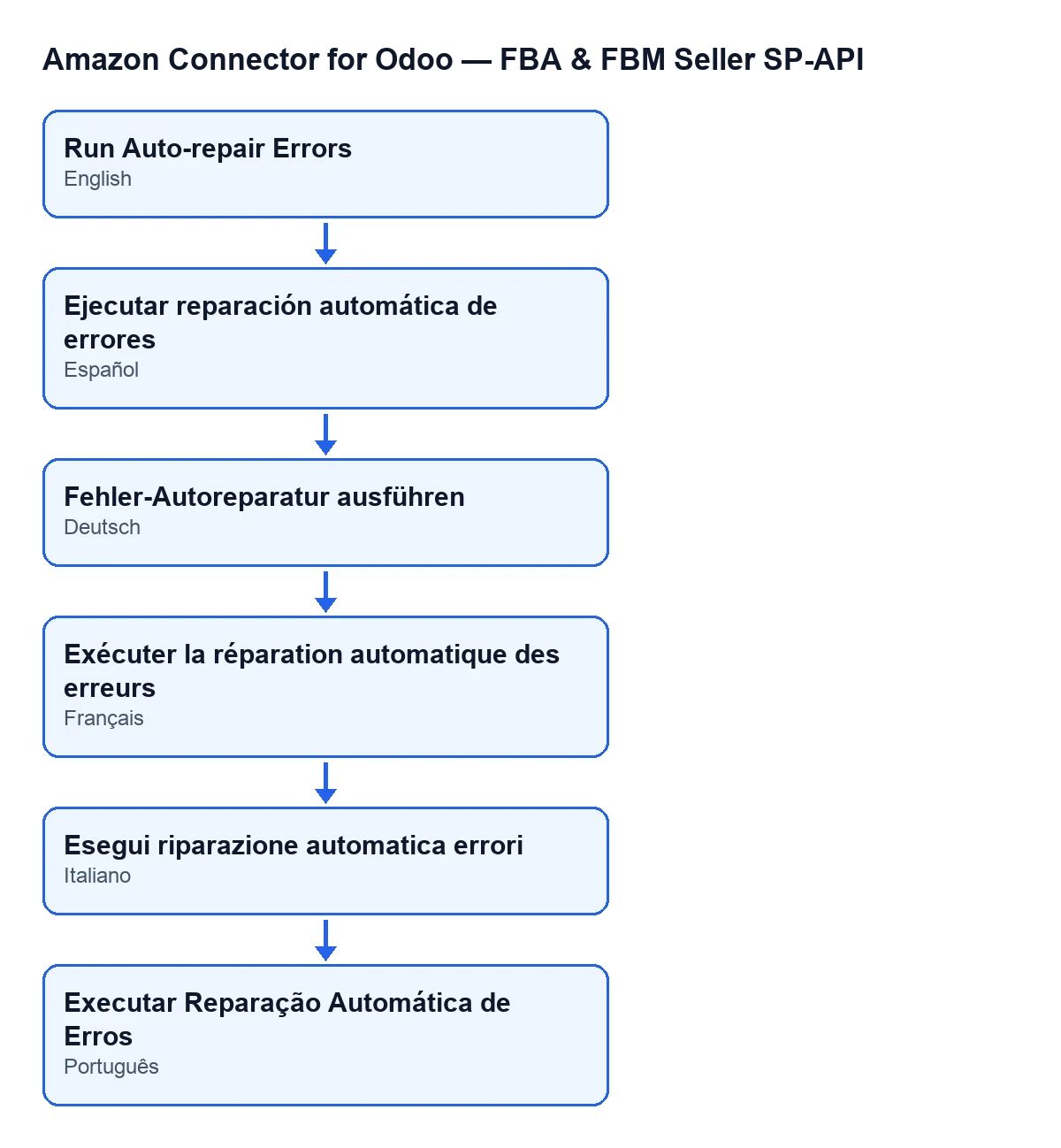
Run Auto-repair Errors; the diagram also gives the label in Spanish, German, French, Italian and Portuguese.When you press it: what it does with each listing
In Odoo 20, the button does this:
- Permissions. First it checks your access. If you are not a
Managerand do not have Settings access, it stops withYou need Amazon Seller Connector Manager (or Settings) access for this action. Ask a manager to grant Manager access.and nothing is saved. It also checks that you can write to the account. - Selection. It looks for the listings (bindings) of that account, for the marketplace set on the account (
Marketplace ID, tabIdentity), that are active and in error. - Previous pull. If the account has the previous catalogue read switched on (a setting that is on by default in the code), it reads the listing from Amazon again. If that read fails, it notes it and moves on to the next one.
- ASIN. If Amazon has not yet returned the listing's ASIN, the button does not repair it: it counts as unresolved and leaves a note. The previous pull is what can bring that ASIN.
- Stored issues. It re-reads the stored issues and recalculates the error, warning and info counters on the listing. If no blocking error is left, the listing stops being in error, its pending retry is cleared if it had one, and it counts as resolved.
unit_count. If any issue is aboutunit_count, it launches its fix. Depending on the result it counts as fixed, pending (and queued if a retry is scheduled) or with error. If Amazon has no final status yet, it stays pending and, with the background checkbox on, a retry is scheduled.- Images. If any issue is about an image, it finds the product type (reading it from Amazon if the listing has none) and tries to remove the
compliance_mediaentries with a temporary or expired URL and, if it succeeds, reads the listing again. If there is nothing to clean or Amazon rejects it, it is left as a note. - Publishing. Only if the setting to publish the full catalogue is on (it is by default in the code), the listing is still in error and had no
unit_countor image issue, it sends the full catalogue to Amazon. If that fails, it counts it, notes it and, with the background checkbox on, schedules a retry. - Final read and summary. It reads the listing again (if that fails, it only notes it) and counts it as unresolved if it is still in error or has errors. At the end it stores the date and the result on the account and posts the summary in the account's chatter.
After you press it: what to check
The summary starts with Listing error auto-repair finished. and Account: …, and continues with these lines:
| Line | What it counts |
|---|---|
Bindings evaluated: … | Listings picked up |
Previous pull OK: … and Previous pull error: … | Successful and failed previous reads |
unit_count fixed: … and unit_count with error: … | Outcome of the unit_count fix |
Async pending: … and Queue v2 scheduled: … | Awaiting a final status, and retries scheduled |
Publish full catalog OK: … and Publish full catalog error: … | Full catalogue submissions |
Bindings resolved: … and Bindings unresolved: … | Final state of each listing |
If there are notes, they appear after Notes (last 15):, holding the latest ones, each one trimmed.
- Open the message in the account's chatter and compare
Bindings evaluatedwith resolved and unresolved.
- Read the notes: they say which listing and which step (read,
unit_count, image, publishing) was left unfixed.
- On each unresolved listing, open its
Listingsform, tabIssues, groupRepair Queue. The fieldAuto Repair Retry Pending(read-only) is set by the module when it schedules a retry; it is cleared when the listing is resolved or when the retries run out.
- If there are pending items or scheduled retries, the queue task runs every 3 minutes: look at the listing's form again later.
How FlexigoTech helps
The module is a one-off purchase per Odoo version (published for 17, 18, 19 and 20) and needs the FlexigoTech Cloud subscription, Connector plan: €49 per month or €490 per year excluding VAT, up to 3 accounts of the platform. You have the listing on Odoo Apps and the module page. FlexigoTech implements Odoo 17, 18, 19 and 20 and builds custom connectors and integrations.
Keep reading
Checked in the connector's source code (version 20.0) and the linked sources
Sources
- Module source code: flexigobe_amazon_seller_connector 20.0 (8576afa5): views/amazon_spapi_account_views.xml
- Module source code: flexigobe_amazon_seller_connector 20.0 (8576afa5): models/amazon_spapi_account.py
- Module source code: flexigobe_amazon_seller_connector 20.0 (8576afa5): models/amazon_spapi_product_binding.py
- apps.odoo.com/apps/modules/20.0/flexigobe_amazon_seller_connector
- flexigotech.com/precios.html
- flexigotech.com/en/services.html