

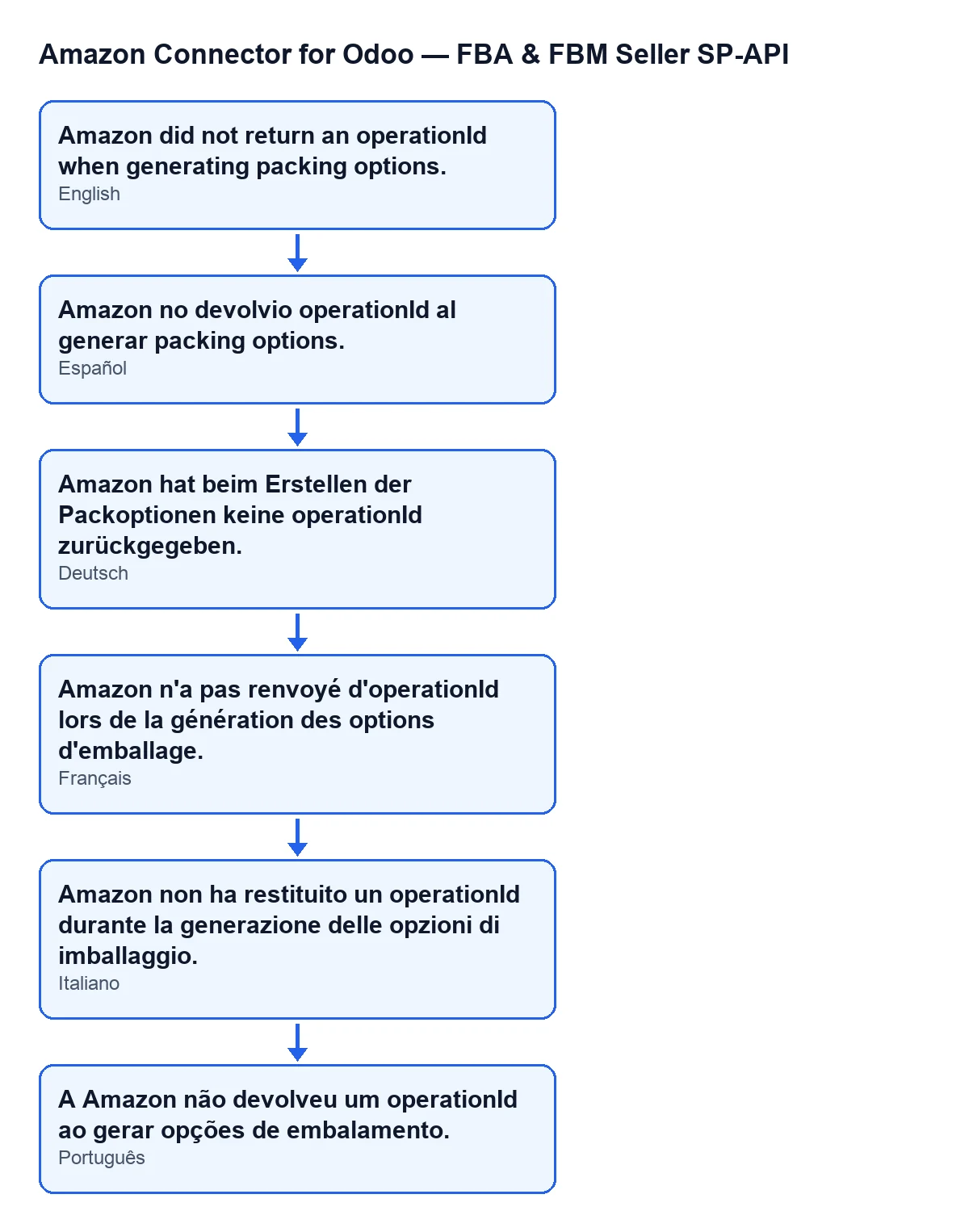
 Español
 Català
 Deutsch
 Français
 Português
 Italiano
 Nederlands
 Polski
When exactly the message appears
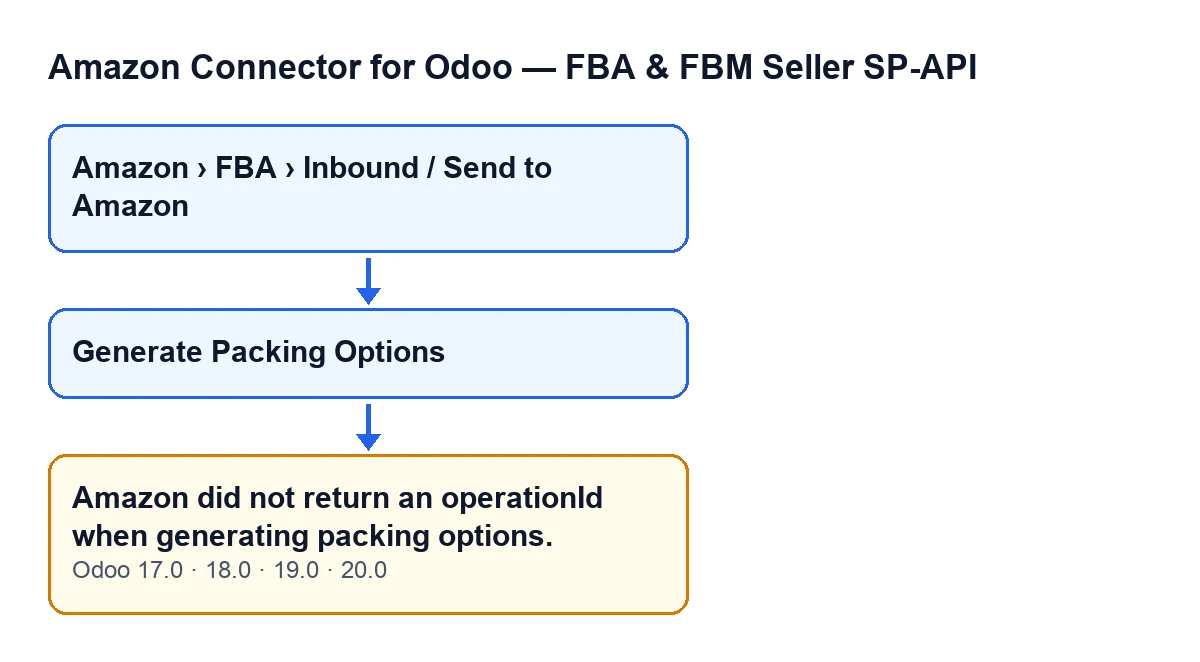
The message Amazon did not return an operationId when generating packing options. appears when you press the Generate Packing Options button on the form of an inbound plan. Those forms open from the menu Amazon › FBA › Inbound / Send to Amazon, and every level of the menu asks for the Viewer permission.
The button only shows when the plan has an Inbound Plan: the view hides it while that field is empty, so with the default values it does not appear. The message is in the published code of Odoo 17, 18, 19 and 20.

What the module does, in order, before reaching the message
When you press the button, the module first runs a permission check on the server: your user needs at least Operator access to the connector. The menu only asking for Viewer is not enough for this action.
Then, for each plan, it looks for the Inbound Plan. If it is there, the module asks Amazon, through the plan's account, to generate packing options. From the reply it reads the operation identifier (operationId) and trims any spaces at the ends.
The condition for the message is that this identifier ends up empty. That happens if the reply does not include it, if it comes back empty or with only spaces, or if the call returns no reply at all.
When the condition is met, the action stops and nothing it was about to change is saved: neither the operation identifier nor the change of the plan's state. If Amazon does return the identifier, the module saves it, changes the plan's state, waits for Amazon to finish the operation by checking its status, and finally loads the packing options, saving their summary and Amazon's response. The message appears before that wait.
What it means
It means the request to generate packing options was made, but the reply did not carry the identifier needed to follow the operation. The module only records that this piece of data is missing.
With Odoo in English, the text reads Amazon did not return an operationId when generating packing options.
Checklist
Before pressing the button
- You enter through
Amazon › FBA › Inbound / Send to Amazonand open the right plan.
- You can see the
Generate Packing Optionsbutton. If it is missing, the view is hiding it because the plan has noInbound Plan; with the default values it is not shown.
- Your user has at least Operator access to the connector. The module checks this on the server before talking to Amazon, even though the menu only asks for
Viewer.
- Your FlexigoTech Cloud subscription (Connector plan) is active. The module needs it, and without it, or with the service suspended, whatever the subscription provides stops; your data stays in your Odoo.
When you see the message
- Check that the text is exactly
Amazon did not return an operationId when generating packing options.If it is different, this is not the case.
- Note the plan name, the time and your Odoo version (17, 18, 19 or 20).
- Look at how the plan stands: because the action stops, the identifier is not saved and the state does not change, so the plan stays as it was.
- Press
Generate Packing Optionsagain. The view only hides the button whenInbound Planis missing, and each press sends Amazon a new request.
If it keeps happening
- Gather the exact text, the plan, the time and the Odoo version before asking for help.
After it is resolved
- Press the button and check that the message no longer appears.
- Check that the plan moves on: with an identifier, the module saves it, changes the plan's state, waits for Amazon and loads the packing options.
How FlexigoTech can help
FlexigoTech implements Odoo 17, 18, 19 and 20 and builds custom connectors and integrations. If you work with Amazon inbound shipments and want to review your flow, see the module page or the Odoo Apps listing.
Keep reading
Checked in the connector's source code (version 20.0) and the linked sources
Sources
- Module source code: flexigobe_amazon_seller_connector 20.0 (8576afa5): models/amazon_spapi_inbound_plan.py
- Module source code: flexigobe_amazon_seller_connector 20.0 (8576afa5): views/amazon_spapi_inbound_plan_views.xml
- apps.odoo.com/apps/modules/20.0/flexigobe_amazon_seller_connector
- flexigotech.com/en/services.html
- flexigotech.com/precios.html