

 Español
 Català
 Deutsch
 Français
 Português
 Italiano
 Nederlands
 Polski
Where these settings open
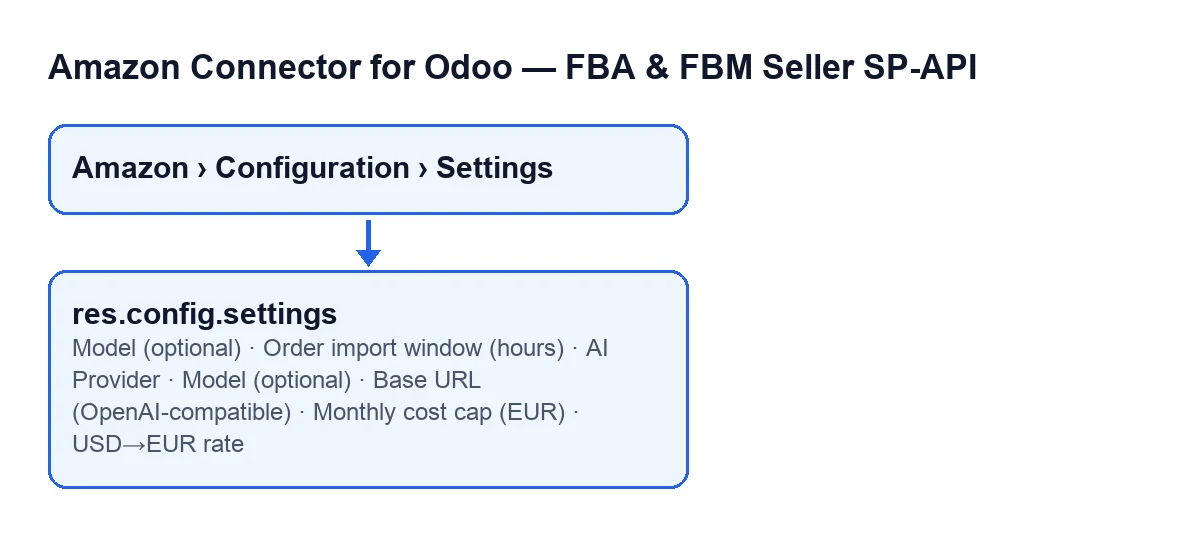
The module's settings form opens from the menu Amazon › Configuration › Settings. The Amazon level requires the Viewer permission; the Configuration and Settings levels require Manager. Without that permission you do not see those two levels. The module is published on Odoo Apps for 17.0, 18.0, 19.0 and 20.0.

Order import
Order import window (hours)- Its help reads: «On first sync: how far back to look for Amazon orders.» It sets how far back you look on that first sync, and it is expressed in hours. What to enter: the look-back margin you want to review on the first sync.
AI provider and keys
Amazon · AI Insightsblock- This is the block in Settings, inside «Amazon Seller», that holds the model field. Its text reads: «AI-powered insights. Uses Google Gemini by default, which is FREE. Paste your free key into each account (Credentials tab): Gemini → aistudio.google.com/apikey | Groq → console.groq.com/keys. No credit card required.»
AI Provider- Its help reads: «Gemini and Groq are FREE (free key, no credit card). Paste the key into each account, Credentials tab.» The settings texts also name an OpenAI-compatible provider and a paid one, Claude. What to enter: the provider you are going to use; with Gemini or Groq no card is needed.
Credentialstab of the account- This is not a general setting: it is where, according to the provider's help, the free key is pasted into each account. Keys are requested at
aistudio.google.com/apikey(Gemini) andconsole.groq.com/keys(Groq).
Model (optional)- Shown in Settings, inside the
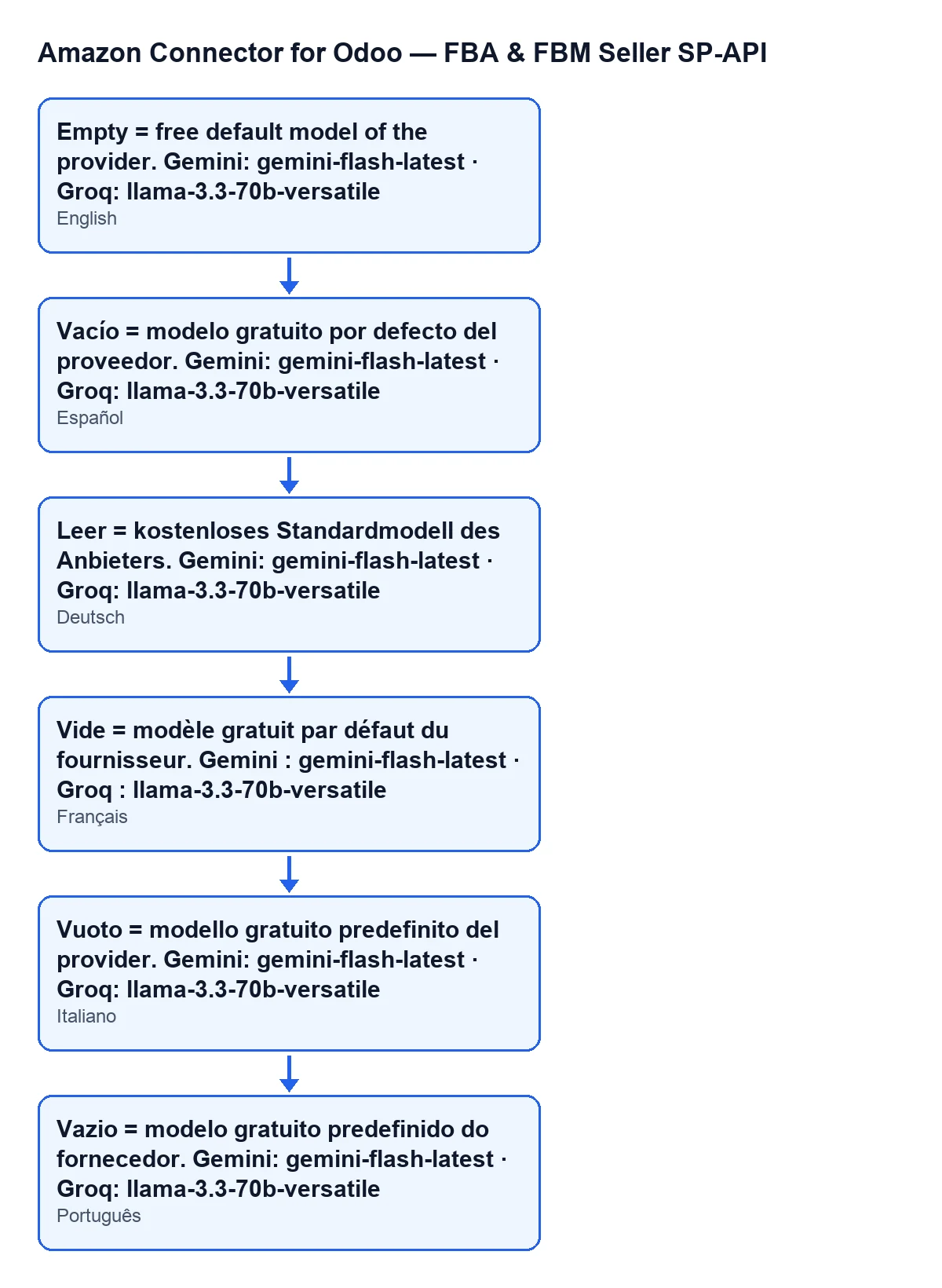
Amazon · AI Insightsblock, and visible only to users with the Amazon SP-API management permission. It is a general system parameter, not a per-account field. Its help reads: «Empty = free default model of the provider. Gemini: gemini-flash-latest · Groq: llama-3.3-70b-versatile». The module's default value is empty.
- Provider default free model
- This is the one that applies when
Model (optional)is empty:gemini-flash-latestfor Gemini andllama-3.3-70b-versatilefor Groq. What to enter: leave it empty if the provider's free model is enough for you.
Base URL (OpenAI-compatible)- Its help reads: «Only for the OpenAI-compatible provider (OpenRouter, Ollama, your own server).» What to enter: fill it in only if you are going to use that provider.
- OpenAI-compatible provider
- The provider that the
Base URLsetting and its help refer to, with OpenRouter, Ollama or your own server as examples.
The settings on this form are system-wide; the key for each AI provider is pasted into each account, in its Credentials tab.
Cost of the paid provider
Monthly cost cap (EUR)- Its help reads: «Only applies to the paid provider (Claude). The free providers (Gemini/Groq) cost €0.» What to enter: if you use Gemini or Groq, it does not affect you according to its help; with the paid provider, it is the monthly limit in euros.
USD→EUR rate- Its help reads: «Only used to estimate the cost of the paid provider (Claude).» What to enter: it only makes sense with that provider; according to its help, it plays no part with the free ones.
What to enter in your case
- Gemini, the default provider: request the free key, paste it into the
Credentialstab of each account and leaveModel (optional)empty. The cost cap and the USD→EUR rate do not affect you, according to their help texts. - Groq: the same as Gemini, with its key from
console.groq.com/keys; an empty model corresponds tollama-3.3-70b-versatile. - OpenRouter, Ollama or your own server: these are the examples given in the help of
Base URL (OpenAI-compatible), the field you fill in for that provider. - Claude, the paid provider: the settings that talk about cost are
Monthly cost cap (EUR)andUSD→EUR rate. - First sync: the help of
Order import window (hours)refers to it, so check that value before you launch it.
What using the module costs
The module is a one-off purchase per Odoo version and needs a FlexigoTech Cloud subscription, Connector plan: €49 a month or €490 a year excluding VAT (the Pro plan is €98 a month or €980 a year); the Connector plan allows up to 3 platform accounts and Pro allows 10. The connection goes through FlexigoTech Cloud, which stores the credentials encrypted, watches the synchronisation and emails you if it fails. Without a subscription, or with the service suspended, whatever the subscription provides stops; your data stays in your Odoo. The Odoo Apps listing and the module page show prices by version and let you buy.
How FlexigoTech can help
FlexigoTech implements Odoo 17, 18, 19 and 20 and builds connectors and bespoke integrations. If you are setting up the Amazon connector as part of an Odoo implementation, we can go through these settings with you, along with those of each account.
Keep reading
Checked in the connector's source code (version 20.0) and the linked sources
Sources
- Module source code: flexigobe_amazon_seller_connector 20.0 (8576afa5): models/res_config_settings.py
- Module source code: flexigobe_amazon_seller_connector 20.0 (8576afa5): views/res_config_settings_views.xml
- apps.odoo.com/apps/modules/20.0/flexigobe_amazon_seller_connector
- flexigotech.com/precios.html
- flexigotech.com/en/services.html