

 Español
 Català
 Deutsch
 Français
 Português
 Italiano
 Nederlands
 Polski
When the message appears
Which message is it, and when do you see it?
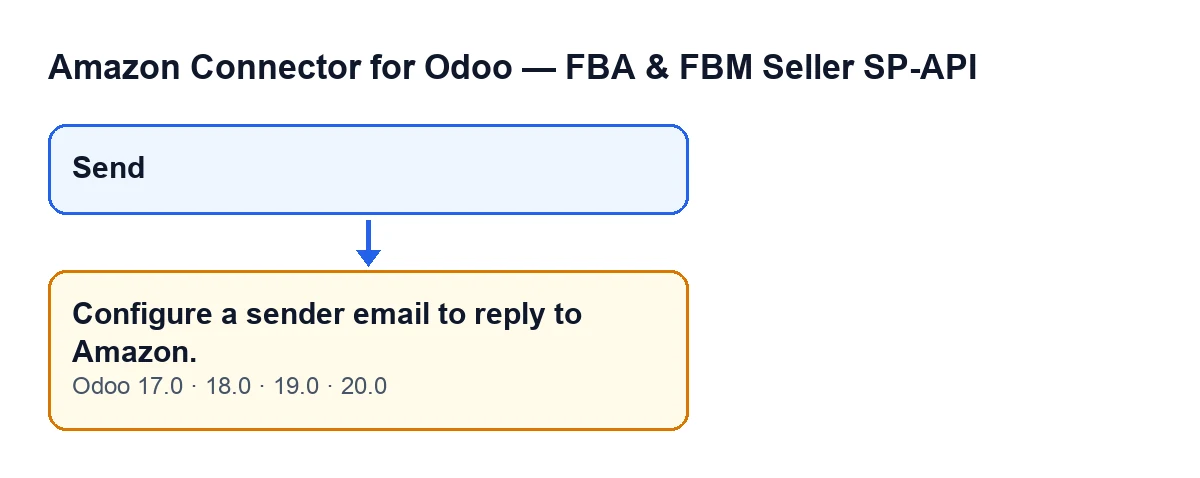
It is the error Configure a sender email to reply to Amazon.. It can appear when you press the Send button in the window used to reply to an Amazon buyer. It is an error: the action stops and the reply does not go out. The Send button is always visible in Odoo 17, 18, 19 and 20, so there is no earlier state you have to reach before it shows.
What exactly is the condition that triggers it?
When replying by email, there is no sender address at all. The module works out an address and, if the result is empty, it raises the message and does nothing else. Put the other way round: if at least one of the addresses it checks holds an email, this message is not raised.
Where does the module get the sender from, and in what order?
In the Odoo 20 code the order is as follows, and the module keeps the first address it finds:
- The reply-from sender set on the Amazon account.
- The email of the user who presses
Send. - The company's email.
If all three are empty, the message appears. If the account has a sender, the user's email is not even looked at; if the account has none but the user does, the user's address is used.
Why can the same thread be sent by one user and fail for another?
Because the second source is the email of whoever presses Send. If the account and the company have no email, the outcome depends on whether the user replying has one filled in: with one user it goes out, with another the message appears.

How to fix it
What do I need to do to make it go away?
It is enough for one of those sources to hold an email, and then press Send again. Depending on how you want to work:
- If you would rather each person replied from their own mailbox, make sure every user who answers has theirs filled in.
- If you want a fallback for when a user has no email, fill in the company email, which is the last thing the module looks at.
The message does not say which of the three sources is missing, because it is only raised when all three are empty.
What happens to the reply when the error appears?
The action stops. In the code, the message is raised before any email is created and before anything is recorded on the thread, so in that attempt no email is created for the buyer and no outgoing message line is recorded. Once you have fixed the sender, press Send again.
How do I check it is fixed?
Press Send again: if the message no longer appears, the module has found a sender and carried on with the send. It then records an outgoing message line on the thread, as described below.
What happens once a sender exists
What does the module do when it does find a sender?
It carries on with the email send, in this order: it turns the text you wrote into HTML (line breaks are kept and special characters are escaped), creates an email with your subject, addressed to the buyer's email and from the sender it found, and sends it. Then it records an outgoing message line on the thread, marked as sent, with the send date and time, your name and user email, the subject and the text.
Where do the buyer's replies go?
If the account has a messaging alias email (stray spaces are ignored), that is the reply address. If it has none, replies come back to the sender itself. So the sender avoids this error and is also where replies land when there is no alias.
Does it behave the same in every version?
The message is in the published code of all branches: Odoo 17, 18, 19 and 20. The lookup order above is the one in the Odoo 20 code; if you work on another version, check it there before relying on the exact order.
What the module needs
The module is published on Odoo Apps for Odoo 17, 18, 19 and 20 and needs the FlexigoTech Cloud subscription (Connector plan: €49 a month or €490 a year, excluding VAT). The module page is on flexigotech.com and its Odoo Apps listing is here.
If you would like help with this
FlexigoTech implements Odoo 17, 18, 19 and 20 and builds custom connectors and integrations. If you are setting up buyer messaging with Amazon and want to decide calmly which address should sign each reply, get in touch through the module page.
Keep reading
Checked in the connector's source code (version 20.0) and the linked sources
Sources
- Module source code: flexigobe_amazon_seller_connector 20.0 (8576afa5): wizard/amazon_spapi_message_compose_wizard.py
- Module source code: flexigobe_amazon_seller_connector 20.0 (8576afa5): views/amazon_spapi_message_views.xml
- apps.odoo.com/apps/modules/20.0/flexigobe_amazon_seller_connector
- flexigotech.com/precios.html
- flexigotech.com/en/services.html