

 Español
 Català
 Deutsch
 Français
 Português
 Italiano
 Nederlands
 Polski
What the message says and when it appears
The message is The official FBA location must be internal. According to the Odoo 20.0 code, it comes from a check in the module that runs when you save an FBA Country Routes record and that watches the Location field. The condition is simple: it fires when Location has a location and that location is not internal. If the field is empty, this check does nothing.
When it fires, the action stops and the record is not saved: whatever you were saving in that action is not stored until you correct the location.
The message is in the published code of branches 17.0, 18.0, 19.0 and 20.0, and the module is published on Odoo Apps for those four versions. The condition, the menu and the fields described here are those of the Odoo 20.0 code.
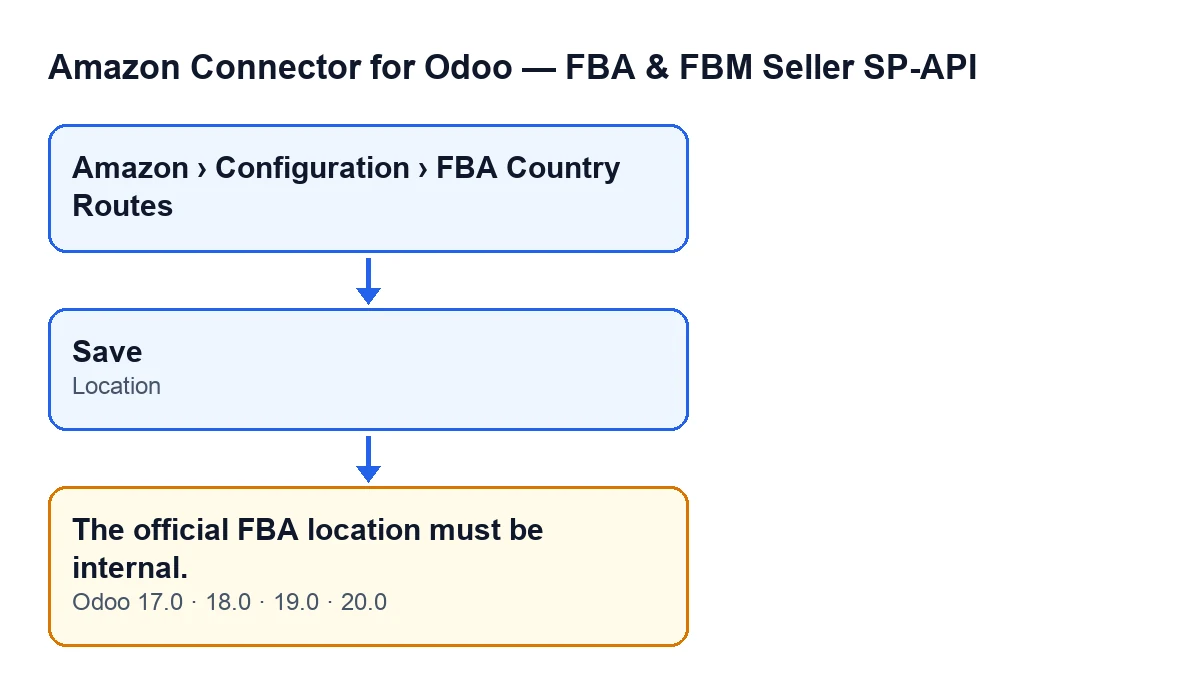

A checklist to fix it
The list is split into phases, in the order that suits you best.
Before you open the record
- In Odoo 20.0, check that your user can see the menu
Amazon › Configuration › FBA Country Routes. Each level needs a permission:AmazonneedsViewer, whileConfigurationandFBA Country RoutesneedManager. If you lack one of them, you do not see that level of the menu.
- If you cannot see the menu, ask whoever administers your Odoo for the missing permission rather than looking for another route:
FBA Country Routesrecords are opened from that menu.
- Decide which location you want in
Location. It has to be an internal location: that is the only thing the check accepts when the field has a value.
While filling in the record
- Open the
FBA Country Routeslist. TheLocationfield appears both on the record and in the list, so you can see at a glance which location each route has.
- On the record, choose an internal location in
Location.
- Save the record. This is where the check runs: if the location you chose is not internal, the message appears and nothing is saved.
If the message appears
- Read the whole text:
The official FBA location must be internal.It refers to the location you have put on the record you are trying to save.
- Open
Locationand replace it with an internal location. Do not insist on the one you have just chosen: the module will not accept it while it is not internal.
- Save again. The check runs when the
Locationfield is saved, so the message goes away as soon as the value meets the condition.
After correcting it
- Confirm that the record saves with no messages and that the
FBA Country Routeslist shows the location you chose.
- Repeat the same review on any other routes you are about to edit: each record goes through the check when its
Locationis saved.
- Note in your internal documentation which location each route uses, so that whoever edits the record later knows it must be an internal location.
Questions about this message
Does it appear in every Odoo version?
The message is in the published code of branches 17.0, 18.0, 19.0 and 20.0. The condition described is the one in the Odoo 20.0 code.
How do I see it in my Odoo's language?
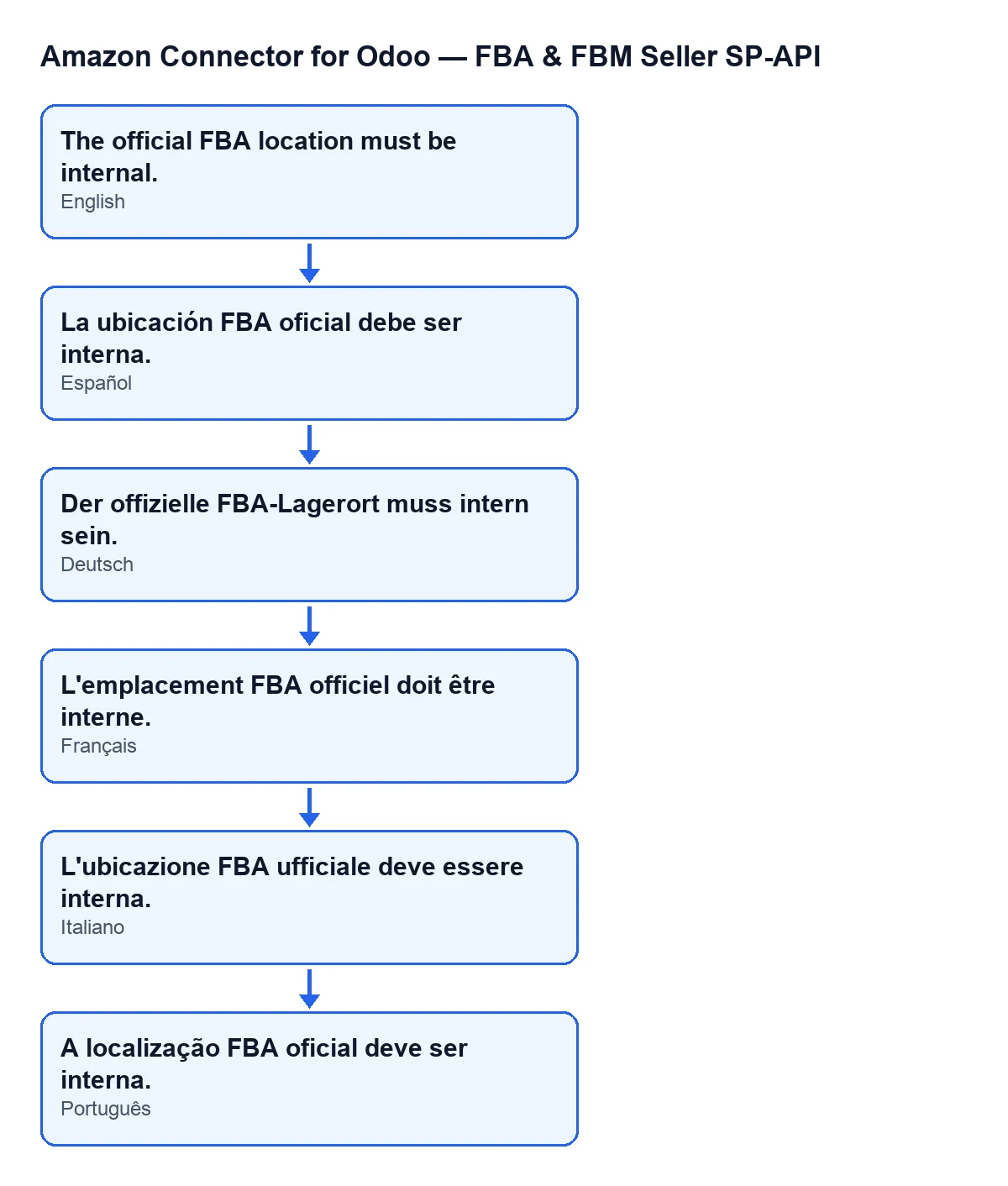
The text is the same message, translated: with Odoo in English you see The official FBA location must be internal. The diagram below gathers the text in Spanish, German, French, Italian and Portuguese.
Is it checked when I open the record or when I save it?
When you save it: it is a check that runs on saving and watches the Location field. If it fails, the FBA Country Routes record is not saved.
Can I save the record and fix the location later?
Not with a location that is not internal: the check runs on saving and, if it fails, the record is not saved.
What happens if I leave Location empty?
The condition in the code needs the field to have a value and that value not to be an internal location. With the field empty, this check does not fire.
Why can I not find the routes in the menu?
Because a permission is missing. In Odoo 20.0, Amazon needs Viewer; Configuration and FBA Country Routes need Manager. Without one of those permissions you do not see the matching level.
How FlexigoTech can help
FlexigoTech implements Odoo 17, 18, 19 and 20 and builds connectors and custom integrations, so if you would like someone to review your FBA route setup with you, you can count on us. The module is a one-off purchase per version and needs a FlexigoTech Cloud subscription, Connector plan (€49 a month or €490 a year, excluding VAT). You will find the details on the Odoo Apps listing and on the module page.
Keep reading
Checked in the connector's source code (version 20.0) and the linked sources
Sources
- Module source code: flexigobe_amazon_seller_connector 20.0 (8576afa5): models/amazon_spapi_fba_country_route.py
- apps.odoo.com/apps/modules/20.0/flexigobe_amazon_seller_connector
- flexigotech.com/en/services.html
- flexigotech.com/precios.html