

 Español
| Rule | Severity | KoSIT text | What is missing |
|---|---|---|---|
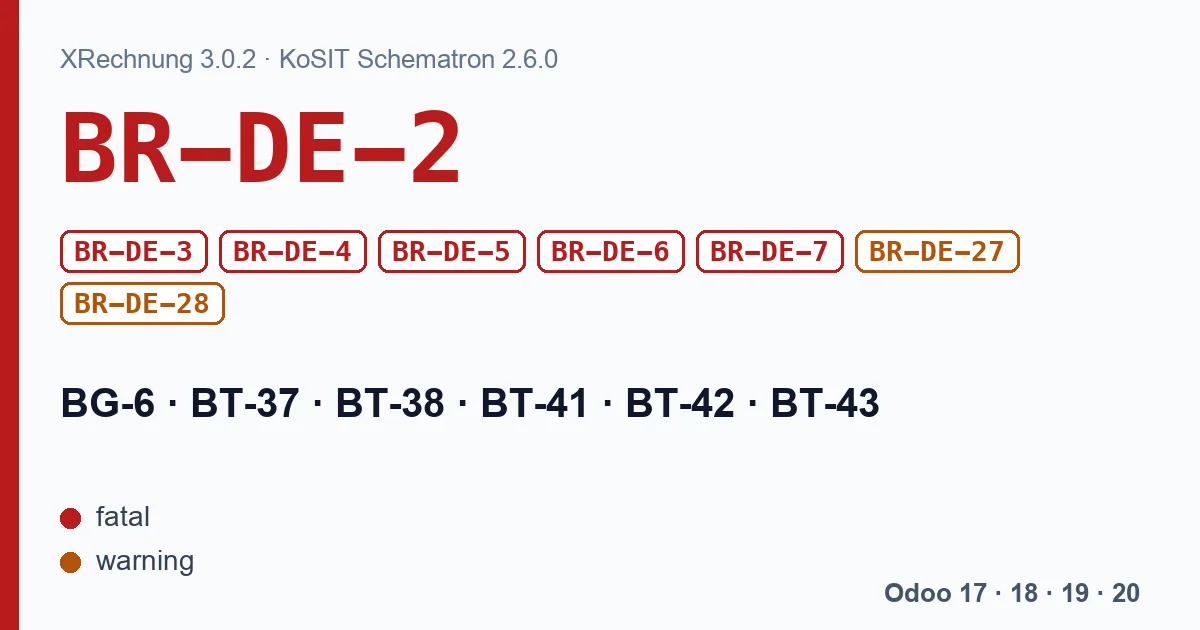
| BR-DE-2 | fatal | Die Gruppe "SELLER CONTACT" (BG-6) muss übermittelt werden. | The whole seller contact block. |
| BR-DE-3 | fatal | Das Element "Seller city" (BT-37) muss übermittelt werden. | Your company's city. |
| BR-DE-4 | fatal | Das Element "Seller post code" (BT-38) muss übermittelt werden. | Your company's post code. |
| BR-DE-5 | fatal | Das Element "Seller contact point" (BT-41) muss übermittelt werden. | A contact person or department. |
| BR-DE-6 | fatal | Das Element "Seller contact telephone number" (BT-42) muss übermittelt werden. | A phone number. |
| BR-DE-7 | fatal | Das Element "Seller contact email address" (BT-43) muss übermittelt werden. | An email address. |
| BR-DE-27 | warning | In BT-42 sollen mindestens drei Ziffern enthalten sein. | A phone number with at least three digits. |
| BR-DE-28 | warning | In BT-43 soll genau ein @-Zeichen enthalten sein, welches nicht von einem Leerzeichen, einem Punkt, aber mindestens zwei Zeichen auf beiden Seiten flankiert werden soll. Ein Punkt sollte nicht am Anfang oder am Ende stehen. | A well-formed email: one @, no spaces or dots right next to it, no dot at the start or end. |
The texts are those of the XRechnung 3.0.2 Schematron (KoSIT release v2.6.0), in German as the validator returns them. None of the EN 16931 rules asks for the seller contact; the XRechnung rules do. That is why they only appear when the invoice is an XRechnung.
The two warnings do not sink the invoice
BR-DE-27 and BR-DE-28 have severity warning in the Schematron, not fatal. The report shows them, but an XRechnung with only these two warnings is still valid. Fix them anyway: a phone number like “-” or an email with spaces usually comes from a contact filled in too quickly.
What Odoo checks before generating
The XRechnung that ships with Odoo checks two of these rules on your company record before generating the file, depending on the version:
- Odoo 17: it asks for a phone or a mobile number, with the message “At least one of the following fields %s is required on %s.”, and for the email, with “The field %s is required on %s.”.
- Odoo 18: by default it checks neither the phone nor the email. That check lives in the old exporter, and Odoo 18 uses the new one unless the system parameter account_edi_ubl_cii.use_new_dict_to_xml_helpers is set to False. The new one writes only the Phone field as the telephone (BT-42): if your company only has a mobile number, the XRechnung goes out without a phone and the validator gives BR-DE-6.
- Odoo 19 and 20: they ask for the phone and the email, and the message reads “The field %(field)s is required on %(record)s.” with the field name and your company's name.
City, post code and contact point have no such check up front in any version. If your company record lacks them, you find out from your customer's validator or from yours.
With our XRechnung and ZUGFeRD module
The module writes the BG-6 block with your company name as contact point (BT-41), its phone (BT-42) and its email (BT-43). Before generating it checks the company phone and email, and the customer email too, with a message for each.
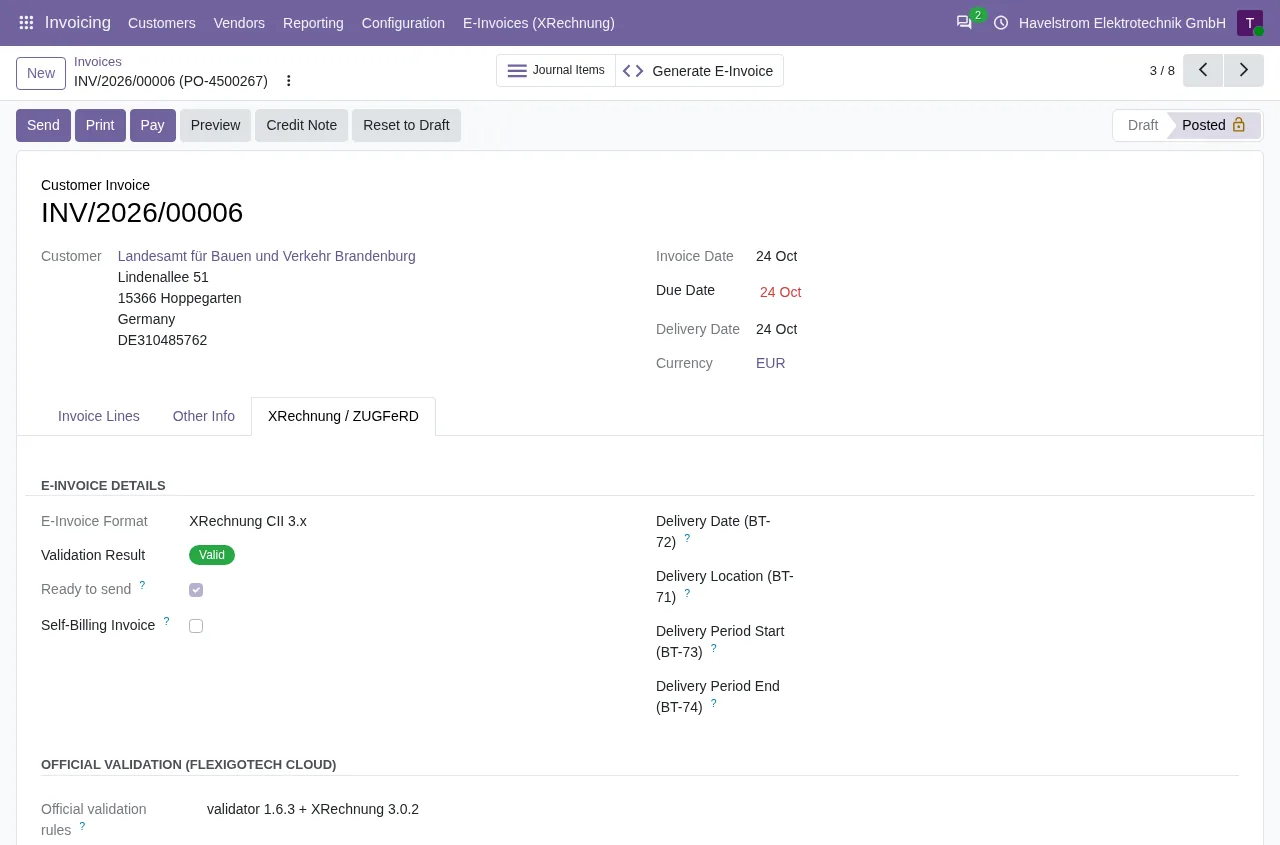
On Odoo 18, 19 and 20, with the FlexigoTech Cloud subscription, each XRechnung is validated against the KoSIT rules and whatever fails stays on the invoice, under Validation Errors, one line per rule with its level. Only an invoice that passes is marked Ready to send. On Odoo 17, the published version generates the XRechnung but does not validate it.
What to fill in
- Your company record: full street, city and post code.
- A phone number with country code and at least three digits, in the Phone field: a mobile only counts in Odoo 17's XRechnung.
- A billing email someone reads, with a single @ and no spaces.
- Generate the XRechnung again and review the result before sending it.
Keep reading
Checked in the module's source code (version 17.0 and 20.0) and the linked sources
Sources
- github.com/odoo/odoo/blob/2982b5f44af03fae6a9888f20632c1cc19f623ba/addons/account_edi_ubl_
- github.com/odoo/odoo/blob/6f00fdadb875342de2d14a179f25431f93cd63c9/addons/account_edi_ubl_
- github.com/odoo/odoo/blob/2982b5f44af03fae6a9888f20632c1cc19f623ba/addons/account_edi_ubl_
- github.com/odoo/odoo/blob/4d2d4b5895db70596863df941d9a1f0beeb117f8/addons/account_edi_ubl_
- github.com/odoo/odoo/blob/2fec20391a8a61ea3a3bf15e9f24d59dba910a8d/addons/account_edi_ubl_
- github.com/odoo/odoo/blob/6f00fdadb875342de2d14a179f25431f93cd63c9/addons/account_edi_ubl_
- github.com/odoo/odoo/blob/2982b5f44af03fae6a9888f20632c1cc19f623ba/addons/account_edi_ubl_
- github.com/odoo/odoo/blob/4d2d4b5895db70596863df941d9a1f0beeb117f8/addons/account_edi_ubl_
- github.com/odoo/odoo/blob/2fec20391a8a61ea3a3bf15e9f24d59dba910a8d/addons/account_edi_ubl_
- Module source code: flexigo_germany_xrechnung 20.0 (446f2f68): lib/generators/ubl_generator.py
- Module source code: flexigo_germany_xrechnung 20.0 (446f2f68): models/xrechnung_cloud.py
- Module source code: flexigo_germany_xrechnung 20.0 (446f2f68): models/account_move.py
- Module source code: flexigo_germany_xrechnung 17.0 (ad05de8f): __manifest__.py
- github.com/itplr-kosit/xrechnung-schematron/releases/tag/v2.6.0
- github.com/OpenPEPPOL/peppol-bis-invoice-3/releases/tag/3.0.22