

 Español
 Català
 Deutsch
 Français
 Português
 Italiano
 Nederlands
 Polski
What changes on the company form
The module extends Odoo's standard Companies model. It is published on Odoo Apps for 17, 18, 19 and 20 (listing), and the Switch Environment... button is always shown in all of those versions, with no view condition.
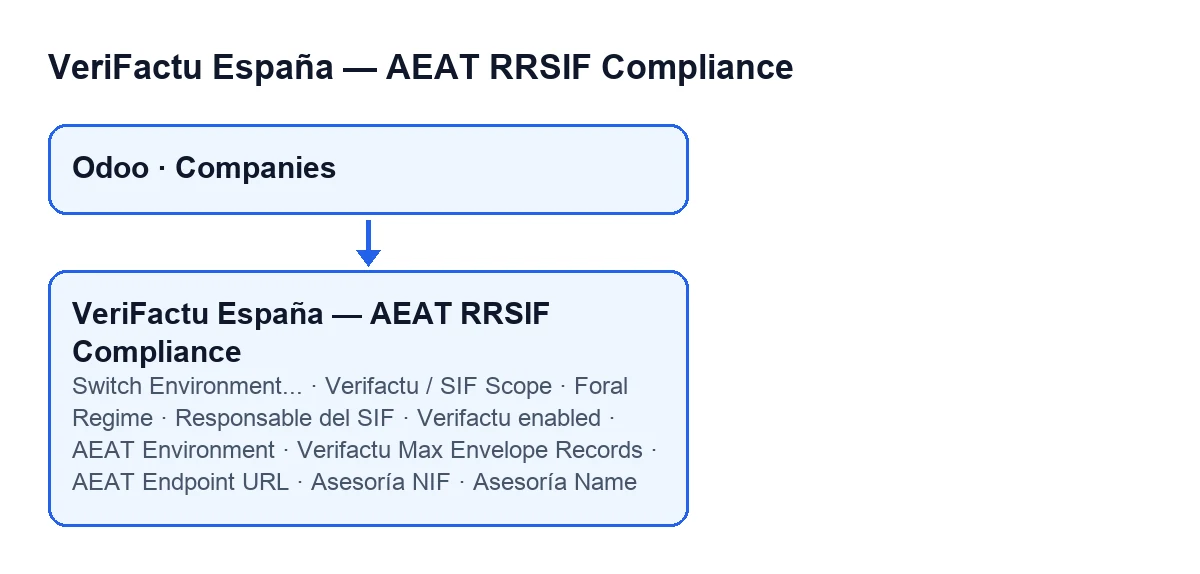
The fields are on the company form, in the Verifactu / SIF tab. Only users with the Verifactu manager permission that the module adds can see them: if the tab is missing, ask your administrator to give you that permission.
A walk through the tab, group by group
- Open the company form and go to the
Verifactu / SIFtab with a user who has that permission. - In the
Scopegroup isVerifactu / SIF Scope. Its options areNot configured,Veri*Factu (common territory),SII (excepted from Verifactu)andForal regime (TicketBAI/Batuz/Navarra). The default isNot configured. - The same group has two checkboxes, both unticked by default:
Verifactu enabledandImpuesto sobre Sociedades filer. The help on the second says that Impuesto sobre Sociedades filers are bound by the earlier deadline, 1 January 2027, while every other taxpayer has until 1 July 2027 (RD 1007/2023, Orden HAC/1177/2024). - In the
Responsible Persongroup isResponsable del SIF, a field for choosing an Odoo user. Its help reads: «Named Responsable del SIF per RRSIF art.13.» - The
Submission Settingsgroup hasVerifactu Max Envelope Records, set to 1000 by default, andAEAT Endpoint URL. The help on the latter reads: «Override AEAT submission endpoint. Leave blank to use the standard endpoint.» - The
Asesoríagroup has two text fields:Asesoría NIFandAsesoría Name. - The
Go-live Readiness & Deadlinegroup holds the date and readiness fields. They are covered next.
The module also defines Foral Regime in the Scope group, with the options None, Álava, Bizkaia, Gipuzkoa and Navarra, and None by default. With the default values, that is with Verifactu / SIF Scope on Not configured, it is not visible: its view hides it depending on the value of that scope.
Deadline, days left and readiness: when they are calculated
The go-live readiness and deadline group has four fields: VERI*FACTU Deadline, Days to VERI*FACTU Deadline, Go-live Readiness % and Next Readiness Step.
VERI*FACTU Deadline: the module works it out from theImpuesto sobre Sociedades filercheckbox. If it is ticked, the date for Impuesto sobre Sociedades filers is used; otherwise, the date for everyone else. According to its help, these are 1 January 2027 and 1 July 2027.Days to VERI*FACTU Deadline: the calendar days between today and the deadline. To know what today is, the code uses the user's time zone. If the company has no deadline the result is zero, and it goes negative once the date has passed, as its help says.
These dates match RDL 15/2025 of 2 December: anyone who files Impuesto sobre Sociedades must have their invoicing system adapted before 1 January 2027, and everyone else before 1 July 2027. The VERI*FACTU page on the AEAT website links to the Hacienda note and to the one on the RDL 15/2025 deadlines. There is also a note from Hacienda dated 5 October 2026 which forecasts postponing the outstanding obligations of RD 1007/2023 until October 2028. The help on the module's fields refers to the 2027 dates.
The other two fields in the group, Go-live Readiness % and Next Readiness Step, are calculated by the module at company level. Go-live Readiness % is the share of checks passed, rounded. Next Readiness Step is the single recommended next action. Both come from an ordered list of checks: certificate, the person responsible for the SIF, NIF, an active invoice series, hash chain, the scheduled task that submits to the AEAT, and the last submission. The next action corresponds to the first check in the list that does not pass, and if every check passes, the text of the action says that the company is ready. The calculation is repeated every time the value is read.
The Switch Environment... button
AEAT Environment is in the Scope group and is read-only. Its options are Test (AEAT pre-production) and Production; the default is test. It is written by the code, not by the user: it is filled in by the Switch Environment button. You reach it from the window opened by the Switch Environment... button on the company form.
Pressing Switch Environment... opens a pop-up window, Switch AEAT Environment, with the company from the form already selected. The Switch Environment... button itself does not change the environment: it only opens that window.
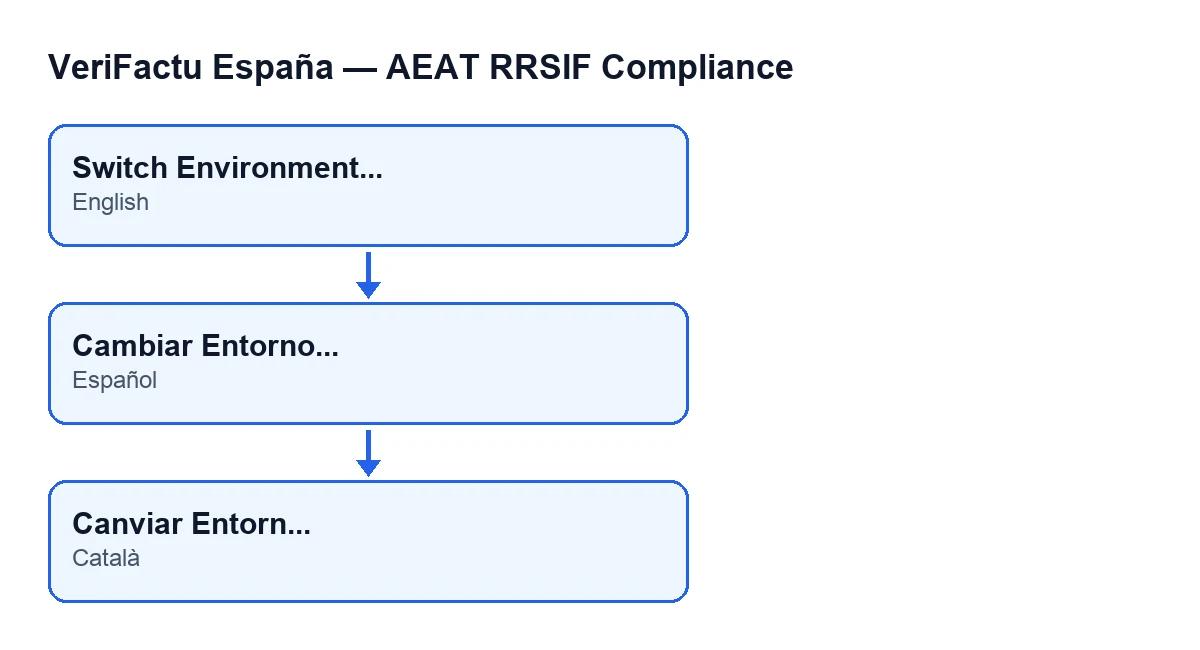
Switch Environment...; in Spanish, Cambiar Entorno...; in Catalan, Canviar Entorn....What to check afterwards
- If you cannot see the
Verifactu / SIFtab, check that your user has the Verifactu manager permission that the module adds. - If you cannot edit
AEAT Environment, that is because it is read-only: the change is made in the window opened bySwitch Environment.... - If
Days to VERI*FACTU Deadlineis negative, the deadline the company shows has already passed. Check theImpuesto sobre Sociedades filercheckbox, which decides which date applies.
If you need help with the set-up
FlexigoTech implements Odoo 17, 18, 19 and 20 and develops custom connectors and integrations.
Keep reading
Checked in the module's source code (version 20.0) and the linked sources
Sources
- Module source code: flexigo_spain_verifactu 20.0 (e3fe1c0d): models/res_company.py
- Module source code: flexigo_spain_verifactu 20.0 (e3fe1c0d): views/res_company_views.xml
- apps.odoo.com/apps/modules/20.0/flexigo_spain_verifactu
- sede.agenciatributaria.gob.es/Sede/iva/sistemas-informaticos-facturacion-verifactu/nota-in
- www.hacienda.gob.es/sgt/gabsehacienda/nota-informativa-verifactu.pdf
- sede.agenciatributaria.gob.es/Sede/iva/sistemas-informaticos-facturacion-verifactu.html
- flexigotech.com/en/services.html