

 Español
 Català
 Deutsch
 Français
 Português
 Italiano
 Nederlands
 Polski
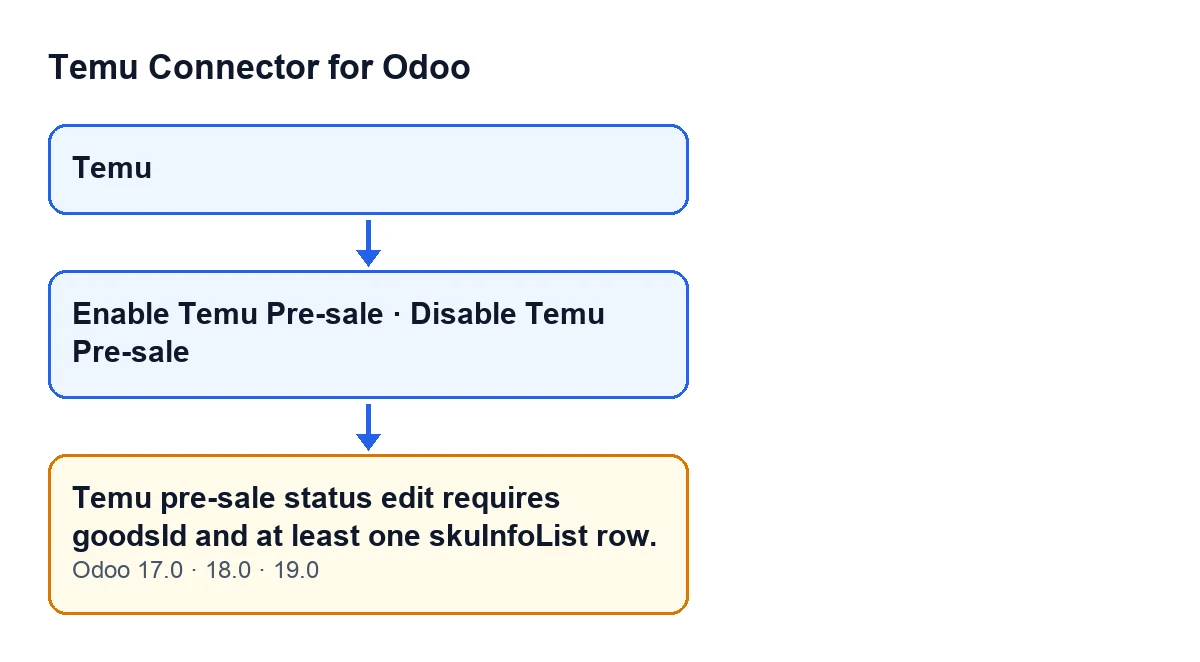
Temu menu, the pre-sale buttons and the message, present in Odoo 17.0, 18.0 and 19.0. The labels in the diagram are in English, as in the code.This error belongs to editing a product's pre-sale status on Temu. It is a pre-check: the module prepares the data for the pre-sale change request and, if an essential piece is missing, it stops before building it.
What the message means and when it appears
What does the message mean?
Changing the pre-sale status needs two things: the product identifier on Temu (the goodsId) and at least one row in the SKU list (skuInfoList). If either is missing, the module raises Temu pre-sale status edit requires goodsId and at least one skuInfoList row. and the action stops.
What is the exact condition?
It appears when one of these two things is true after the module has tidied the data it received: the goodsId is empty, or the SKU list has ended up with no rows at all. An empty goodsId is one with no value, one that is empty text, or one that is false.
If the goodsId arrives as text, is that an error?
Not because it is text. The module trims the spaces at both ends and, if only digits remain, turns it into a number. If anything else remains, it keeps it as text and that is not a reason for this message. Only text that ends up with nothing left after trimming counts as empty.
What counts as a valid SKU row?
The module goes through the list it receives and discards two kinds of entries: those that are not a set of key and value data, and those with no SKU identifier. If nothing is left after that pass, the message appears. The rest of the row does not decide whether the check passes: a target pre-sale stock is kept if present, and a pre-sale end date is converted to a timestamp if present.

Where you reach the error from
Which buttons can trigger it?
Two buttons on the product view: Enable Temu Pre-sale and Disable Temu Pre-sale. Both reach the same check, so the message is the same whichever you press.
Enable Temu Pre-sale and the published Spanish translation of that button, which is what users see when their Odoo is in Spanish.When do those buttons show?
According to the view condition, both buttons are hidden when any of these is missing: a link between the product and a Temu instance (an indicator that is not shown on any view), a value in the Temu Display Goods field, and a value in the Temu Display Sku field. A further internal indicator, Show Temu Ui, which is also not shown on any view, can hide them too. To see the buttons, the product must meet all of that at once.
If the buttons only show with goods and SKU, how can the error still appear?
Because they are two separate checks. The view condition decides whether you see the button; the method's check decides whether the pre-sale change request gets built. The message tells you that what that second check received had no goodsId or no usable SKU row.
Does it appear in every Odoo version?
The message is in the published code of branches 17.0, 18.0 and 19.0, and the buttons' visibility condition is the same in all three.
What to do when it appears
Has anything been sent to Temu?
The pre-sale change request has not. The check runs before that request is built, so it never goes out to Temu.
How do I fix it?
Start with what you can see in Odoo. First, confirm you are on the product variant that matches the Temu listing you want to change. Second, check that Enable Temu Pre-sale and Disable Temu Pre-sale are still showing: if they vanish, the product no longer meets the view condition (link to the instance, Temu goods and SKU, plus the internal indicator that is not shown on screen). Third, press the button again. If the error persists with the button visible, note the product variant and which of the two buttons you pressed, and tell us: that is the case where the module is worth reviewing with the specific data in front of us.
The Temu instance form opens from the Temu menu.
What happens when the check does pass?
The module builds the request with the target pre-sale status, the goodsId and the SKU list, and sends it to Temu, trying the API methods it has as candidates. If the method that answered differs from the one recorded on the instance, the module updates it. Any other error Temu returns is a separate matter from this message.
How FlexigoTech can help
FlexigoTech implements Odoo 17, 18, 19 and 20 and builds custom connectors and integrations. If you work with Temu from Odoo and want someone to go through your products and your instance with you, you have the module page and the Odoo Apps listing.
In one sentence: the module stopped before building the request because the goodsId or a SKU row with an identifier was missing.
Keep reading
Checked in the connector's source code (version 19.0) and the linked sources
Sources
- Module source code: flexigobe_temu_connector 19.0 (455b3f0f): models/temu_instance.py
- Module source code: flexigobe_temu_connector 19.0 (455b3f0f): views/product_template_views.xml
- Module source code: flexigobe_temu_connector 19.0 (455b3f0f): models/fgt_cloud.py
- flexigotech.com/en/services.html