

 Español
 Català
 Deutsch
 Français
 Português
 Italiano
 Nederlands
 Polski
Where the message appears
You see it when you press Submit on a cancellation form, which opens from the menu Temu › Orders & Fulfillment › Cancellations. That button is only visible while the State field still has its initial value and Request Type is not Remote Cancellation. With the default values it is visible, and Request Type starts at Cancellation Appeal.
The Request Type field has three values: Cancellation Appeal, Out-of-stock Cancellation and Remote Cancellation. It shows on the Order Cancellations form. The message Out-of-stock cancellation requires at least one order SN. can only appear with the second value, Out-of-stock Cancellation.
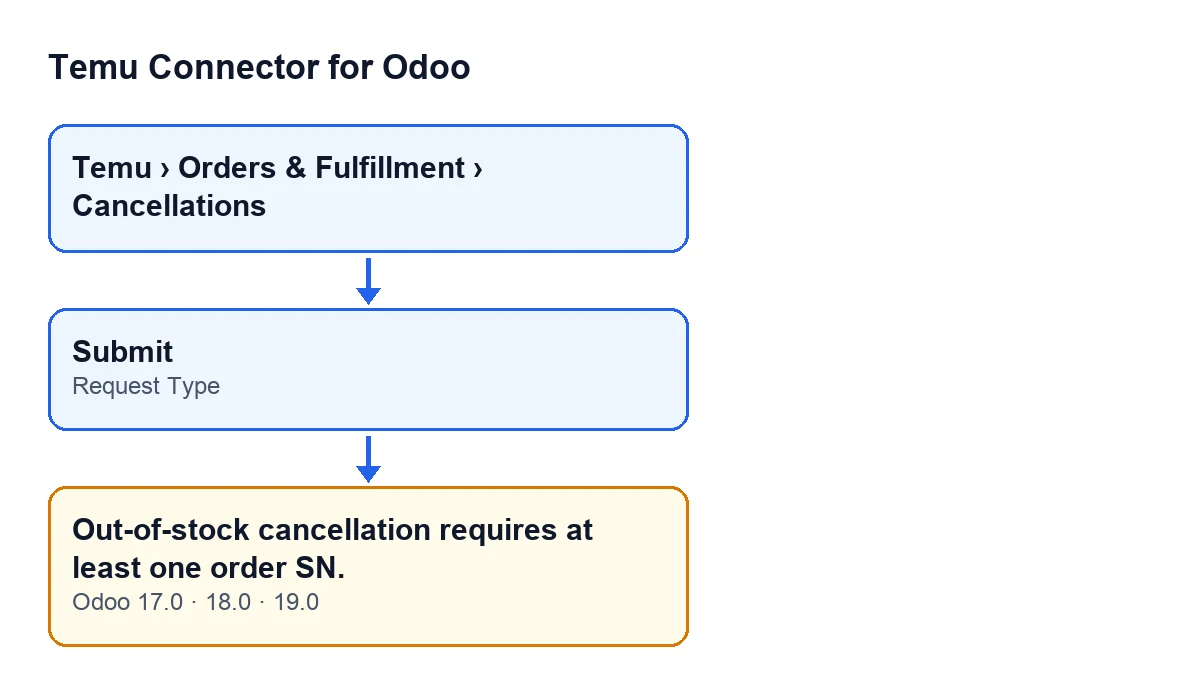
Submit button, the Request Type field and the message, in Odoo 17.0, 18.0 and 19.0.
What the code checks first, and when the message appears
Before this, the module requires the cancellation to have Parent Order Sn; if it is missing, a different message appears and this check is never reached. With Remote Cancellation the action also stops earlier. Once those two checks are passed, the message Out-of-stock cancellation requires at least one order SN. stops the action when two things are true at once: Request Type is Out-of-stock Cancellation and the cancellation's list of order SNs is empty. With Cancellation Appeal this check does not apply. The message is in the published code of the 17.0, 18.0 and 19.0 branches.
The word 'empty' has some nuances that come from the code:
- The order SNs can be stored as a list or as text separated by commas or line breaks; the module reads the text in that format.
- Blanks are discarded: spaces and empty entries do not count. A text containing only commas or empty lines is the same as an empty list.
- Before checking, the module tries to complete the cancellation from its order: if it is linked to an order, the list is empty and that order has its own order SN, the module uses that number.
So the message appears when, after that attempt, no order SN is left: the cancellation is not linked to an order, or the linked order has no order SN, and the list is still empty.
What it means
The request the module sends to Temu for an out-of-stock cancellation carries two pieces of data: the order SN of the parent order and the list of order SNs. With no order SN in the list, the module does not even try: the message is raised before Temu is called, so nothing is sent.
An illustrative case
Example Illustrative case: the company and its figures are made up to explain the flow.
Menaje Levante is an invented shop that sells on Temu and manages its cancellations from Odoo. Marta, who handles orders, runs out of stock of an item that has already been sold. She opens a cancellation form from Temu › Orders & Fulfillment › Cancellations, picks Out-of-stock Cancellation in Request Type and presses Submit. Out-of-stock cancellation requires at least one order SN. appears.
Marta asks herself the obvious questions. What type is the cancellation? Out-of-stock Cancellation, so the check applies. Is it linked to an order that has an order SN? No, so the module could not fill in the list on its own. Is there any order SN in the list? No, there isn't.
She makes sure the cancellation's list carries the order SN of the affected order and presses Submit again. Because the message stops the action before anything is sent to Temu, nothing that the action was going to change is saved. This time the module sends Temu the parent order and the list.
What to take from the case: the message is not about a connection problem or about Temu, but about data missing from the cancellation itself, and it can be fixed without leaving Odoo.
How to fix it
- If it is an out-of-stock cancellation: make sure the list of order SNs has at least one, or that the cancellation is linked to an order that has its own, in which case the module picks it up for you.
- If the list looks filled in and it still fails: check that it does not contain only commas, line breaks or spaces, because the module discards them.
- If it was not an out-of-stock cancellation: use the type that fits. The check only applies to
Out-of-stock Cancellation. - If the type is
Remote Cancellation: theSubmitbutton does not appear.
What happens after pressing Submit with a complete list
With at least one order SN, the module sends Temu the parent order and the list. If Temu returns a positive result, the cancellation moves to a pending state; if not, it moves to failed. If the call to Temu returns an error, the action stops and Odoo shows that error.
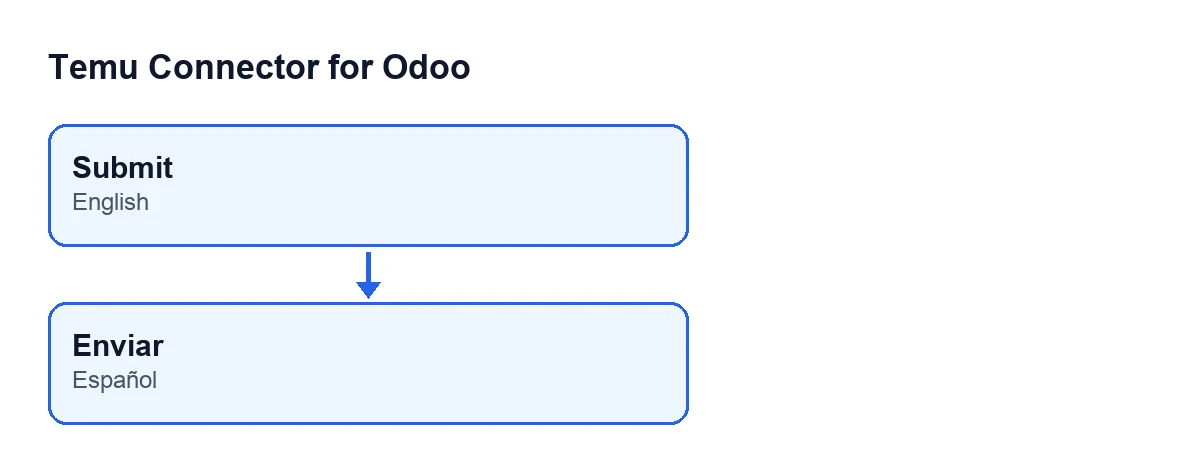
With Odoo in Spanish, the button label is shown in Spanish instead, as the second diagram illustrates.
If you need help with your cancellations
FlexigoTech implements Odoo 17, 18, 19 and 20 and builds connectors and custom integrations. If you want to see the module, here is its page on flexigotech.com.
Keep reading
Checked in the connector's source code (version 19.0) and the linked sources
Sources
- Module source code: flexigobe_temu_connector 19.0 (455b3f0f): models/temu_order_cancellation.py
- Module source code: flexigobe_temu_connector 19.0 (455b3f0f): views/temu_order_cancellation_views.xml
- flexigotech.com/en/services.html