

 Español
 Català
 Deutsch
 Français
 Português
 Italiano
 Nederlands
 Polski
When the message appears and what the code checks
Which message is it and when do I see it?
It is Shopify did not return a product ID after export. It appears when you press the Export to Shopify button, which is always visible in Odoo 17, 18, 19 and 20. The message is in the published code of all four versions. When it appears, the action stops and Odoo shows you the error.
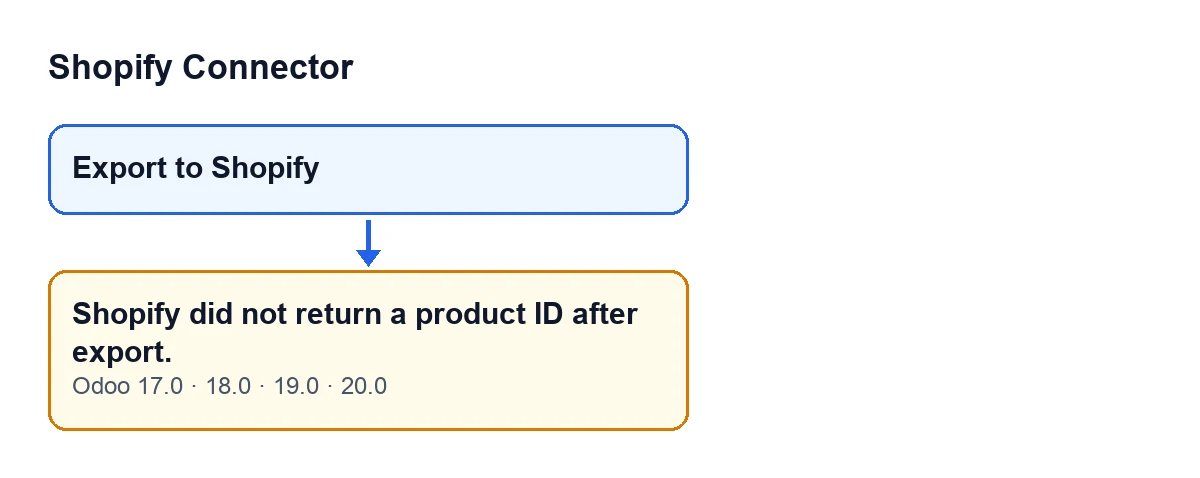
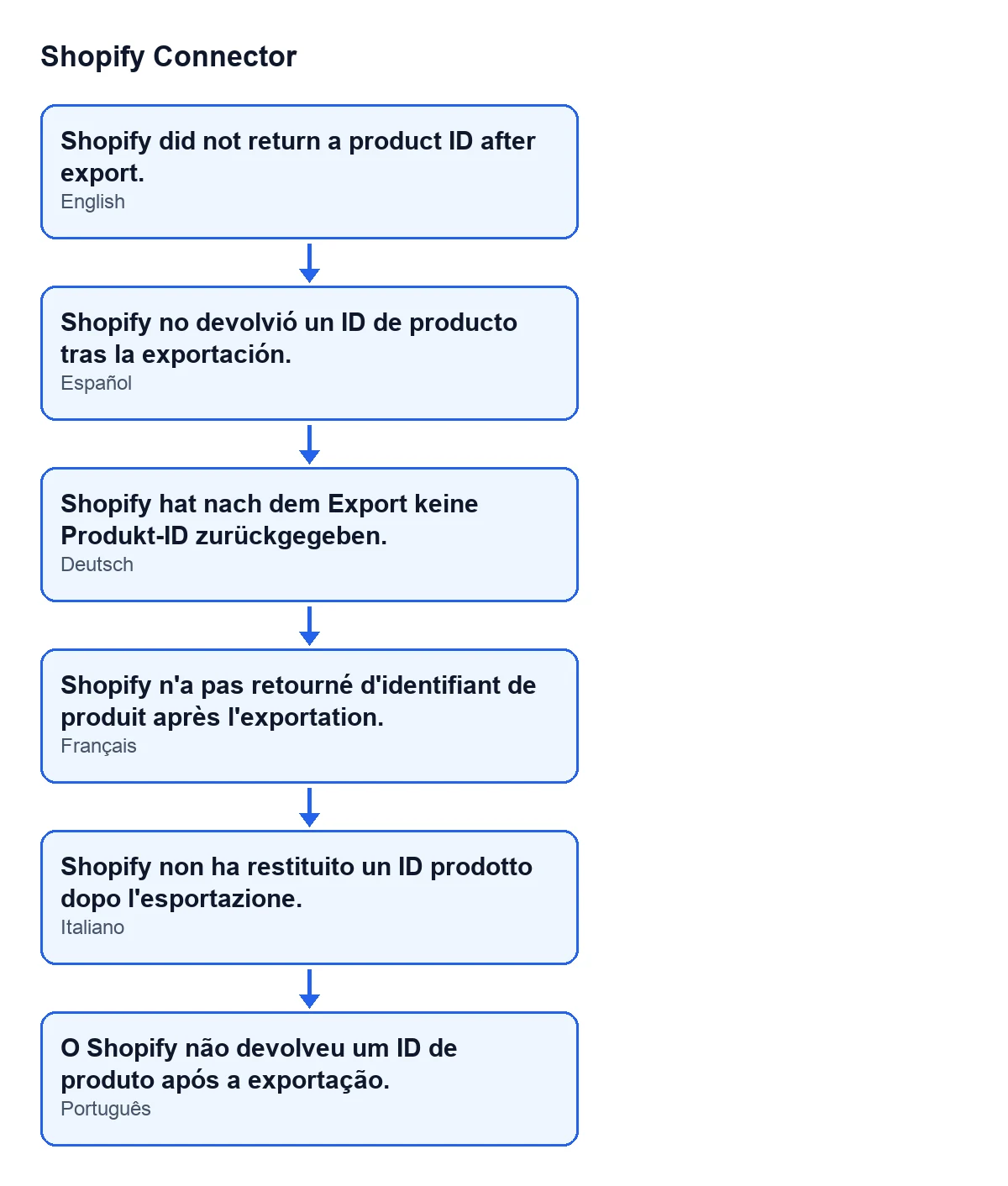
With Odoo in English you see exactly that text; the second diagram shows the same message in Spanish, German, French, Italian and Portuguese.
What exactly is the condition in the code?
The method behind the button takes the created product from Shopify's reply and, from it, the product ID. If that ID is empty, it raises the message. In the code the condition is if not product_gid, in other words, 'if the ID is empty'. It makes no difference whether the reply has no product at all or a product without an ID: the result for you is the same.
What has Odoo already done before it reaches that check?
In this order: it checks that the product has no binding with that shop yet, builds the product and variant data, sends it to Shopify in a single call that asks for the product ID and the variant IDs back, and looks at whether the reply carries user errors. Only if all of that has passed does it look at the ID. So if you see this message, the call did not fail and the reply had no user errors, but it did not carry the ID either.

What is left done in Odoo and what is not
Is anything saved when the message appears?
No. The ID check comes before the steps that leave a trace in Odoo, and the error stops the action. After it, the method stores the Shopify IDs on each variant, creates one binding per variant and writes the status and the date of the last push on the product. None of that happens in an export that ends with this message.
Which product data is sent?
The product name, the status you chose for the export and the tags. If the product has them, also vendor, product type and sales description. Each Odoo variant goes with its price and, if it has them, internal reference, barcode and attribute values.
Can I press the button again?
The button is always visible, so you can. Since this action created no binding, the 'already has a binding' check should not stop a retry. Bear in mind, though, that the message only says the reply carried no ID; it does not say what happened in the shop. Before repeating, look in your Shopify admin to see whether the product appears, so you do not create it twice.
How to resolve it
What do I do, step by step?
First, note the message exactly as shown and the product you were exporting. Second, check in Shopify whether the product exists. Third, if it does not, press Export to Shopify again and check that the export finishes without the message. If it repeats with the same product, keep the exact text, the Odoo version and the product name before asking for help, because the only thing the code evaluates is whether the ID arrives or not.
Is it the same in every version, and what does the module cost?
The message is in the code of Odoo 17, 18, 19 and 20; the sequence described here is that of the Odoo 20 code. The module costs €9 per Odoo version, for 17, 18, 19 and 20, one-off payment excluding VAT (see the listing). It also needs a FlexigoTech Cloud subscription: the Connector plan costs €49 a month or €490 a year, excluding VAT.
What if I see a different message from the module?
Each message has its own condition.
Can FlexigoTech help me look into it?
FlexigoTech implements Odoo 17, 18, 19 and 20 and builds custom connectors and integrations. If the message keeps appearing in your setup, write to us with the details from the previous step.
Keep reading
Checked in the connector's source code (version 20.0) and the linked sources
Sources
- Module source code: flexigobe_shopify_connector 20.0 (983eca24): wizard/shopify_export_product_wizard.py
- Module source code: flexigobe_shopify_connector 20.0 (983eca24): wizard/shopify_export_product_wizard_views.xml
- apps.odoo.com/apps/modules/20.0/flexigobe_shopify_connector
- apps.odoo.com/apps/modules/17.0/flexigobe_shopify_connector
- apps.odoo.com/apps/modules/18.0/flexigobe_shopify_connector
- apps.odoo.com/apps/modules/19.0/flexigobe_shopify_connector
- flexigotech.com/precios.html
- flexigotech.com/en/services.html