

 Español
 Català
 Deutsch
 Français
 Português
 Italiano
 Nederlands
 Polski
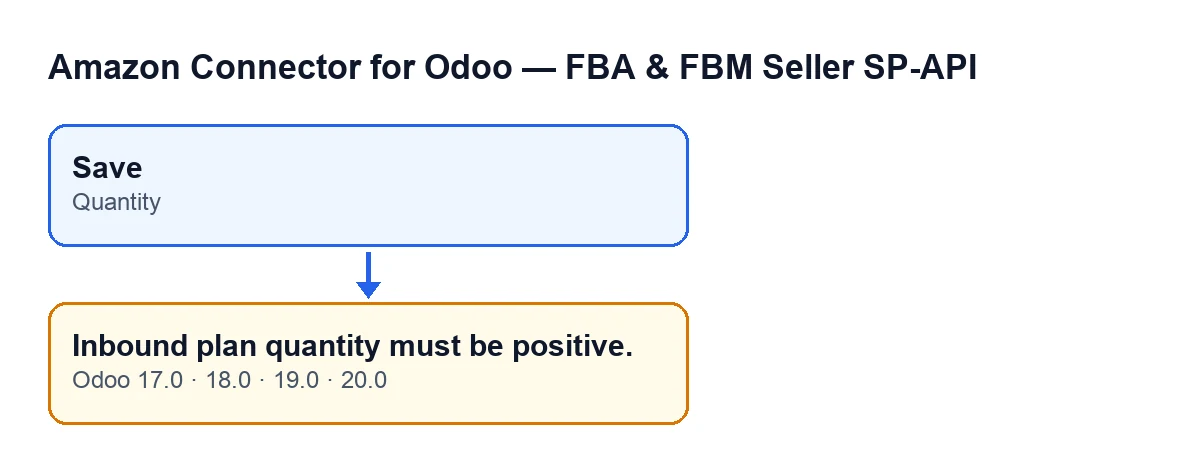
The warning Inbound plan quantity must be positive. is triggered by a check on the Quantity field of the inbound plan lines in Amazon Connector for Odoo. It runs when you save, and when it is not met, the form is not saved.
When it appears and what it checks
It appears when you save
This is a check made on saving, tied to the Quantity field of the inbound plan lines. What triggers it is saving with a quantity that is not acceptable. If the check fails, the form is not saved and the action stops.
Zero fails too
The condition in the code is that the quantity is less than or equal to zero. In plain terms: zero and any negative number give the message, and only a quantity above zero passes. Here «positive» means strictly more than zero, so a line with a quantity of zero is not accepted either.
A new line starts at one
The field's default value in the code is 1. A new line starts with that value, so the message appears when the quantity you try to save is zero or negative: for example, if you change it to zero, leave it negative or put a minus sign in front.
The field is on the Items tab
The quantity is shown on the Items tab, inside the Items table, labelled Quantity. That is where to look when the warning appears.
It stops at the first line that fails
The check goes through the records being saved and, as soon as it finds one with a zero or negative quantity, it raises the message and stops there. If more than one line has the same problem, saving again makes the check go through all of them once more, so it is worth reviewing the whole table and not only the first line you fix.
It is a whole-number field
Quantity is an integer field. The quantity you enter has to be a whole number above zero.
The wording changes with the language and the message exists in every version
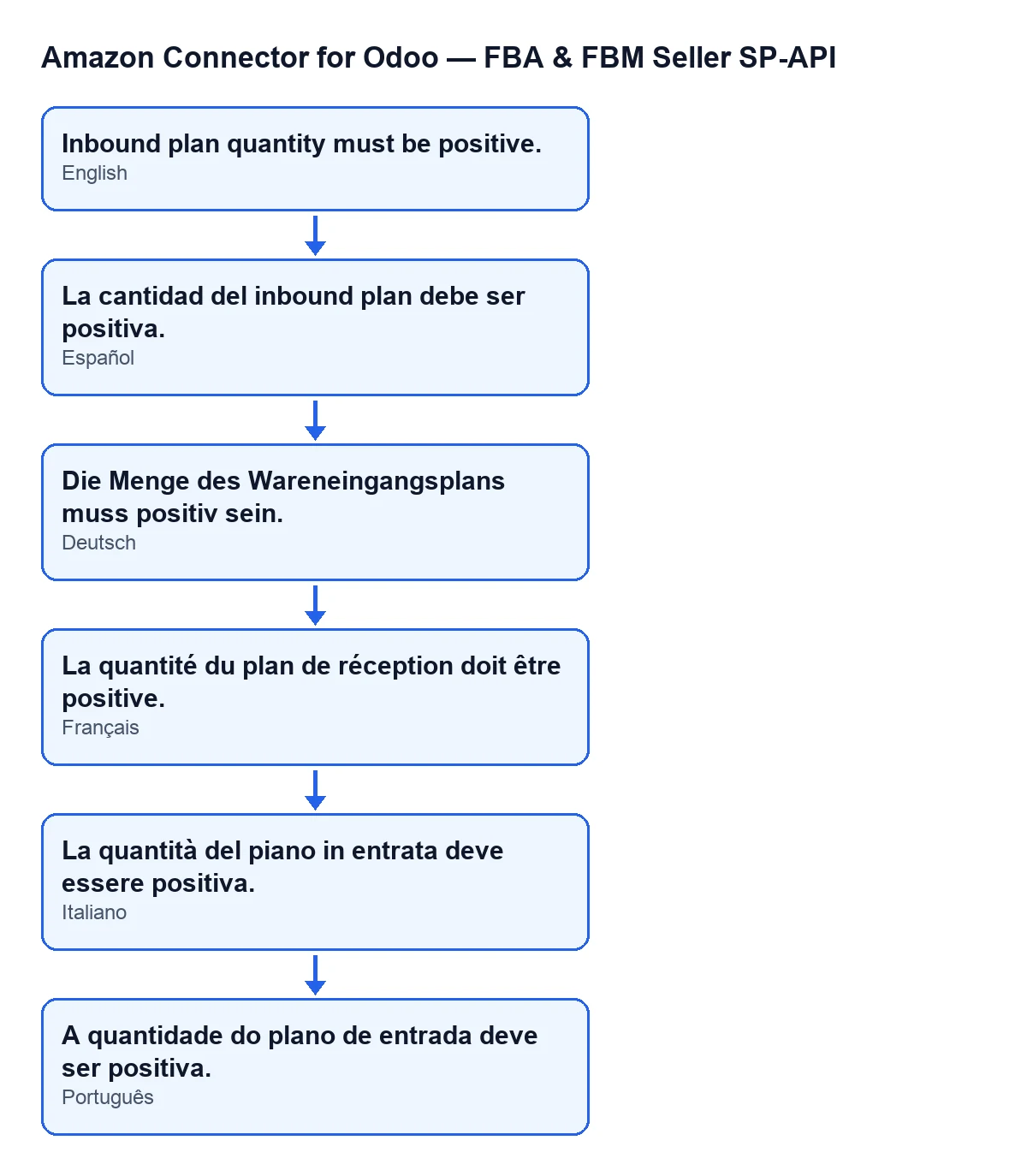
The message is in the published code of every branch: Odoo 17, 18, 19 and 20. With Odoo in English you see Inbound plan quantity must be positive.; in other languages the module's translation is shown, as the next diagram illustrates. The condition was read in the Odoo 20 code.

What it means in practice
The module does not accept an inbound plan line whose quantity is zero or negative. It is not a connection or account problem: it is a check on a number in your form, and you fix it by correcting that number. Until the quantity is above zero, the form is not saved.
How to correct it
- Go back to the form you were trying to save.
- Open the
Itemstab and find theItemstable. - In the
Quantityfield, type a whole number above zero. Check the other lines in the table as well, in case one has zero or a negative value. - Save again. If the quantity is now above zero, the check passes and the form is saved.
If the same text still appears after you correct it, look at the table again: another line may still hold zero or a negative value.
If the message you see is a different one
This warning only concerns the quantity of an inbound plan line.
How FlexigoTech helps
FlexigoTech implements Odoo 17, 18, 19 and 20 and builds custom connectors and integrations. If you work with this module and want to review how yours is set up, see the Odoo Apps listing or the module page. Remember that the module needs the FlexigoTech Cloud subscription, Connector plan: €49/month or €490/year excluding VAT.
Keep reading
Checked in the connector's source code (version 20.0) and the linked sources
Sources
- Module source code: flexigobe_amazon_seller_connector 20.0 (8576afa5): models/amazon_spapi_inbound_plan.py
- apps.odoo.com/apps/modules/20.0/flexigobe_amazon_seller_connector
- flexigotech.com/en/services.html
- flexigotech.com/precios.html