

 Español
 Català
 Deutsch
 Français
 Português
 Italiano
 Nederlands
 Polski
What you set up and what the connector brings
Your GoCardless account is not included: you open it with GoCardless, under its terms and fees. The connector works with what GoCardless pays out to you. It brings payouts into Odoo with the scheduled task GoCardless: import payouts, which runs once a day and is active on install, or when you press the Import payouts now button.
Payouts open from the Invoicing › Accounting › GoCardless Payouts menu. Each one has a read-only Net Paid Out field, whose help reads What actually landed in the bank account. That net is a single figure, but inside it there are collections, refunds and fees. On the Breakdown tab, in the Item table, each line has an Amount, and its help reads Positive for a credit, negative for a debit.
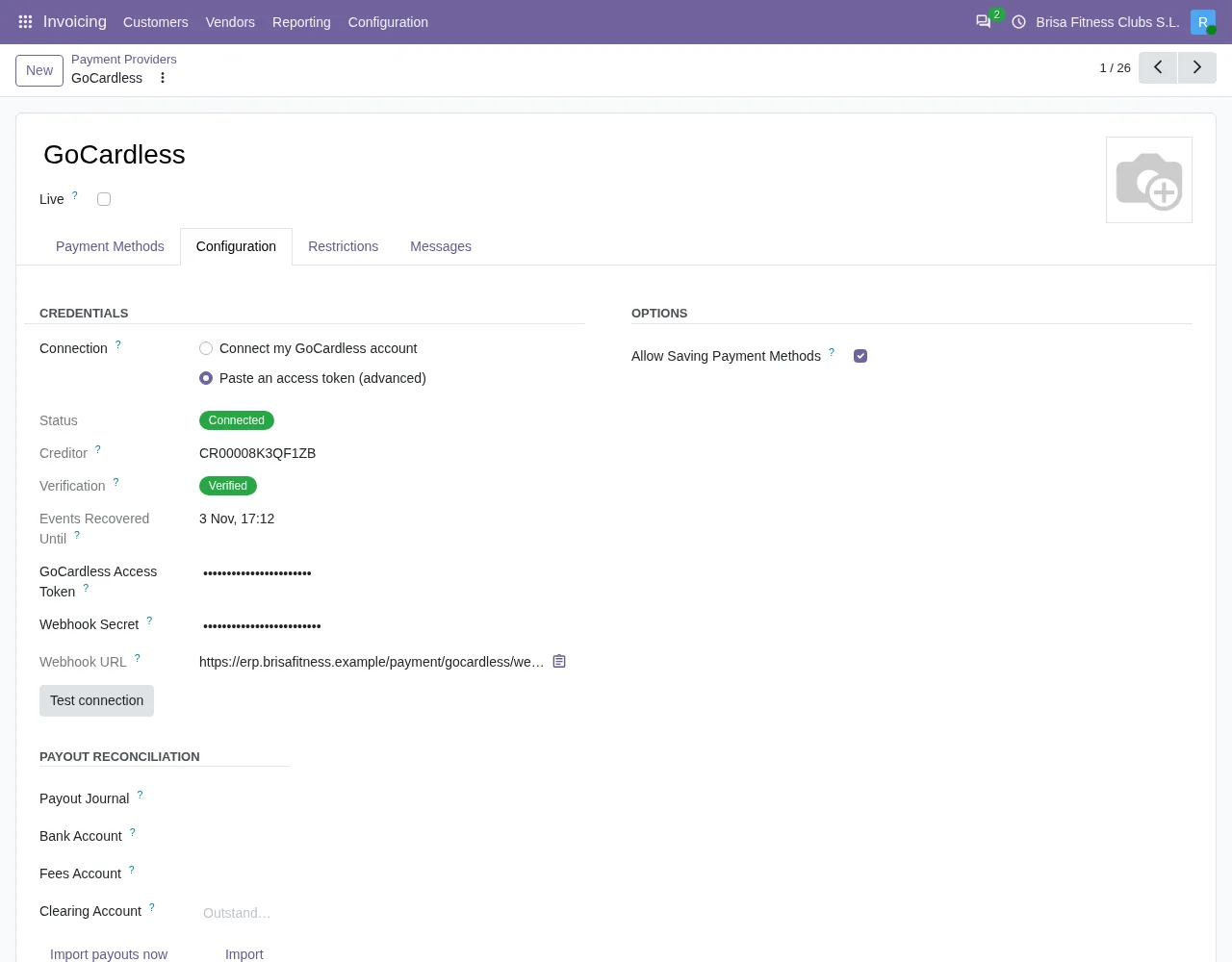
Fees have their own account. The Fees Account field is on the payment provider form, in the Payout reconciliation group, and only appears when the provider is GoCardless. Its help reads Expense account for the fees GoCardless deducts from each payout.

Comparison: the parts of a payout
When you post, the module does not treat the net as if it were all collections. It starts from the breakdown and writes a single entry with one line for each part. This is what it does in Odoo 20:
| Part | How the module recognises it | Entry line | Account and side |
|---|---|---|---|
| Net paid out | What landed in the bank account | GoCardless payout … | Bank account, debit |
| Collected | Breakdown lines with a positive amount that are not fees | GoCardless collections settled | Collections clearing account, credit |
| Refunded | Lines with a negative amount that are not fees | Refunds and chargebacks | Collections clearing account, debit |
| Fees | Fee lines added up; the result is an expense | GoCardless fees | Fees Account, debit |
| Fees refunded | The same lines, if the sum is in your favour | GoCardless fees refunded | Fees Account, credit |
The refunds line is only written when something was refunded, and the fees line only when the sum of fees is not zero. The collections line is written in every case.
How to read the table
- Collected and refunded go to the same account, each on its own side. Refunds and chargebacks give money back to customers, so they reduce what the collections created.
- Fees are not mixed with collections: they go to the expense account you choose in
Fees Account. - The net is the only amount that enters the bank account, and it is the one that has to add up with the rest.
There is a reason for not starting from the net figure. Crediting «net plus fees» as if everything were collections looks balanced, but as soon as a payout contains a refund or a chargeback, the clearing account is left with a permanent residual and the refund never reaches the books. The module builds the entry from the breakdown to avoid that.
Fees that GoCardless refunds
When a payment fails or is charged back, GoCardless refunds its fees as fee lines with a positive amount. The module classifies by line type, not by sign, so those lines are not counted as collections. If the sum of fees comes out in your favour, the entry uses the GoCardless fees refunded line.
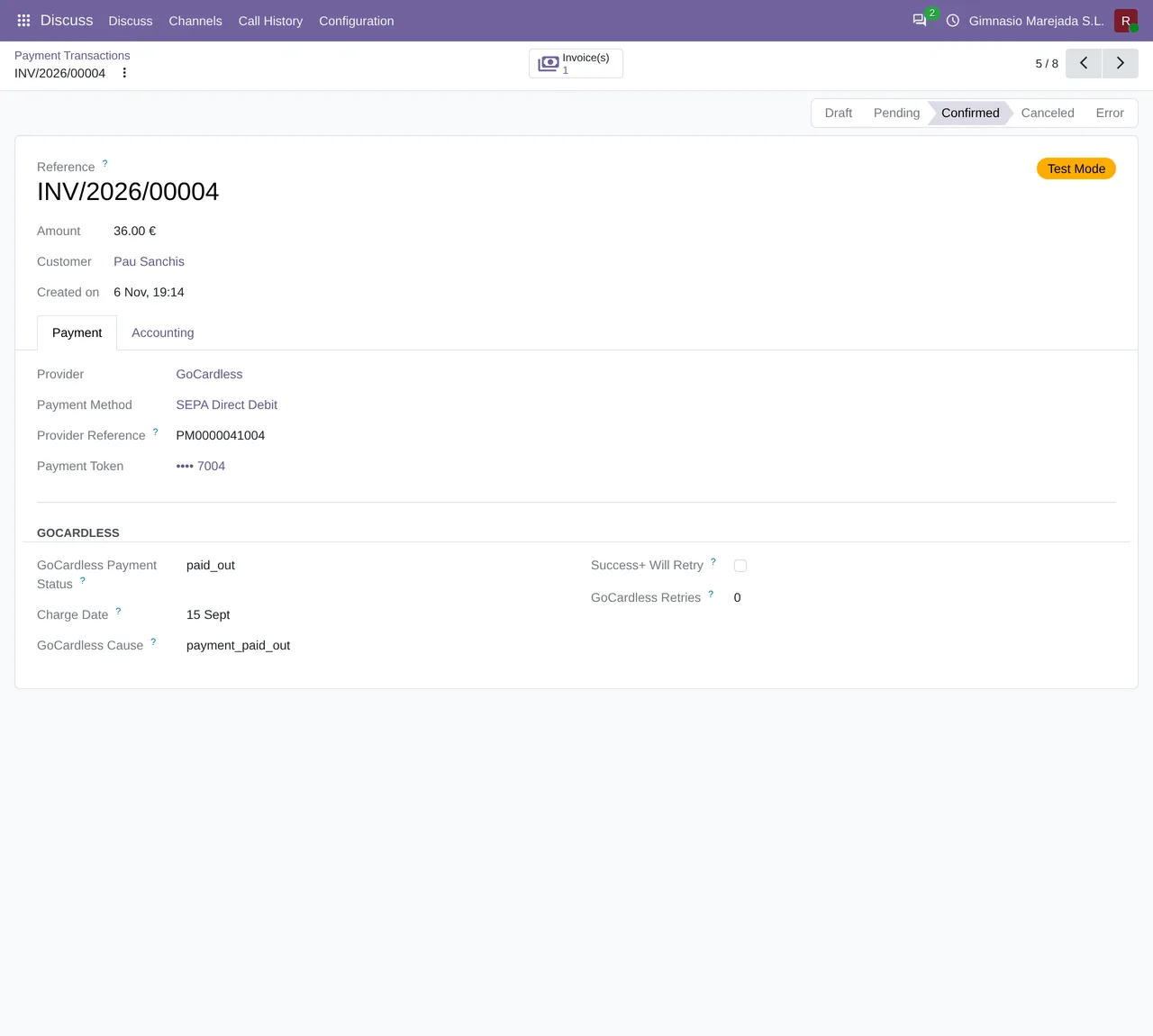
It also matters when you retry a collection. The Retry collection button asks for confirmation with this text: GoCardless will try to collect this payment again, which can cost a fee. Continue?
When to post and what the button does
Posting is a manual decision and is off by default: putting something in the general ledger is the accountant's call, not something a connector should do. The Post to accounting button on the payout is hidden when any of these conditions applies, in Odoo 17, 18, 19 and 20:
- The payout already has a
Journal Entry. - The
Is Balancedfield is not ticked. - The
Statusdoes not show the payout as paid.
When you press it in Odoo 20, the module creates the entry with the lines in the table, posts it, links it to the payout and then tries to reconcile the payments Odoo booked for the collections in that payout. That reconciliation happens when those payments sit on the same account the payout uses as its clearing account (the default setup) and the account allows reconciliation. If the payments are on another account, the module does not guess: it leaves them for manual reconciliation.
Payouts in another currency
If a payout arrives in a currency different from the company's, the module converts each line to the company currency. Because each line is rounded on its own, the collections line absorbs the rounding difference so the entry balances; the original amounts in the payout currency stay exact.
What Odoo brings together if you do not use it yet
In Odoo, the imported payout, its breakdown, the entry it produces when posted and the payments of the collections reconciled against it all stay together. Fees stop being a subtraction hidden inside the net: they are a line with its own expense account. And what was refunded is not confused with what was collected.
How FlexigoTech helps
If you do not use Odoo yet, we implement Odoo in versions 17, 18, 19 and 20 and build connectors and custom integrations. The GoCardless connector has its Odoo Apps listing and its page on flexigotech.com, where you can buy it.
Keep reading
Checked in the connector's source code (version 20.0) and the linked sources
Sources
- Module source code: flexigo_payment_gocardless 20.0 (6fe1a716): static/description/index.html
- Module source code: flexigo_payment_gocardless 20.0 (6fe1a716): models/payment_provider.py
- Module source code: flexigo_payment_gocardless 20.0 (6fe1a716): models/gocardless_payout.py
- Module source code: flexigo_payment_gocardless 20.0 (6fe1a716): views/gocardless_payout_views.xml
- Module source code: flexigo_payment_gocardless 20.0 (6fe1a716): views/payment_transaction_views.xml
- flexigotech.com/en/services.html