

 Español
 Català
 Deutsch
 Français
 Português
 Italiano
 Nederlands
 Polski
How to read the module's messages
FlexigoTech Migration Base messages are of two kinds. Some protect a uniqueness rule: something the module only allows once per project, per mapping set, per category or per record. Others appear when you try to change status and explain what is stopping you.
In the table you will see some texts with braces, such as {current_status} or {len(blocking_recs)}. That is how they are written in the module's code; on your screen, that gap shows the status or the count for your case.
If you would first like to understand what each record goes through, we cover it in how Migration Base works under the bonnet.
Migration Base messages, one by one
| Message | When it appears | What to do |
|---|---|---|
Each source record can only be archived once per project | When archiving a source record that is already archived in that same project | Find the existing archive for that record in the project and work on it |
Each source record can only be staged once per project | When staging a source record that is already staged in that project | Locate the existing staging entry instead of creating another |
Each validation rule can only run once per record | When the same validation rule would run again on the same record | Check the result already recorded for that rule and that record |
Each checklist item can only appear once per project | When adding a checklist item to a project that already includes it | Use the item already in the project's checklist |
Each account can only appear once per reconciliation type per project | When repeating an account with the same reconciliation type in the same project | Edit the existing line for that account and type |
Each source dimension value can only map once per set | When mapping the same source dimension value a second time within a set | Correct the mapping that already holds that value in the set |
Each source value can only map once per category per set | When mapping a source value twice in the same category of the same set | Correct the existing mapping for that value in that category |
Each mapping set version must be unique | When saving a mapping set with a version that already exists | Give it a different version |
Illegal status transition: {current_status} → {new_status}. Allowed transitions: {allowed} | When requesting a status that is not allowed from the current one | Read Allowed transitions and pick one of those statuses |
Cannot advance to Reconciled: {len(blocking_recs)} blocking reconciliation line(s) remain unresolved. Please resolve or sign off these items first. | When trying to advance to Reconciled with blocking reconciliation lines still unresolved | Resolve or sign off those lines and try again |
Cannot go live: {len(blocking_items)} checklist items not completed | When trying to go live with checklist items not completed | Complete the outstanding items and repeat the step |
The warnings that block a status change
These three do not point to a typo: they tell you the step you are attempting cannot be taken yet.
Illegal status transition
The full message gives the current status, the one you asked for and the Allowed transitions list. That list is your answer: from the status you are in, the module only accepts the ones shown there. If the status you want is not listed, the module will not let you make that jump from where you are.
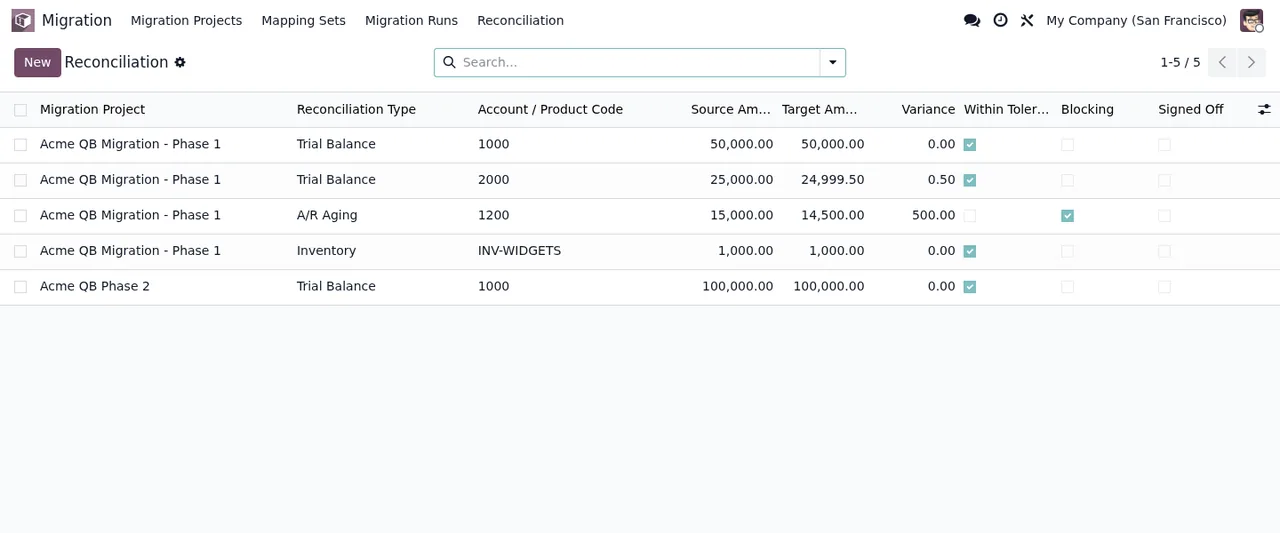
Cannot advance to Reconciled
The number in the message is the count of blocking reconciliation lines still unresolved. The text itself says what to do: resolve them or sign off them before trying again. In the Reconciliation list you have, for each line, the project, reconciliation type, account code, source and target amounts, variance, and the tolerance, blocking and sign-off tick boxes.
Cannot go live
Here the number is the count of checklist items not completed. Open the project's checklist items, complete them and repeat the step. The Checklist Items list shows the project, the item, the Done and Blocking tick boxes, who did it and the date.
The messages that prevent duplicates
The module's uniqueness messages share a pattern: Each … can only … once per …. The end of the text tells you the scope of the rule: project, set, category or record. Reading it carefully saves you looking in the wrong place. For instance, the accounts message refers to once per reconciliation type per project, so the clash lies in the combination of account and type within that project.
In mapping sets
Three messages concern mapping sets. Each source dimension value can only map once per set and Each source value can only map once per category per set appear when you repeat a source value within the same set (in the second case, within the same category). Each mapping set version must be unique appears when the set's version already exists. For the first two, open the set, find the value and correct the line that already maps it; for the third, change the version.
In staging, archiving and validation
Each source record can only be archived once per project and Each source record can only be staged once per project appear when a source record already has its archive or staging entry in that project. Each validation rule can only run once per record appears when a rule has already run on that record. In all three cases, what you are after already exists: find it before repeating.
In checklists and reconciliation
Each checklist item can only appear once per project stops the same item appearing twice in a project. Each account can only appear once per reconciliation type per project stops you repeating an account with the same reconciliation type in the same project. The way out is to edit the existing record rather than add another.
Where to find the record that already exists
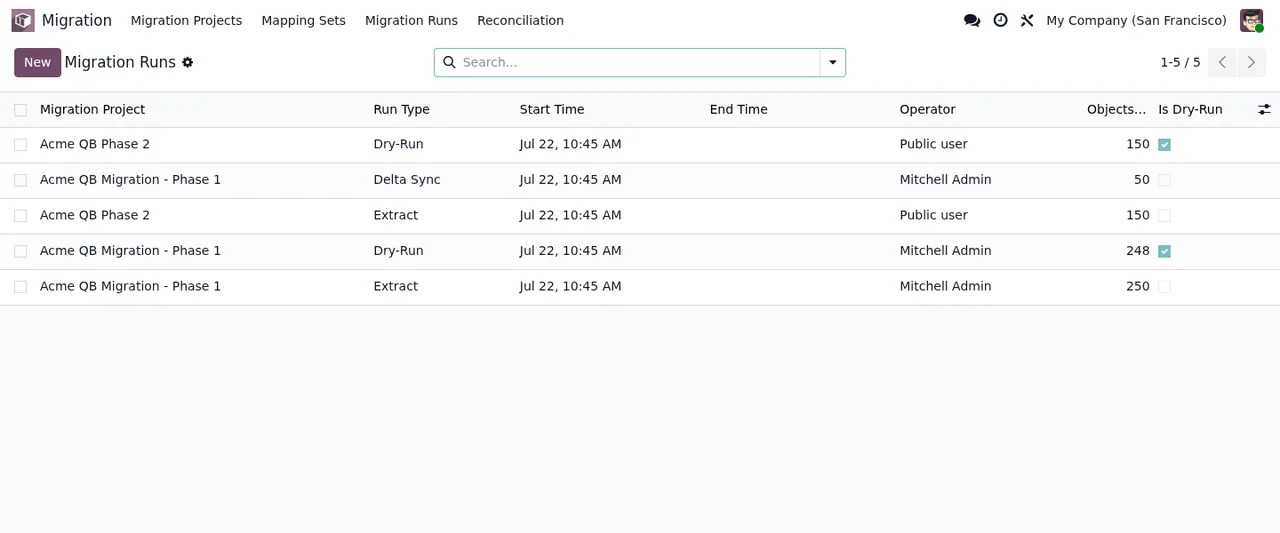
In the Migration app, the top menu has Migration Projects, Mapping Sets and Reconciliation, and the lists come with a New button and a search bar. That is where you locate the set, reconciliation line or project causing the clash.
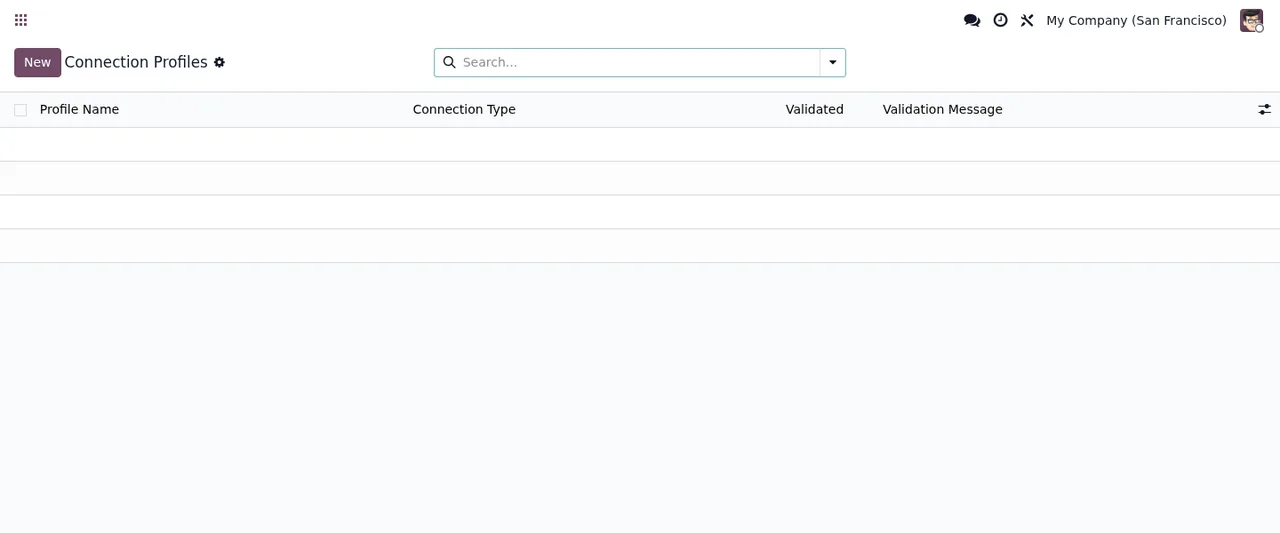
Other lists in the module, such as Connection Profiles, follow the same pattern of New button, search bar and columns, in this case Profile Name, Connection Type, Validated and Validation Message.
If you are in the middle of setting it up and want to know what to fill in on each record, see the Migration Base setup guide.
How FlexigoTech can help
FlexigoTech Migration Base is free on Odoo Apps for Odoo 17, 18, 19 and 20 (excluding VAT). If a message keeps coming back or your migration needs something the module does not cover, at FlexigoTech we implement Odoo 17, 18, 19 and 20 and build bespoke connectors and integrations.
Keep reading
Checked in the module's source code (version 20.0) and the linked sources
Sources
- Module source code: flexigo_migration_base 20.0 (075d1af0): models/migration_archive.py
- Module source code: flexigo_migration_base 20.0 (075d1af0): models/migration_checklist.py
- Module source code: flexigo_migration_base 20.0 (075d1af0): models/migration_dimension_map.py
- Module source code: flexigo_migration_base 20.0 (075d1af0): models/migration_mapping.py
- Module source code: flexigo_migration_base 20.0 (075d1af0): models/migration_project.py
- Module source code: flexigo_migration_base 20.0 (075d1af0): models/migration_reconciliation.py
- Module source code: flexigo_migration_base 20.0 (075d1af0): models/migration_staging_record.py
- Module source code: flexigo_migration_base 20.0 (075d1af0): models/migration_validation.py
- apps.odoo.com/apps/modules/20.0/flexigo_migration_base
- apps.odoo.com/apps/modules/17.0/flexigo_migration_base
- apps.odoo.com/apps/modules/18.0/flexigo_migration_base
- apps.odoo.com/apps/modules/19.0/flexigo_migration_base
- flexigotech.com/en/services.html