

 Español
 Català
 Deutsch
 Français
 Português
 Italiano
 Nederlands
 Polski
When this message can appear
When exactly does This thread has no Amazon Order ID. appear?
It can appear when you click the Send button on the form you send the message from and the Amazon Order field is empty. It is the first check of the SP-API send in the Odoo 20 code: the code asks whether that field has a value and, if it is empty, raises the message and the action stops. The text is in the published code of branches 17, 18, 19 and 20.
What does it mean?
The module has no Amazon order ID to address the message to. Sending through SP-API is done with an order ID and, without it, the code goes no further. It is an error that stops the action, not a warning you can let pass.
Where are the button and the field?
On the same form you send the message from. Amazon Order is shown on that form and is read-only. The Send button is always visible in Odoo 17, 18, 19 and 20, with no view condition, so you can click it even when the field is empty; in that case the message can appear.
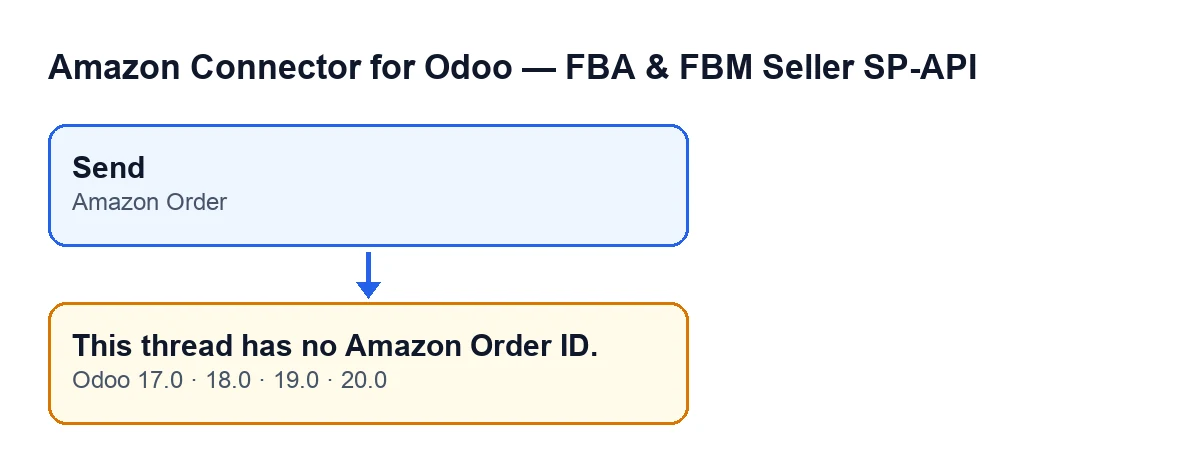
Send button, the Amazon Order field and the message, with the English labels from the code (Odoo 17, 18, 19 and 20).Is it a problem with the connection to Amazon?
Not with this message. It is raised before the request to Amazon, so that request is never made: the check happens in your Odoo, on the Amazon Order field of the form.

What happens when it appears
Is anything sent to Amazon?
Not with this error. It is the first check of the SP-API send and it comes before the content is prepared and before the request to Amazon: once the message is raised, the send stops there.
Is the message created in the thread?
When the SP-API send runs to the end, the module creates an outgoing message line in the thread, marked as sent, with the subject, the text, your user name and email, the chosen action and Amazon's response. That line is created after the request to Amazon, so with this error the code never reaches it and the message line is not created in the thread.
What content does the module prepare when the send carries on?
For the delivery-details confirmation action, it carries the thread's tracking number and carrier (if the carrier is empty, it puts Other). In the other cases the code covers, it carries the text you wrote in the message. None of this happens with this error, because the send is cut off before that.
How does the message read with Odoo in other languages?
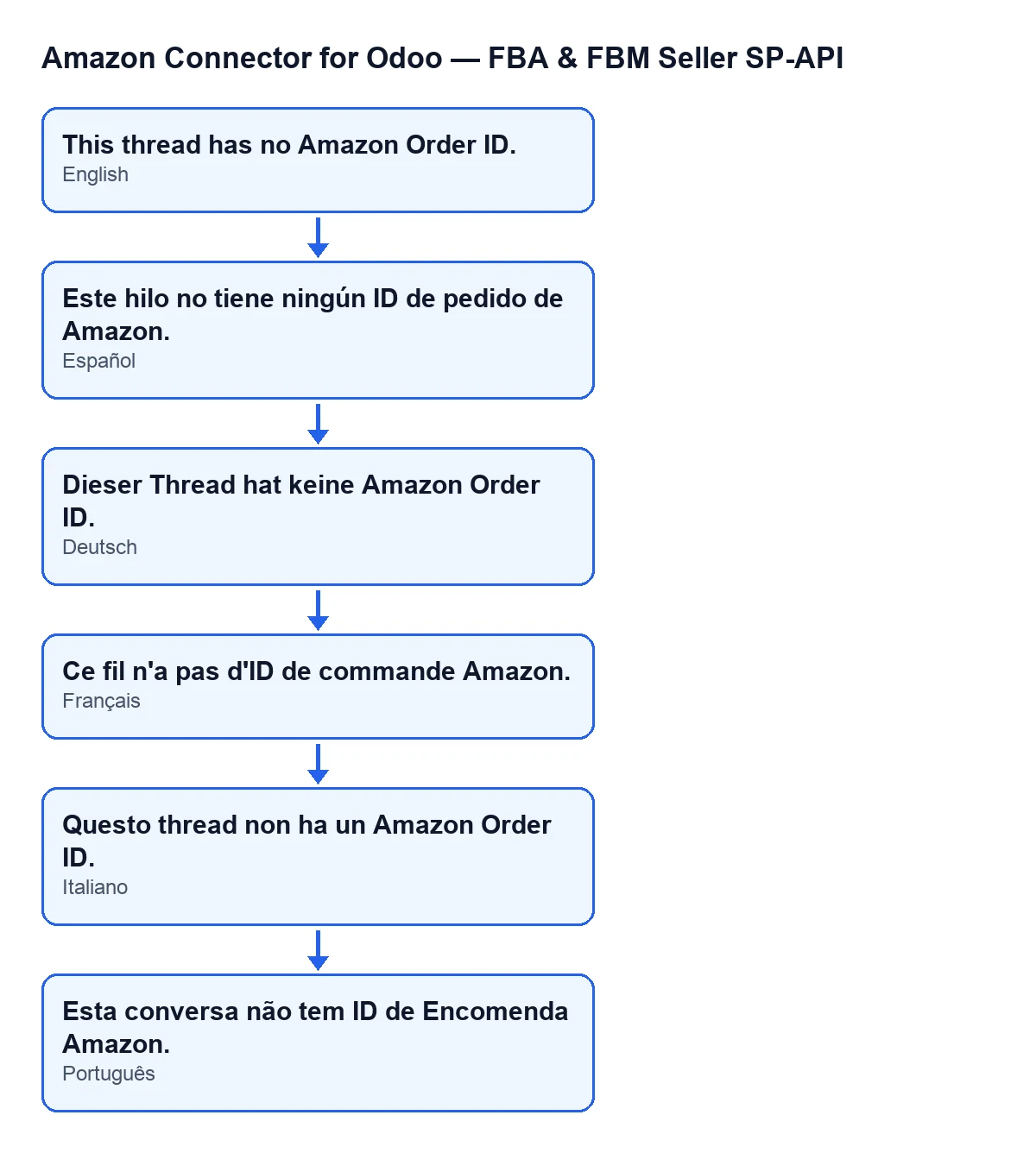
With Odoo in English you see This thread has no Amazon Order ID.. In other languages it reads like this:
| Odoo language | Message text |
|---|---|
| English | This thread has no Amazon Order ID. |
| Spanish | This thread has no Amazon Order ID. |
| German | Dieser Thread hat keine Amazon Order ID. |
| French | Ce fil n'a pas d'ID de commande Amazon. |
| Italian | Questo thread non ha un Amazon Order ID. |
| Portuguese | Esta conversa não tem ID de Encomenda Amazon. |
How to resolve it
Can I type the order ID by hand?
Not on that form: Amazon Order is read-only, so there is nowhere to type it.
What should I do when it appears?
Close the form without sending: the message has not reached Amazon and its line has not been created in the thread. Look at the Amazon Order field. If it is empty, the SP-API send will not carry on from that form, because that is the condition that raises the message. If it has a value, that check is passed and the message does not come from it.
Does it affect every version of the module?
The text of the message is in the published code of branches 17, 18, 19 and 20, and the module is published on Odoo Apps for those four versions. The condition that raises the message (an empty Amazon Order field) is the one in the Odoo 20 code.
What do I need to have the module, and what does it cost alongside?
The module is a one-off payment per Odoo version (see its listing) and needs the FlexigoTech Cloud subscription: the Connector plan costs €49/month or €490/year excluding VAT, for up to 3 accounts on the platform. The connection goes through FlexigoTech Cloud, which stores the credentials encrypted, watches the synchronisation and emails you if it fails. You can buy it on the module page.
Can FlexigoTech help if the problem persists?
FlexigoTech implements Odoo 17, 18, 19 and 20 and builds custom connectors and integrations. If your Amazon messaging flow needs a review or adjustments, tell us about your case and we will go through it with you.
Keep reading
Checked in the connector's source code (version 20.0) and the linked sources
Sources
- Module source code: flexigobe_amazon_seller_connector 20.0 (8576afa5): wizard/amazon_spapi_message_compose_wizard.py
- Module source code: flexigobe_amazon_seller_connector 20.0 (8576afa5): views/amazon_spapi_message_views.xml
- apps.odoo.com/apps/modules/20.0/flexigobe_amazon_seller_connector
- flexigotech.com/en/services.html
- flexigotech.com/precios.html