

 Español
 Català
 Deutsch
 Français
 Português
 Italiano
 Nederlands
 Polski
When the message appears
It appears on the form of an inbound plan when you press the Generate Placement button. The module has already asked Amazon to generate the placement options for the plan and, when it reads the response, it looks for the operation identifier (operationId). It reads it, trims any spaces from both ends and, if nothing is left, stops the action and shows Amazon did not return an operationId when generating placement options..
The message is in the published code of Odoo 17, 18, 19 and 20. The order of steps the button follows is the one in the Odoo 20 code.
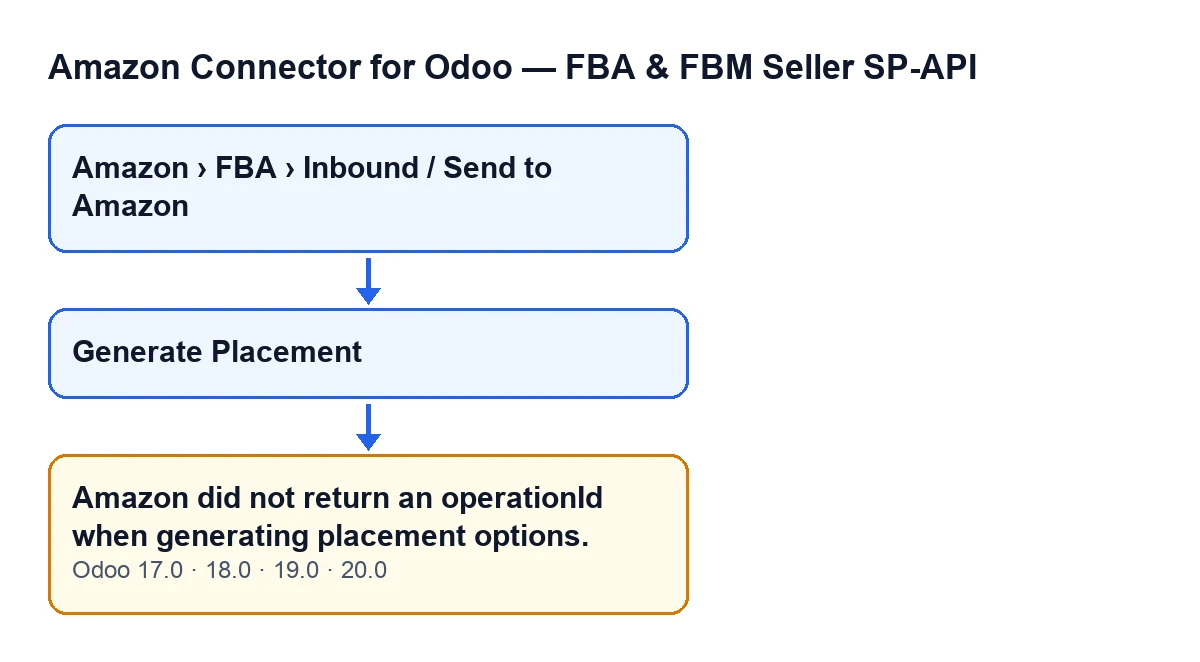

What the button does, in order
The button works through these points, and the message appears at the fourth:
- It checks that your user has permission for the action.
- It checks that the plan has a value in
Inbound Plan. - It asks Amazon to generate the plan's placement options.
- It reads the operation identifier from the response. If it is missing or empty, the action stops with the message
Amazon did not return an operationId when generating placement options.and nothing that came after it is saved. - If the identifier arrives, it saves it, changes the plan's state, waits for Amazon to finish the operation and loads into the plan the placement options that Amazon returns.
Step by step to resolve it
- Open the plan forms from the menu
Amazon › FBA › Inbound / Send to Amazon. Each part of the menu requires theViewerpermission; without it you do not see that part. - Look for the
Generate Placementbutton. It is hidden when theInbound Planfield is empty and, with the default values, it is not visible. It only appears once that field has a value. - Press the button. Before asking Amazon for anything, the button checks your permissions; then it sends the request to generate the plan's placement options.
- If
Amazon did not return an operationId when generating placement options.appears, Amazon has replied without an operation identifier. The action stops and the module does not get as far as saving what comes next: neither the identifier nor the change of the plan's state. - Press
Generate Placementagain. The button stays visible while the plan has a value inInbound Plan, and the action repeats the request from the beginning. - If the response now carries the identifier, the module saves it, changes the plan's state, waits for Amazon to finish the operation and loads into the plan the placement options that Amazon returns.
- If the message keeps coming back, note down the plan where it appears and get in touch: we will look at it with you.
What it means and what it does not
The operation identifier is what the module uses next to ask Amazon how the operation is going. Without it there is nothing to wait for, which is why the module stops at that point.
The permission check and the check that the plan has a value in Inbound Plan come earlier in the code. So this message is not about your permissions or a missing plan: it is about the response that came back from Amazon to the request to generate placement options.
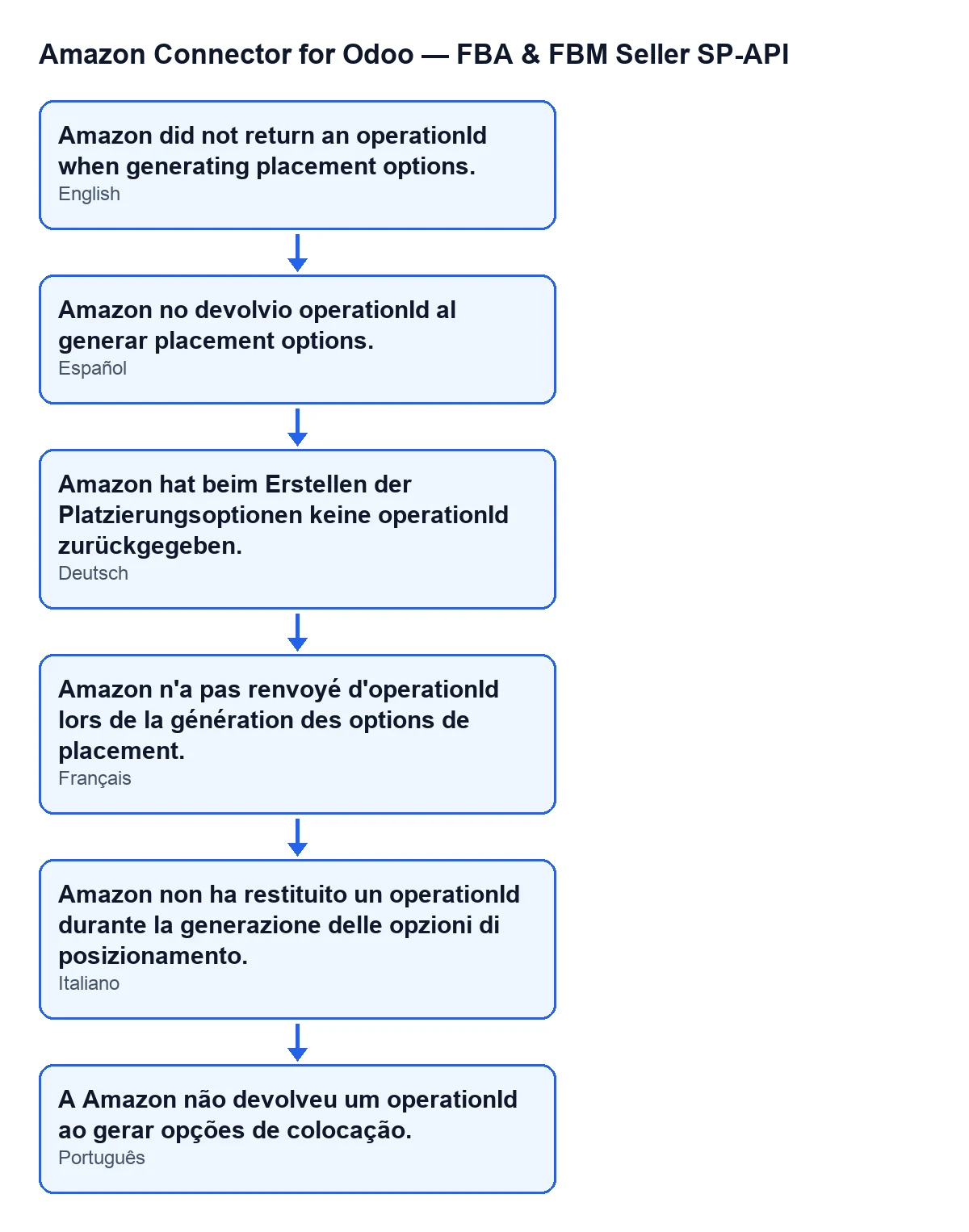
With Odoo in English you see the text as Amazon did not return an operationId when generating placement options.. The module also ships this message translated into other languages:
| Language | Message text |
|---|---|
| Spanish | Amazon did not return an operationId when generating placement options. |
| German | Amazon hat beim Erstellen der Platzierungsoptionen keine operationId zurückgegeben. |
| French | Amazon n'a pas renvoyé d'operationId lors de la génération des options de placement. |
| Italian | Amazon non ha restituito un operationId durante la generazione delle opzioni di posizionamento. |
| Portuguese | A Amazon não devolveu um operationId ao gerar opções de colocação. |
What to check after retrying
- That the message no longer appears when you press
Generate Placement. If it does not, Amazon's response carried the identifier and the module went on with the rest of the process. - That the plan is still the same one: the button only appears while
Inbound Planhas a value. - That your user can open the menu (each part requires
Viewer) and that the action is not stopping before the request is sent because of a permissions check.
What you need to use the button
Amazon Connector for Odoo is a one-off payment per version, published for Odoo 17, 18, 19 and 20, and it needs the FlexigoTech Cloud subscription: the Connector plan costs €49 per month or €490 per year, excluding VAT. The price for each version is on its Odoo Apps page and on the module page; on the Odoo App Store, each Odoo version is bought there.
How FlexigoTech can help
FlexigoTech implements Odoo 17, 18, 19 and 20 and builds custom connectors and integrations. If you are setting up Amazon FBA shipments in your Odoo and this message keeps coming back, tell us which plan it appears on and we will look at it together.
Keep reading
Checked in the connector's source code (version 20.0) and the linked sources
Sources
- Module source code: flexigobe_amazon_seller_connector 20.0 (8576afa5): models/amazon_spapi_inbound_plan.py
- Module source code: flexigobe_amazon_seller_connector 20.0 (8576afa5): views/amazon_spapi_inbound_plan_views.xml
- apps.odoo.com/apps/modules/20.0/flexigobe_amazon_seller_connector
- flexigotech.com/en/services.html
- flexigotech.com/precios.html