

 Español
 Català
 Deutsch
 Français
 Português
 Italiano
 Nederlands
 Polski
When it appears and what it means
What does the message say and where do I see it?
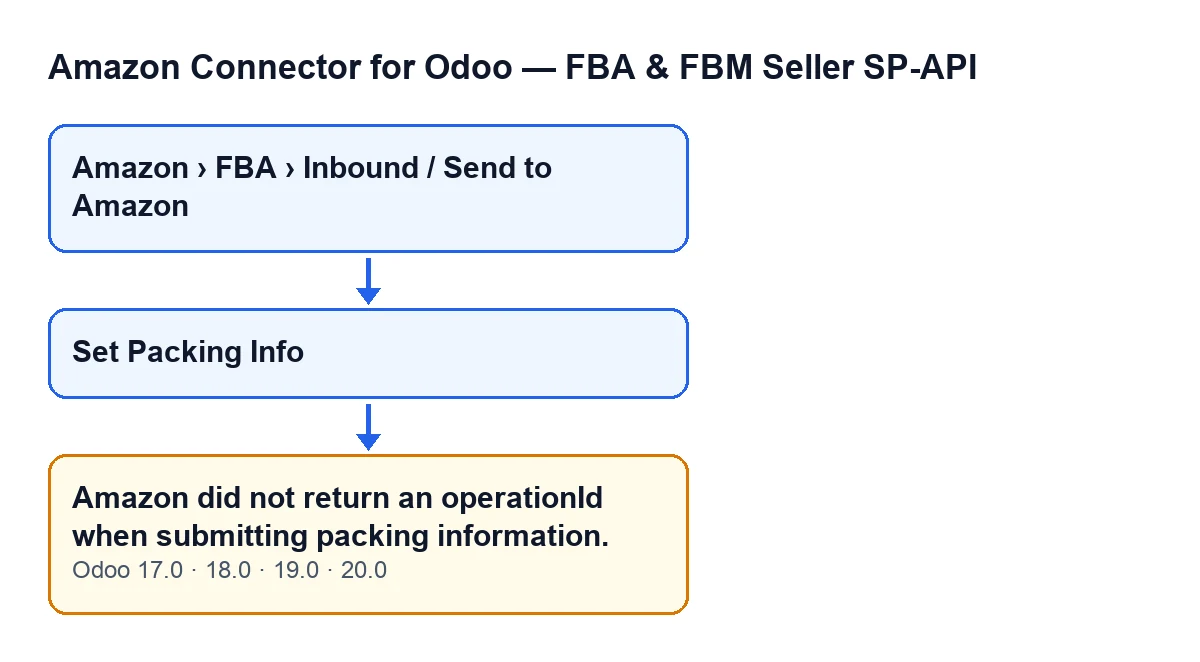
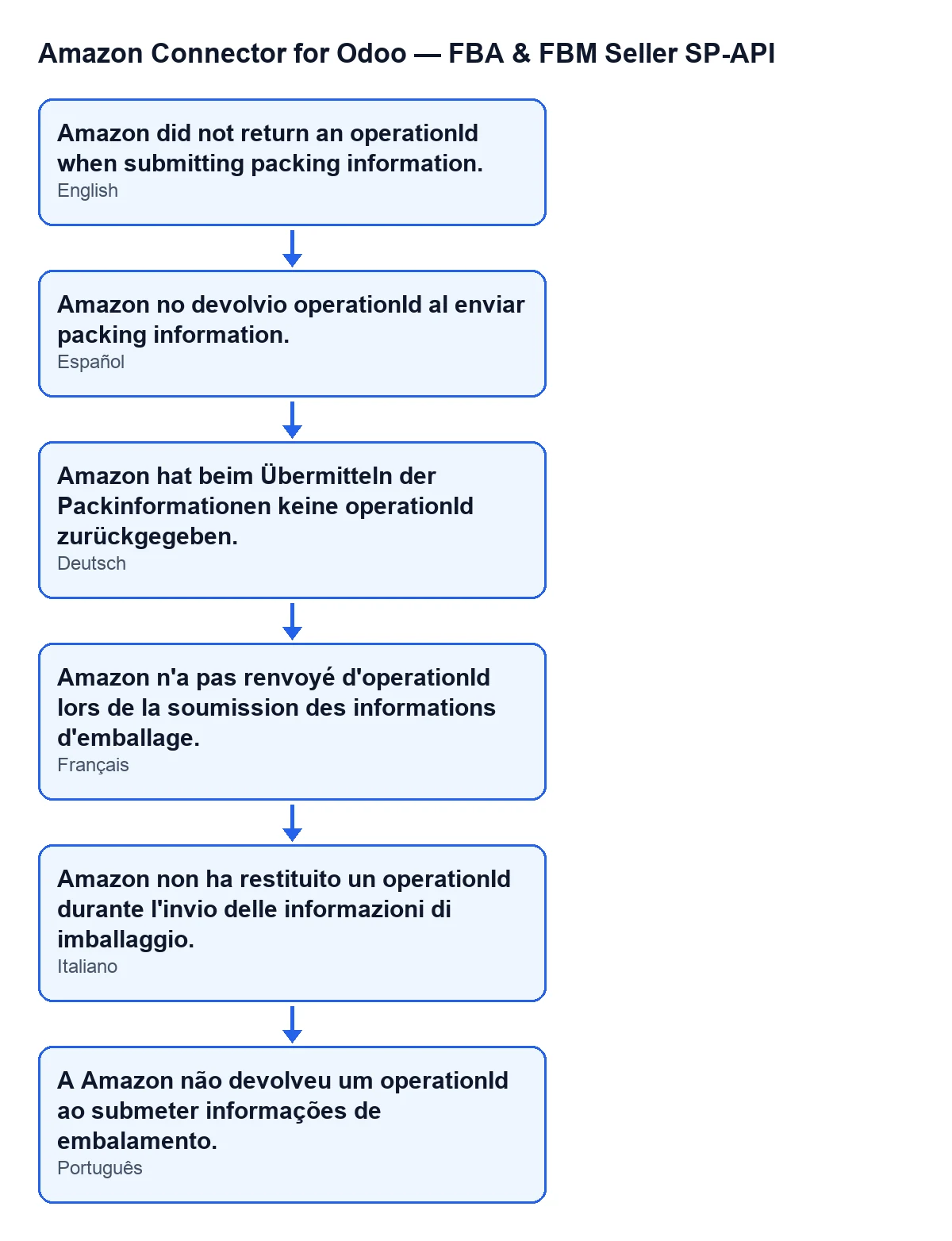
You see Amazon did not return an operationId when submitting packing information. and the action stops. It appears when you work with an inbound plan, whose records open from the menu Amazon › FBA › Inbound / Send to Amazon. Each step of that path asks for the Viewer permission; if you lack one, you do not see that step. In other languages the text changes: the diagram below shows Spanish, German, French, Italian and Portuguese.
What is the exact condition in the code?
After sending the packing information to Amazon, the module reads the operationId from the reply and trims the spaces at both ends. If what is left is empty, it raises this message. So it appears if the reply has no such value, if the value is empty, or if it contains only spaces.
Which button leads to it, and why might I not see the button?
You reach it with the Set Packing Info button on the inbound plan. The button is hidden when the plan has nothing in Packing Groups; with the default values it is not shown. While that field is empty there is no button, and so no message either.
Does it depend on the Odoo version?
The message is in the published code of all four branches: Odoo 17, 18, 19 and 20. The condition that hides the button is the same in all four. The module is published on Odoo Apps for those versions.

What the module does before and after
What does the button do before it reaches the message?
First, before talking to Amazon, it checks that you have at least operator access to the connector: having only Viewer is enough to open the menu, but not for this action. Then it goes through the selected plans one by one. For each plan it runs its preliminary checks, builds the submission from the packing groups and sends it to Amazon. If one of those checks fails, you get a different message. Reaching this one means those checks have passed and the request has come back with a reply.
What is sent to Amazon?
Each active packing group of the plan, with its group identifier and its boxes. The button builds this every time you press it, so whatever is active at that moment is what goes out.
What is left unsaved when the message appears?
The action stops right after the reply arrives and before anything is written to the plan. The operation identifier, the result of the request and the last synchronisation date are not saved, and the plan does not move to the state the button would give it on success. The operation is not followed up on Amazon either.
What happens when Amazon does return the operationId?
The module stores the operation identifier and the result of the request and reply on the plan (cut to a maximum number of characters), changes the plan's state and records the synchronisation date. It then asks Amazon for the status of that operation in order to follow it. That follow-up is the step this message prevents.
Does it mean my boxes or packing groups are wrong?
Not necessarily. The check that there are active groups and that each group has boxes is made while the submission is being built, before the request, and if it fails it gives a different message. This one appears afterwards, when the request has already been made and the reply carries no operationId.
What to do
How do I fix it?
The message reports that the operationId is missing from Amazon's reply, without giving a reason. What you can do is review the active packing groups on the plan and the boxes in each, since they are what the button sends, and press Set Packing Info again. Each press repeats the whole run: checks, building the submission and the request to Amazon. If it still appears after trying again, note the plan, the time and the message and get in touch with us.
Can FlexigoTech help?
The module's connection goes through FlexigoTech Cloud, which stores the credentials encrypted, watches the synchronisation and emails you if it fails. FlexigoTech implements Odoo 17, 18, 19 and 20 and builds custom connectors and integrations. You can see the Odoo Apps listing and the module page if you want to look at the whole connector.
Keep reading
Checked in the connector's source code (version 20.0) and the linked sources
Sources
- Module source code: flexigobe_amazon_seller_connector 20.0 (8576afa5): models/amazon_spapi_inbound_plan.py
- Module source code: flexigobe_amazon_seller_connector 20.0 (8576afa5): views/amazon_spapi_inbound_plan_views.xml
- apps.odoo.com/apps/modules/20.0/flexigobe_amazon_seller_connector
- flexigotech.com/en/services.html
- flexigotech.com/precios.html