

 Español
 Català
 Deutsch
 Français
 Português
 Italiano
 Nederlands
 Polski
Where it appears and what it says
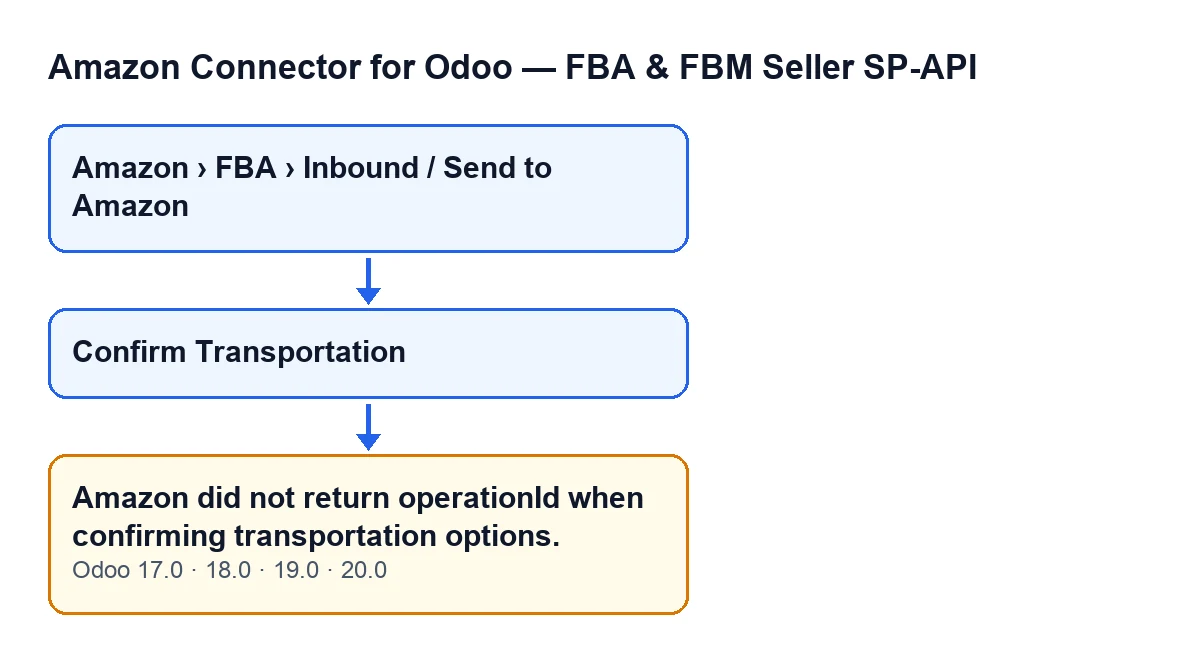
The inbound plan records open from the menu Amazon › FBA › Inbound / Send to Amazon; each level of the menu asks for the Viewer permission. The message appears when you press the Confirm Transportation button on the record, and it reads:
Amazon did not return operationId when confirming transportation options.
It is an error that stops the action: the method behind that button raises it and goes no further.

How it works inside
The button is not always visible
Confirm Transportation is hidden when the Shipments field on the record is empty, so with the default values it does not show. If you cannot see the button, this message cannot come from it. The visibility condition is the same in Odoo 17, 18, 19 and 20.
There is a single condition, and it looks at Amazon's response
The module sends Amazon the confirmation of the plan's transportation options and reads the operation identifier (operationId) from the response. It trims any stray spaces and, if what is left is empty, it raises the error. So it fires in two cases: the response does not contain that value, or it contains it blank.
The module later uses that identifier to ask Amazon about the status of the operation. Without it there is nothing to carry on with, which is why it stops.
It appears after the request is sent, not before
The method works in this order: it checks your permissions, gathers the shipments to confirm, makes the call to Amazon and only then reads the identifier. If you see this message, the confirmation request had already been sent to Amazon and the response came back without an identifier. The module had not yet started to check the status of the operation.
When it appears, nothing from that action is saved in Odoo
Once it has the identifier, the module would store on the plan the last operation identifier, the result (request and response) and the synchronisation time. With this error it never gets that far. It also does not wait for Amazon to finish the operation, does not read the shipments again and does not move the plan to its next state. What you see on the record afterwards is what was already there.
Before the call, the method has already filtered and checked things
- It checks that you have at least operator access to the connector, as well as write permission on the plan. With
Vieweralone you can see the records, but the action does not reach Amazon. - It includes only the active shipments that have a transportation option selected; the others are skipped without a warning.
- It gives each shipment a contact: the shipment's own and, if that is missing, the plan's.
If the action stops at any of those points, the message you get is a different one, not this.
It is in all four published branches
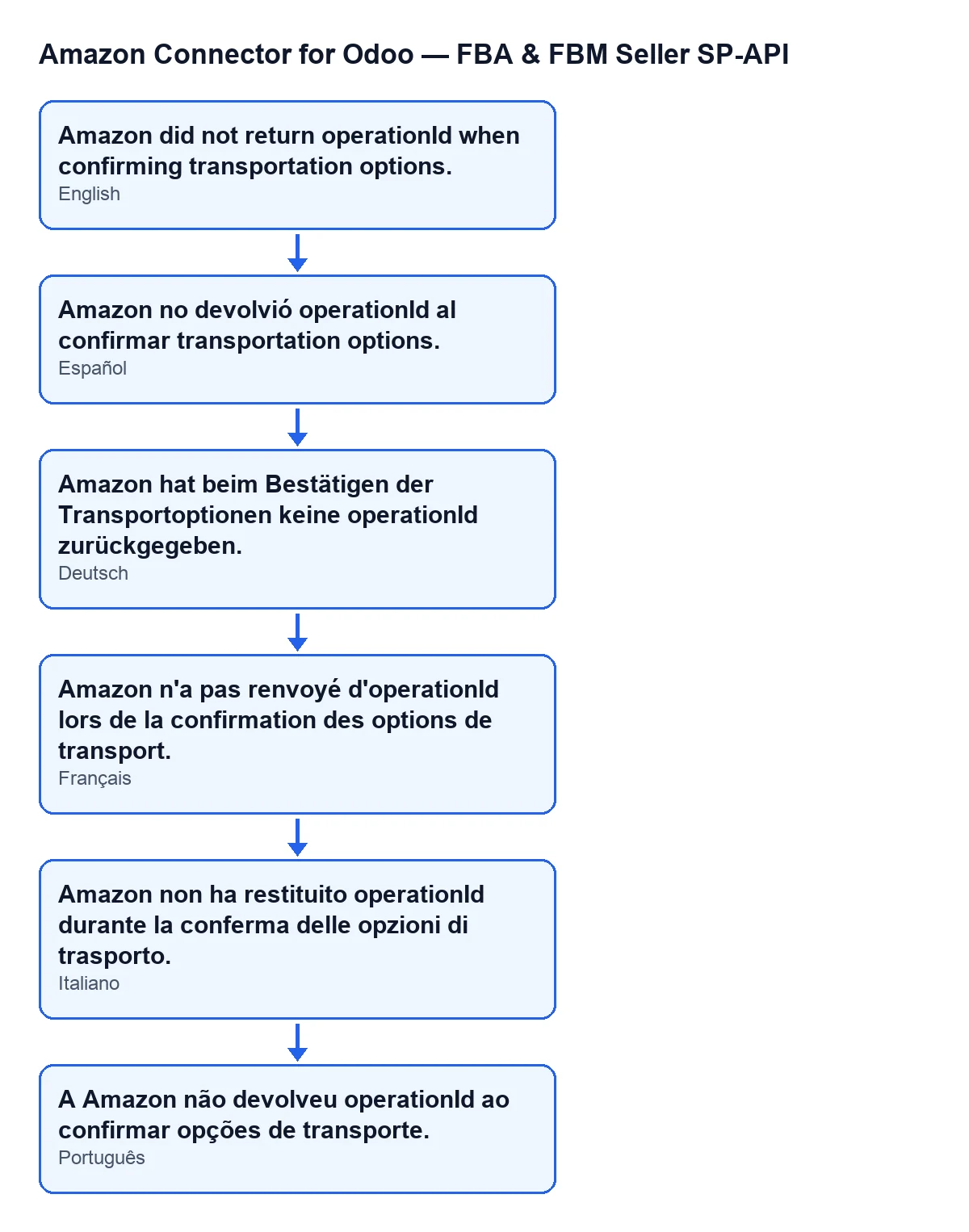
The message is in the published code for Odoo 17, 18, 19 and 20. The walkthrough above follows the Odoo 20 code. With Odoo in English you see «Amazon did not return operationId when confirming transportation options.»; the diagram below shows the same text in Spanish, German, French, Italian and Portuguese.
What to do when it appears
If you press Confirm Transportation again, the method starts over from the beginning (permissions, shipment selection, call to Amazon) and sends the confirmation of the transportation options to Amazon again, even though the first request did arrive. Think before repeating it. If the message keeps coming back, keep its text, the plan affected and the time, and raise it with whoever administers the connection or with us.
How FlexigoTech can help
The connection goes through FlexigoTech Cloud, which stores the credentials encrypted, monitors synchronisation and emails you if it fails; if the platform changes its API, the module and the service are adapted. The module is a one-off payment per Odoo version and needs the FlexigoTech Cloud subscription, Connector plan: €49/month or €490/year excluding VAT. It is published on Odoo Apps for 17, 18, 19 and 20; here are the listing and the module page.
If you are implementing Odoo and want to review the inbound flow to FBA, or need a custom integration, FlexigoTech implements Odoo 17, 18, 19 and 20 and builds connectors.
Keep reading
Checked in the connector's source code (version 20.0) and the linked sources
Sources
- Module source code: flexigobe_amazon_seller_connector 20.0 (8576afa5): models/amazon_spapi_inbound_plan.py
- Module source code: flexigobe_amazon_seller_connector 20.0 (8576afa5): views/amazon_spapi_inbound_plan_views.xml
- apps.odoo.com/apps/modules/20.0/flexigobe_amazon_seller_connector
- flexigotech.com/en/services.html
- flexigotech.com/precios.html