

 Español
 Català
 Deutsch
 Français
 Português
 Italiano
 Nederlands
 Polski
When it appears and what the code checks
It appears when you click Send in the wizard where you write a message to an Amazon buyer. The button has no view condition: it is visible in Odoo 17, 18, 19 and 20, whether or not you have permission. When you click it, the module runs an access check before sending anything. If you do not pass, you see this text:
You need at least Amazon Seller Connector Operator access to send an Amazon message. Ask a manager to grant Operator or Manager access.
The action stops. According to the Odoo 20.0 code, the check runs in this order:
- If the action runs with real superuser privileges, the check lets it through. The code comment mentions the sudo chains of scheduled jobs.
- Otherwise, it looks at whether your user belongs to the connector's Operator access group. If not, it raises the message above.
- If you do belong to it, it makes a second check: that your user can write to the message thread the send is linked to. The code comment explains that the groups are not enough, because sending reads the thread's account with elevated rights, past the per-company rule.
This message corresponds only to the second point: your user lacks the minimum access, Operator. The message is in the published code of branches 17, 18, 19 and 20; the logic you have just read is that of branch 20.0.
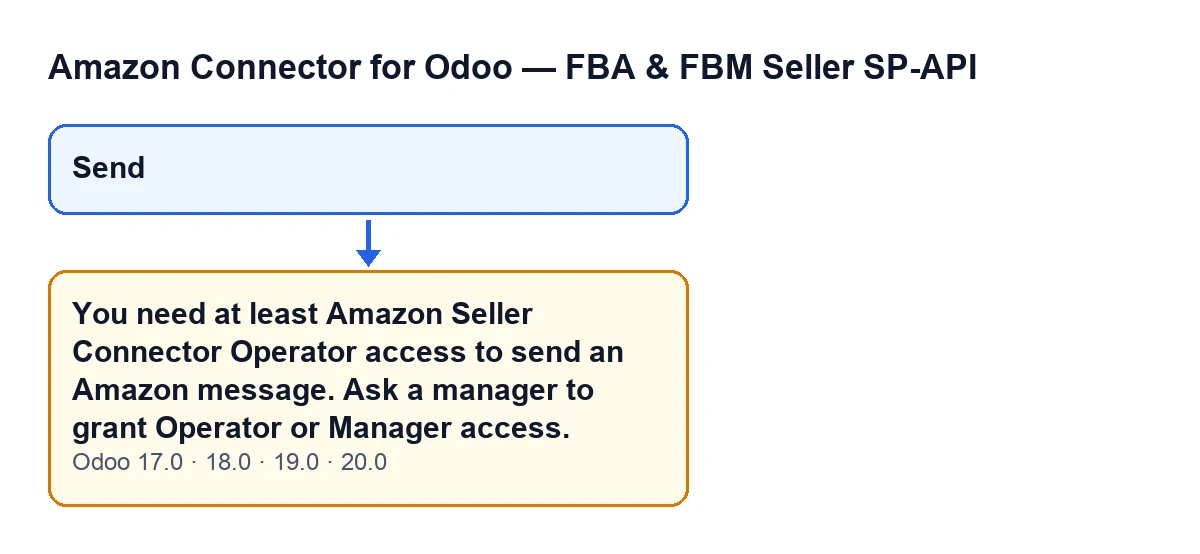
Send button and the message shown when Operator access is missing (Odoo 17, 18, 19 and 20). It is not a screenshot of Odoo.
Why the module checks on the server
The code comment gives the reason. As far as model permissions go, the send wizard is open to any internal Odoo user, even one with none of the module's Amazon groups. But Send fires a real message to the Amazon buyer, either through SP-API or through the buyer-seller email relay, using the linked account's live credentials.
So the module does not rely on the interface. The code itself says that restricting a button by groups in the view is only a screen convenience, not a real security boundary, and it checks the group explicitly. The requirement matches the one used by the sibling Amazon message thread model: Operator level at least.
The checklist
Before you click Send
- Confirm that your user has Operator or Manager access to the Amazon connector. Those are the two levels the message names.
- Do not trust the button being there:
Sendis visible with no condition, so seeing it does not prove you have permission.
- If a send runs with real superuser privileges, the code lets it through; an ordinary user without the access does not get through.
If the message has already appeared
- Read the full text:
You need at least Amazon Seller Connector Operator access to send an Amazon message. Ask a manager to grant Operator or Manager access.The action has stopped, so the send has not gone ahead.
- Ask whoever manages the users in your Odoo to grant you Operator or Manager access. That is what the message itself says.
- Give them the text of the message and the button you clicked (
Send), so they know which access is missing.
- Once access is granted, reopen the wizard and click
Sendagain.
For whoever administers access
- Grant Operator or Manager to people who need to reply to buyers. According to the code comment, the wizard is open to any internal user, and the group check is what stops the send.
- Remember that the group is necessary, but the code does not treat it as sufficient: it then checks that the user can write to the message thread. If someone has the group and still cannot send, also review that permission on the thread.
- Keep in mind that this text appears when Operator access is missing; the second check is a different one.
After the fix
- Ask the affected person to repeat the send from the same wizard.
- Check which Odoo version you are on: the module is published on Odoo Apps for 17.0, 18.0, 19.0 and 20.0, and the message is in all four branches.
How the button reads in each language
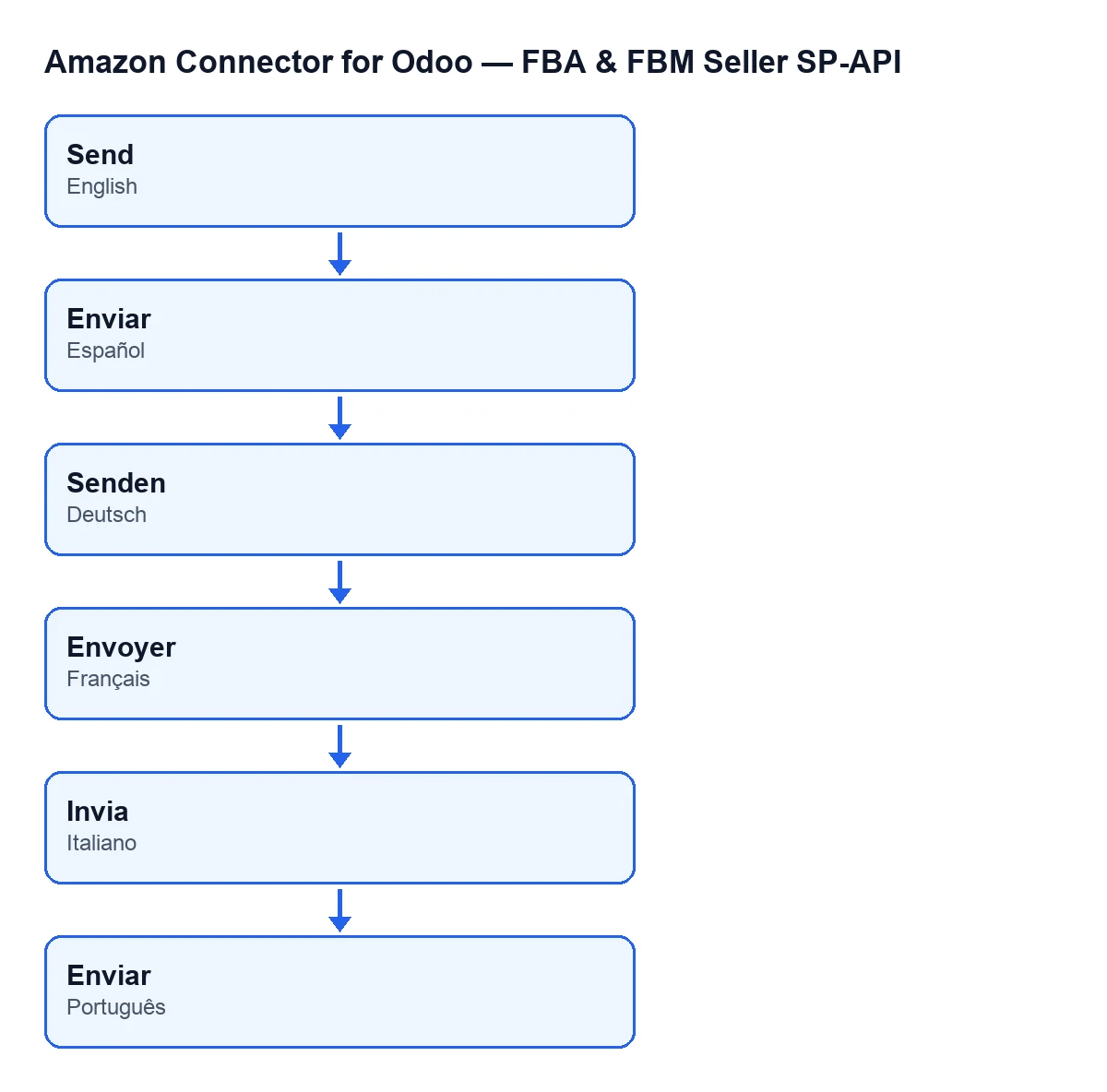
With Odoo in English the button is called Send. The schematic shows how the label reads in the languages of the module's published translations.
How FlexigoTech can help
If you are rolling out the connector and need to decide which users may reply to buyers, FlexigoTech implements Odoo 17, 18, 19 and 20 and builds custom connectors and integrations. You can see the module page on flexigotech.com.
Keep reading
Checked in the connector's source code (version 20.0) and the linked sources
Sources
- Module source code: flexigobe_amazon_seller_connector 20.0 (8576afa5): wizard/amazon_spapi_message_compose_wizard.py
- Module source code: flexigobe_amazon_seller_connector 20.0 (8576afa5): views/amazon_spapi_message_views.xml
- apps.odoo.com/apps/modules/20.0/flexigobe_amazon_seller_connector
- flexigotech.com/en/services.html