

 Español
 Català
 Deutsch
 Français
 Português
 Italiano
 Nederlands
 Polski
What the message says and where it appears
The text is Amazon orderItems cannot be built without a reliable SKU when the order has multiple lines or multiple products.
It appears when you press the Enviar tracking Amazon button, which sits in the transfer view. The button is only visible when the transfer is in the Done state and is an Amazon SP-API order; otherwise it is hidden. That holds for Odoo 17, 18, 19 and 20, and the message is in the published code of all four versions.
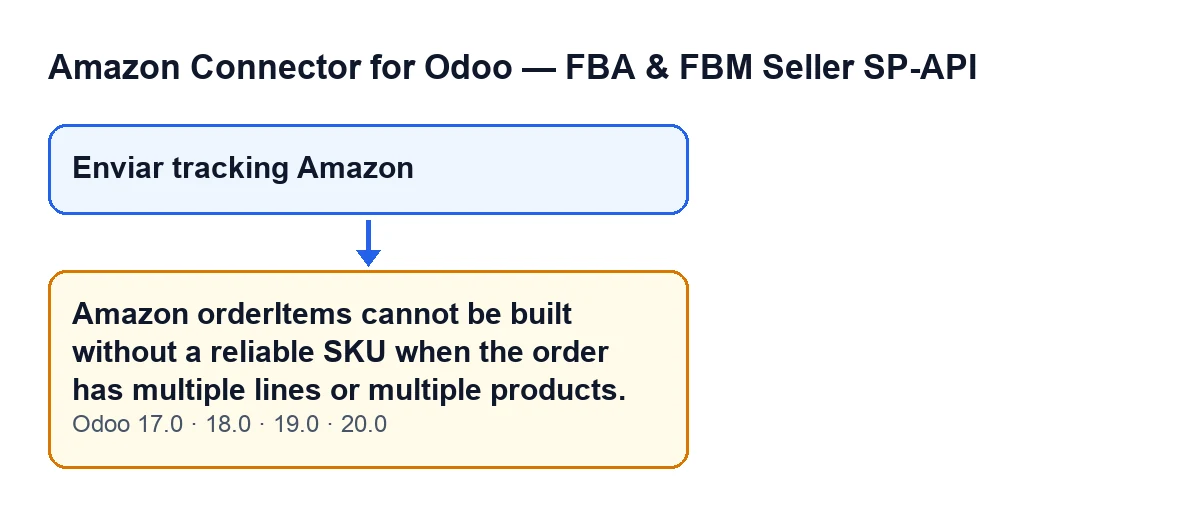
It is an error that stops the action.

What it means in practice
To report the shipment to Amazon, the module has to say which lines of the Amazon order were shipped and in what quantity. It does this by matching the SKU of what you delivered in the transfer with the SKU of the lines Amazon returns. The message appears when the module cannot get any SKU with a quantity from the transfer and, in addition, cannot apply its fallback for single-line orders. So this is not a connection fault: the module simply has no SKU to rely on to know what to send.
Exactly when it appears
When you press the button, the module reaches a method that builds the lines (orderItems) to be reported to Amazon. In order, it does this:
- It works out how much of each SKU has been done in the transfer, and the total quantity done.
- It asks Amazon for the order lines.
- If the per-SKU calculation comes out empty, it tries a fallback designed for single-line orders.
- If that fallback returns nothing, it raises the message.
So the message appears when two things coincide: the transfer provides no SKU with a quantity, and the single-line fallback cannot be applied. If the calculation does return at least one SKU with a quantity, that condition is not met and the method carries on down another path: it matches each SKU against the lines Amazon returned.
When the per-SKU calculation comes out empty
The main route starts from the transfer's moves that are not cancelled, have a product and come from a sales order line. Only those with a done quantity above zero count, and the SKU is taken from the internal code of the product on that sales line. If that code is empty, the line adds nothing.
Before comparing, the module normalises the SKU: it converts it to upper case, strips spaces, unifies other kinds of dashes and discards every character that is not a letter from A to Z or a digit. So differences in case, spaces or dash type do not stop two SKUs from matching, but a code that ends up empty after that filter (for instance one made only of symbols) contributes nothing.
There is also another route, designed for kits, that starts from the sales order when it has a single commercial line with a code.
When the single-line fallback cannot be applied
With the calculation empty, the module looks at the lines Amazon returned. The fallback only works if:
- Amazon returned exactly one line with its line identifier;
- another internal check by the module on the transfer is also met;
- the total quantity done in the transfer, rounded, is above zero.
If everything holds, the module uses that single Amazon line, with a quantity that does not exceed the one ordered there, and leaves a warning in the server log. If Amazon returns more than one line, or any of the other conditions fails, the message appears. That is why the text talks about multiple lines or products, yet it can also appear on a single-line order if the transfer has no usable quantity.
How to fix it, step by step
- Confirm you are in this case: the transfer is in the
Donestate, you pressedEnviar tracking Amazonand the error text is the one above, in full. - Check which products were delivered in the transfer and which sales line each comes from. The main route only counts moves that are not cancelled, have a product, are linked to a sales line and have a done quantity above zero.
- Check that each product sold has an internal code that works as its SKU and does not end up empty after the normalisation described above.
- Check that this code matches the seller SKU Amazon holds on the order line. When the transfer provides SKUs with quantities, the module matches them against Amazon's lines using the same normalisation.
- See how many lines the order has on Amazon. With a single line, the single-line fallback can rescue the shipment if its conditions are met. With several, the SKU from the transfer is essential.
- Fix whatever is missing and press
Enviar tracking Amazonagain.
How FlexigoTech can help
The module is published on Odoo Apps for Odoo 17, 18, 19 and 20, and you can see its page on flexigotech.com. If the root of the problem is how your products are coded, or how you sell on Amazon from Odoo, FlexigoTech implements Odoo 17, 18, 19 and 20 and builds custom connectors and integrations, so we can review your SKU coding and your transfer flow with you.
Keep reading
Checked in the connector's source code (version 20.0) and the linked sources
Sources
- Module source code: flexigobe_amazon_seller_connector 20.0 (8576afa5): models/stock_picking.py
- Module source code: flexigobe_amazon_seller_connector 20.0 (8576afa5): views/stock_picking_views.xml
- apps.odoo.com/apps/modules/20.0/flexigobe_amazon_seller_connector
- flexigotech.com/en/services.html