
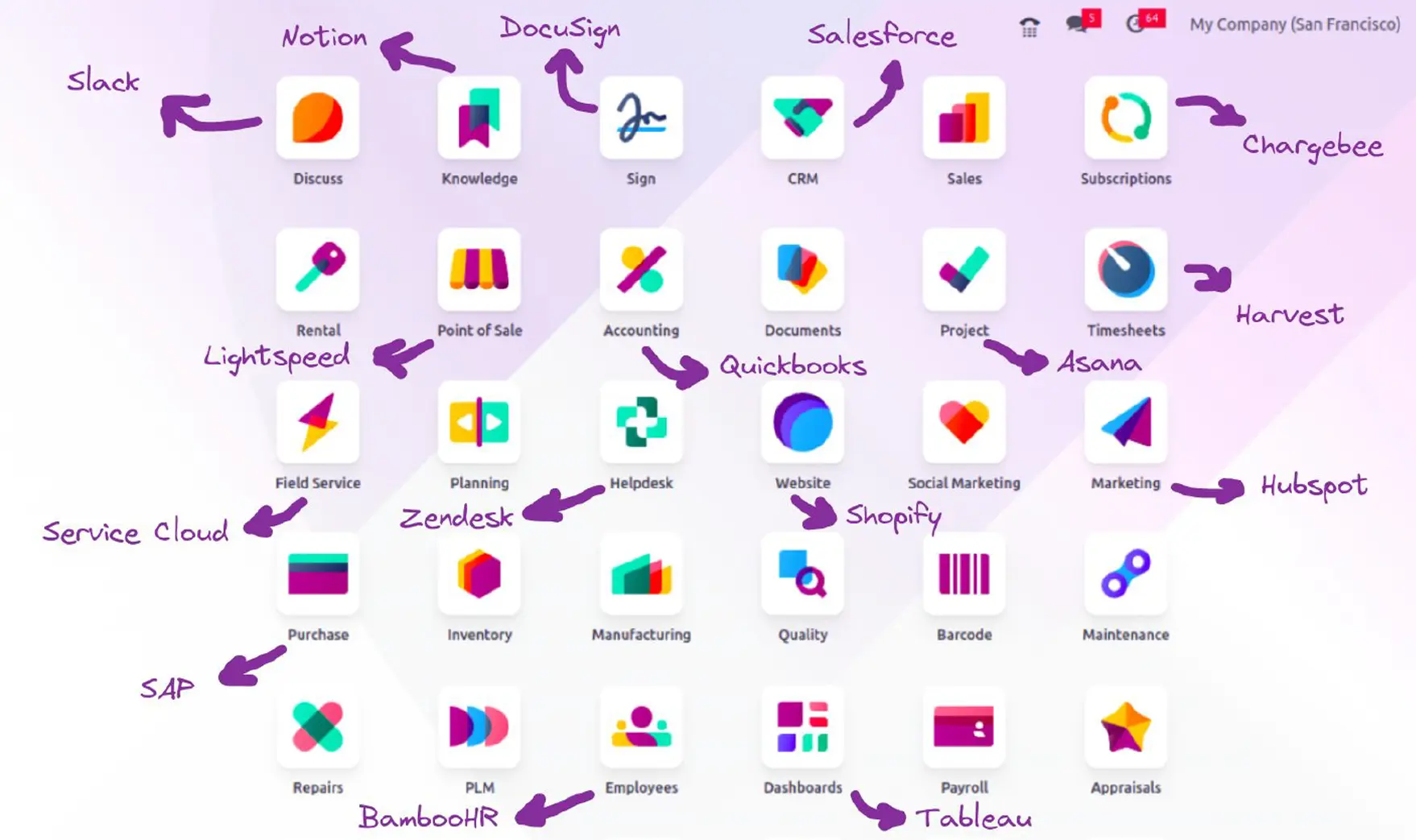
n8n is good for what happens around Odoo: catching an external form, notifying a chat channel, building a daily report. What changes business state inside — prices, stock reservations, delivery validation, payment reconciliation — needs a module. That border shows the moment you run both against a real Odoo: this article comes out of our own lab running Odoo 19.0-20260630 and n8n 2.30.6.
Key idea: a flow calling Odoo's API is not running Odoo's interface. It can get a 200 with a wizard inside it and believe it validated a delivery that is still open.
How n8n talks to Odoo: four paths, not one
- XML-RPC:
/xmlrpc/2/commonto authenticate,/xmlrpc/2/objectforexecute_kw. The classic documented path. - JSON-RPC: a
POST /jsonrpcwithservice,methodandargs. Same service, in JSON. - Web session:
/web/session/authenticate, then/web/dataset/call_kwwith the cookie. What your browser does. - The JSON-2 API, Odoo 19 only:
POST /json/2/<model>/<method>withAuthorization: bearer <API key>andX-Odoo-Database. No session, flat body: arguments are named fields,contextamong them.
The first three still work on 19, but the server says so in the log: “The /xmlrpc, /xmlrpc/2 and /jsonrpc endpoints are deprecated in Odoo 19 and scheduled for removal in Odoo 22”. A new flow against 19 should use /json/2; if it also serves 17 and 18, the session path.
# Sesion + call_kw: funciona igual en 17, 18 y 19.
POST /web/session/authenticate
 {"params":{"db":"lab","login":"n8n_bot2","password":"..."}}
-> 200 {"result":{"uid":6,"server_version":"19.0-20260630"}}   # + cookie

POST /web/dataset/call_kw          # con esa cookie
 {"params":{"model":"crm.lead","method":"create",
            "args":[{"name":"Lead web","type":"lead"}],
            "kwargs":{"context":{"lang":"es_ES"}}}}
-> 200 {"result": 10}

# Clave API en la cabecera, sin sesion: solo Odoo 19.
POST /json/2/crm.lead/create
Authorization: bearer <clave>     X-Odoo-Database: lab
 {"vals_list":[{"name":"Lead via /json/2 (API key)"}]}
-> 200 [9]

# Sin cabecera -> 401 "User not authenticated, use an API Key with a
#                 Bearer Authorization header."
# Metodo privado -> 403 "Private methods (such as
#                 'crm.lead._compute_display_name') cannot be called remotely."
The Odoo node in n8n 2.30.6 picks for you based on the credential: the API-key one goes through /json/2; the classic one through /jsonrpc with method execute, positional, which takes no kwargs and so cannot pass a context. That API-key credential also warns it needs “Odoo 19+ and a Custom pricing plan”.
The HTTP Request node, as it ended up
Note where the key is not: the body carries data only, and the Authorization header comes from an n8n credential, encrypted and rotated without touching the flow.
// Lineas del nodo real, copiadas de `n8n export:workflow`.
"type": "n8n-nodes-base.httpRequest", "typeVersion": 4.2,
"url": "http://odoo:8069/json/2/crm.lead/create",
"authentication": "genericCredentialType",
"genericAuthType": "httpHeaderAuth",
"headerParameters": { "parameters": [
    { "name": "X-Odoo-Database", "value": "lab" } ] },
"jsonBody": "={{ JSON.stringify({ vals_list: [{ name: 'Web: ' + $json.body.empresa, contact_name: $json.body.nombre, email_from: $json.body.email, description: $json.body.mensaje, type: 'lead' }] }) }}",
"credentials": { "httpHeaderAuth": { "name": "Odoo lab - API key (header)" } }
// La clave no esta aqui: la pone esa credencial.
The flow does not log in as the administrator either, but as a technical user with the minimum groups, and with the cap Odoo 19 puts on its key's expiry:
# Usuario tecnico nuevo (solo grupo de usuario interno):
POST /json/2/crm.lead/create
-> 403 "No puede crear informes 'Lead' (crm.lead) ...
            - Sales/Administrator
            - Sales/User: Own Documents Only"
# Tras anadirle sales_team.group_sale_salesman:  -> 200

# Su clave API tampoco dura lo que uno quiera:
_generate(..., +200 dias) -> "No puede exceder 90.0 dias."
_generate(..., sin fecha) -> "La clave API debe tener una
                              fecha de vencimiento"
That 90-day cap is not a detail: it is the date your flow stops working without anyone having touched anything. Put it in the calendar the day you create the key.
Five automations that do fit in a flow
They all share one thing: the fact already happened and the flow only moves it.
| Case | Trigger | Call into Odoo |
|---|---|---|
| Lead from an external form | n8n webhook | crm.lead / create |
| Chat notification when a delivery is validated | Odoo automation with a webhook action | None: Odoo pushes |
| Contacts to a marketing tool | Scheduled, nightly | res.partner / search_read by write_date |
| Low-stock alert | Scheduled, every morning | product.product / search_read on qty_available |
| Daily report to management | Scheduled | read_group on sale.order |
The second case has small print. The webhook action sends _model, _id and the action name, and it is fire-and-forget: a POST with a one-second timeout and no retry. On 19 it goes out after the commit; on 17 and 18 it runs inside the transaction, so a slow n8n delays the user.
# Accion de servidor state='webhook' al crear un lead.
INFO    Webhook call to http://n8n:5678/webhook/odoo-lead
INFO    Webhook call to http://n8n:5678/webhook/odoo-lead - succeeded

# Apuntando a un flujo borrado (el lead se crea igual):
WARNING Webhook call failed: 404 Client Error: Not Found for url:
        http://n8n:5678/webhook/flujo-borrado
WARNING Webhook call timed out after 1s - it may or may not have failed.
Five that do not, and exactly why
- Computing prices or discounts. Odoo computes them from the pricelist. If the flow computes them outside, the day the pricelist changes there are two truths.
- Reserving stock across channels. Odoo settles the race inside a transaction; a flow that reads, decides and writes separately oversells.
- Reconciling payments. Matching and posting go together: if one happens outside and the other inside, a network hiccup leaves half a reconciliation.
- Anything somebody will audit. n8n's history is not the chatter: “who changed this, and why?” gets answered on the document.
- Anything depending on a field that changes between versions. Not theory: we checked it by writing into Odoo 19 what used to work on 18.
The case that sums it up best: validating a delivery from a flow. We set up one for 10 units with 4 reserved and called button_validate, same as the button.
# WH/OUT/00003: 10 pedidas, 4 reservadas.
POST /web/dataset/call_kw
 {"model":"stock.picking","method":"button_validate","args":[[2]]}
-> 200 {"result": {"name": "¿Crear entrega parcial?",
                   "type": "ir.actions.act_window",
                   "res_model": "stock.backorder.confirmation", ...}}

read -> [{"name":"WH/OUT/00003","state":"assigned"}]   # sigue abierto
HTTP 200, no error, and a delivery still in assigned. For n8n the step went green; for the warehouse, the order has not shipped. A module recognises the wizard and writes it on the document: the same border as in Odoo 19 versus middleware connectors.
And the fields that change name between versions, which is what breaks a stable flow the morning after a migration:
# Odoo 19, escribiendo lo que funcionaba en 17 y 18:
res.users write {"groups_id": [[4, 1]]}
-> "Invalid field 'groups_id' in 'res.users'"     # en 19 se llama group_ids

stock.move create {"name": "Latiguillo", "product_id": 1, ...}
-> "Invalid field 'name' in 'stock.move'"         # en 17 y 18 era obligatorio
We keep the same code on Odoo 19, 18 and 17 across 117 published modules: the module absorbs these differences, not the customer. It is also the limit of Odoo Studio once the process stops being a field and becomes a rule.
The four mistakes we always see
- The loop. An automation notifies n8n when a field changes, the flow writes into Odoo and that write fires it again. You cut it with a condition on the trigger.
- The plaintext credential. Not in the node body, not in a code node: in an n8n credential, with a technical user holding only the groups for the job.
- No idempotency. A webhook retried from the other side creates the record again: three identical
POSTs to our flow produced three separate leads. - No real retry. In n8n a node does not retry unless you enable Retry On Fail, and the engine caps attempts at five and the wait at five seconds. Fine for a chat alert; not for a carrier: our Correos Express module retries at 5, 15, 30, 60, 120 and 240 minutes.
The fix is not an n8n setting, it is design: store the external reference in Odoo and check it before creating. In a module that is a unique database constraint; in a flow, a prior read that still leaves a race window.
When a flow turns into a module
A flow is a cheap way to find out whether the process deserves to exist. The sign it has run out of road is one of these six, and one is enough:
- It writes a field Odoo computes on its own.
- Two writes have to happen together or not at all.
- Somebody will audit inside Odoo what happened and when.
- The process has to survive the next migration.
- The call must be repeatable without duplicates.
- The user needs to retry from the document itself.
At that point you do not throw the flow away: you move the part that touches business state into the module and n8n keeps the edge. Same story in automating administrative tasks and in the Signaturit integration.
Summary: if the flow goes down and all that happens is somebody misses a notification, n8n is right. If it goes down and the warehouse or the invoice ledger are left in a state nobody can read, it was a module.
Frequently asked questions
Can I pass the language or the company in the call?
On all three modern paths yes: kwargs.context in call_kw and in execute_kw, and a context field in /json/2 (a country reads “Spain” with en_US, “España” with es_ES). You cannot with the Odoo node's classic credential, which calls execute, positional.
Where do I store the API key and how long does it last?
In an n8n credential, never in the node body. On Odoo 19 a non-administrator's key must have an expiry date, and the cap comes from the group: 90 days for a regular internal user.
Will my flow break when migrating from Odoo 18 to 19?
It depends on the fields it touches, and it gives no warning: res.users.groups_id became group_ids and stock.move.name, required on 17 and 18, is gone on 19. Test your flows against a copy before migrating.
Useful links inside FlexigoTech
What we do about this
Running n8n flows against Odoo and no longer sure which ones hold up?
We review them, tell you which ones stay as they are and which belong in a module, and build the module when that is the answer. Email comercial@flexigobe.com or call +34 616 809 504.