
Temu gives you a panel: the orders, a button to mark the shipment and a settlement report. That holds for the first few months. When volume grows, or when Temu stops being your only channel, the panel turns from the place where you work into the place where you look things up. The real work — reserving stock, picking, labelling, invoicing, reconciling the payout — has to happen in a system that can do all five. In Odoo it already does. What is missing is Temu data going in and out on its own.
A marketplace panel is not a management system
The difference is not the interface. A seller panel knows its own channel and nothing else: it knows what you sold on Temu, not what is left on the shelf, not what you committed elsewhere and not what the unit you just shipped cost you. It does not keep your accounts, it does not issue your invoice and it does not print the carrier label. Each of those pieces ends up in a separate spreadsheet, and spreadsheets do not tell each other when something changes.
Stock can only have one owner
If Temu keeps its own unit count and your warehouse keeps its own, sooner or later you sell the same unit twice. The answer is not syncing faster: it is having one real stock, the one in Odoo, with every channel receiving a figure derived from it plus a safety buffer. Allocation across channels is covered in several marketplaces in one Odoo. And if today you only sell on Temu, the problem is smaller but it does not go away: returns and inventory adjustments keep moving the number without warning.
From order to delivery note, and from delivery note to label
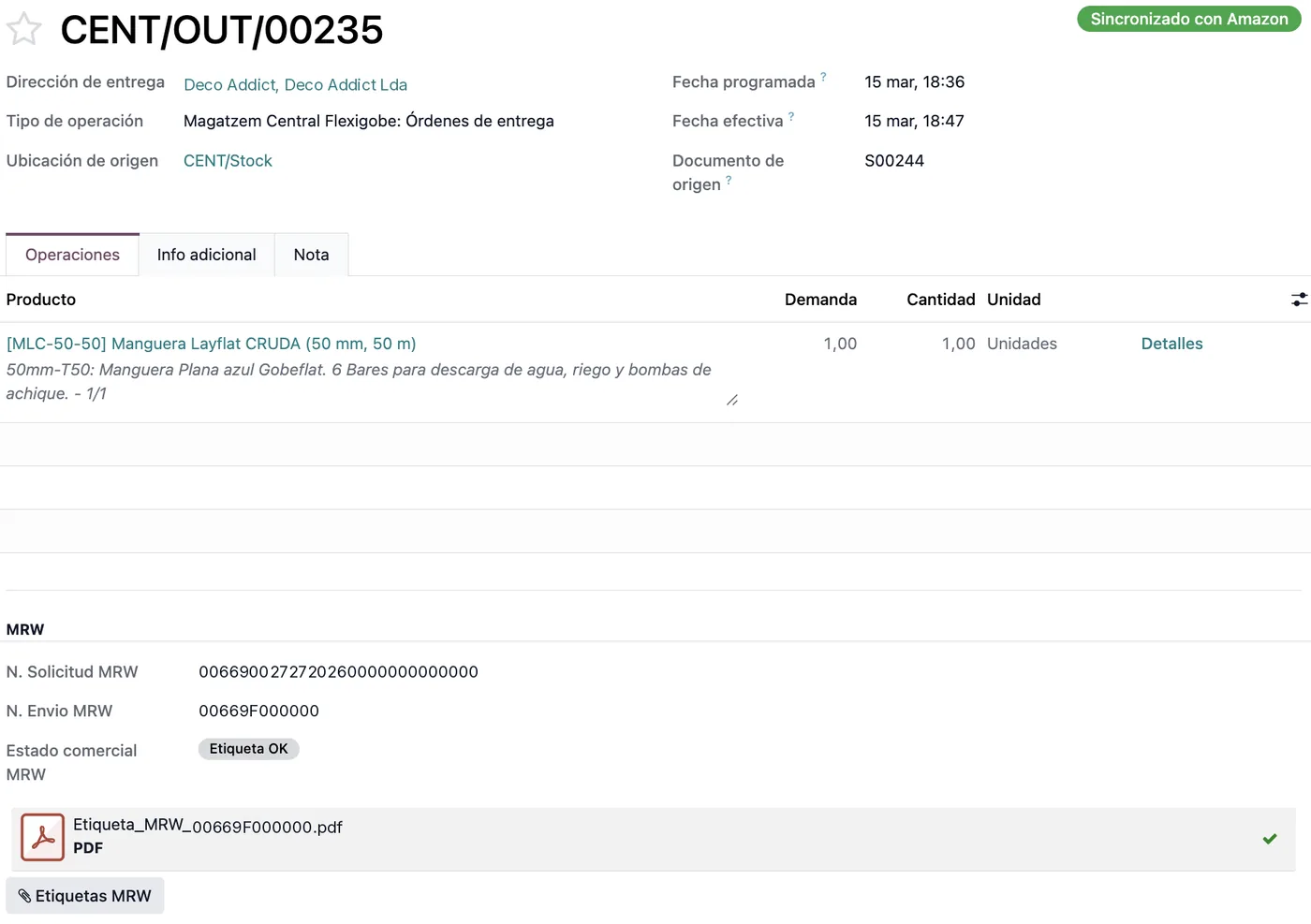
Importing the order is not the end of the journey: it is the start. That order has to reserve stock, produce a delivery note with the deadline visible to whoever picks, go through the carrier and push the tracking number back to Temu on time. If shipping is handled on the carrier's own website, somebody copies the tracking by hand and the real shipping cost never reaches your margin. With the delivery note inside Odoo, the label comes off the delivery note and tracking goes up by itself; that is how our carrier connectors are built.
The detailed mapping of the intake — unique identifier, variants, taxes and cancellations — is in importing Temu orders into Odoo. This article is about what happens after the order lands.
Invoicing: the destination country sets the tax
A marketplace does not issue your invoices. Every order arrives in its own currency and with the tax regime of the country the goods are going to, not the country your company sits in, and in Odoo that means fiscal positions, price lists per currency and a journal that balances at month end. If you invoice from Spain you also have VeriFactu, with its hash chain and its filing to the tax agency; our module is a one-off 49 EUR on the Odoo App Store. None of that is solved by exporting a CSV from the panel.
What Temu pays you is not what you sold
Between the sale and the money there are fees, promotions, penalties, returns and adjustments. The settlement arrives aggregated, and if nobody reconciles it against the orders behind it, the question «does this channel make money?» has no answer: it has opinions. Bringing settlements into Odoo and matching them line by line is what turns «we sell a lot on Temu» into a number with a sign. It is the same job, under different names, on every marketplace.
When the right answer is to build nothing
If you ship twenty orders a month, one channel, one warehouse, the Temu panel and a well-kept spreadsheet are enough. Standing up an ERP for that is spending money and weeks on a problem you do not have yet. It changes when the second channel appears, when the warehouse stops fitting in one person's head, or when the accounts start running a month behind. We would rather say this before the project than halfway through it.
What our connector does
The Temu connector for Odoo imports orders and cancellations as Odoo sales with the ship-by date in view, publishes catalog, prices and per-SKU stock from the ERP, and confirms the shipment to Temu with its tracking number when the delivery note is validated. It also brings in Temu's shipping documents, returns and the tax invoices Temu issues. Per-country tax comes from Odoo's fiscal positions, not from the connector. It runs on Odoo 17, 18 and 19, with migration to Odoo 20 the day it ships. The catalog and pricing side, which takes the most time at the start, is covered in syncing Temu products and prices.
Frequently asked questions
Can I start with Temu alone and add channels later?
Yes, and it is the sensible order. Putting the ERP at the centre from the first channel makes the second one configuration rather than a new project.
Do I need Odoo Enterprise?
The connector runs on Community and on Enterprise. What changes is accounting: Community gives you invoicing, not full accounting. If an external accountant keeps your books, Community is usually enough.
How long does it take to get running?
It depends on how many references need mapping and whether per-country tax setup already exists. The time sink is almost never the connection: it is the catalog and the master data.
Useful links inside FlexigoTech
What we do about this
Temu going well and the back office is not?
Tell us how many orders a month you move, which countries you sell in and where stock and invoicing live today. We will tell you what to move into the ERP first and what can wait. Write to comercial@flexigobe.com or book a call.