Orders typed by hand
Every Shopify order is re-entered into Odoo by hand: customer, lines, variants and taxes. It is slow, error-prone and does not scale as volume grows.

If your Shopify store is already selling, the problem stops being how to sell and becomes how to operate: orders typed by hand, stock that drifts between channels and tracking copied from one side to the other. This Odoo 19 connector syncs Shopify both ways: it brings orders, customers and products into Odoo, and from Odoo it pushes stock, prices, fulfilment and shipping tracking, with returns and refunds included.

The very screens you get in Odoo — the real thing.
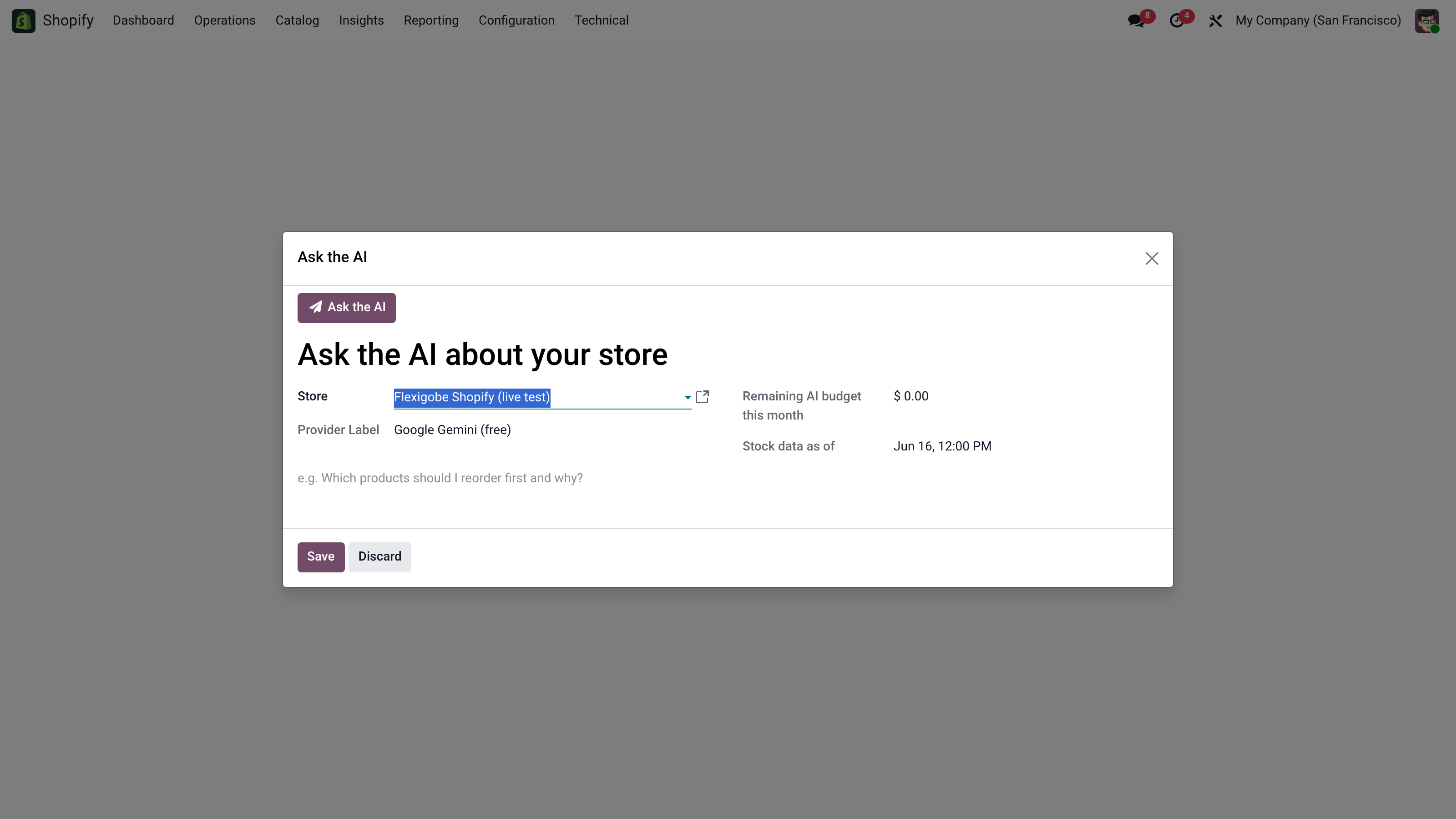
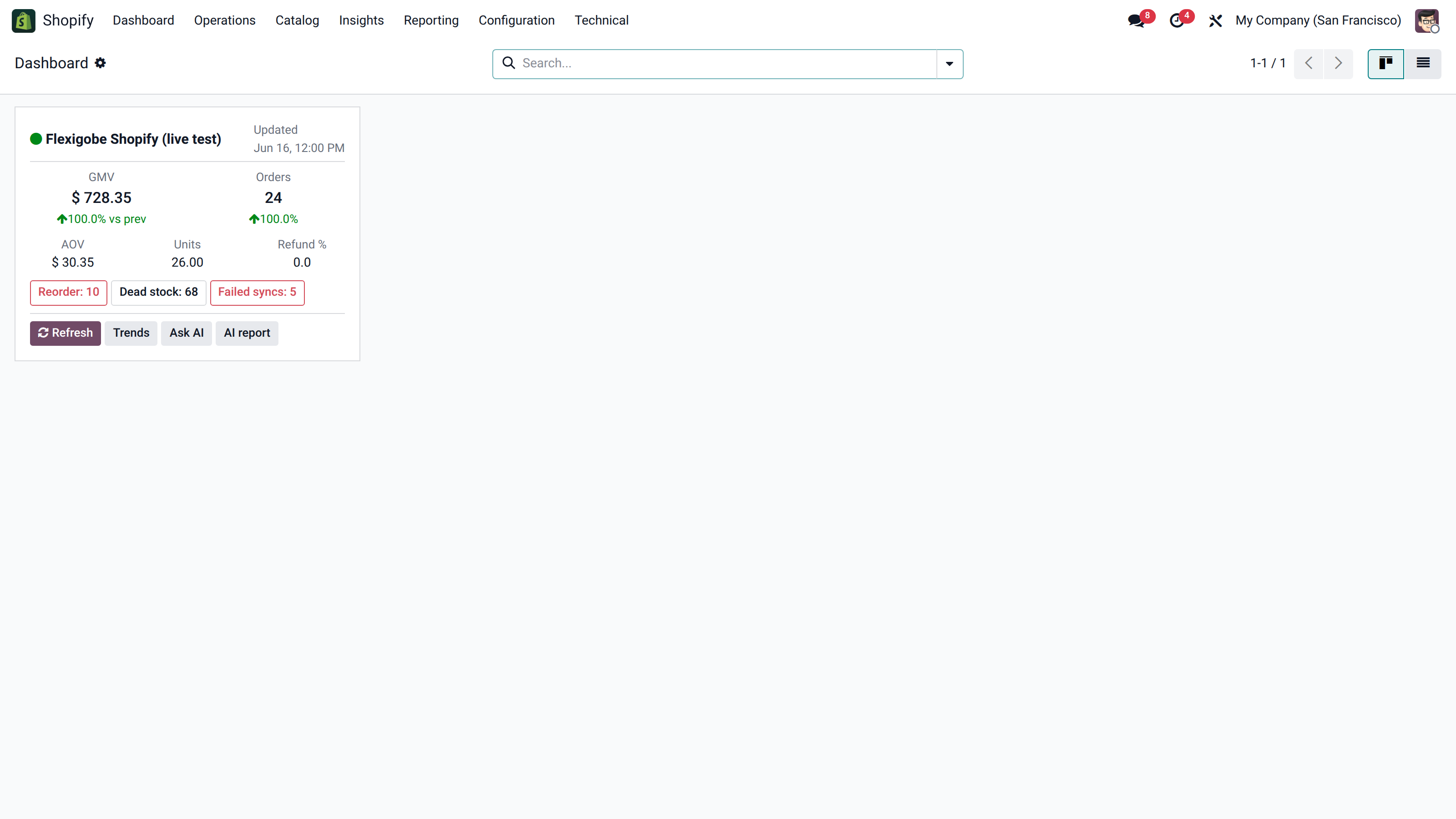
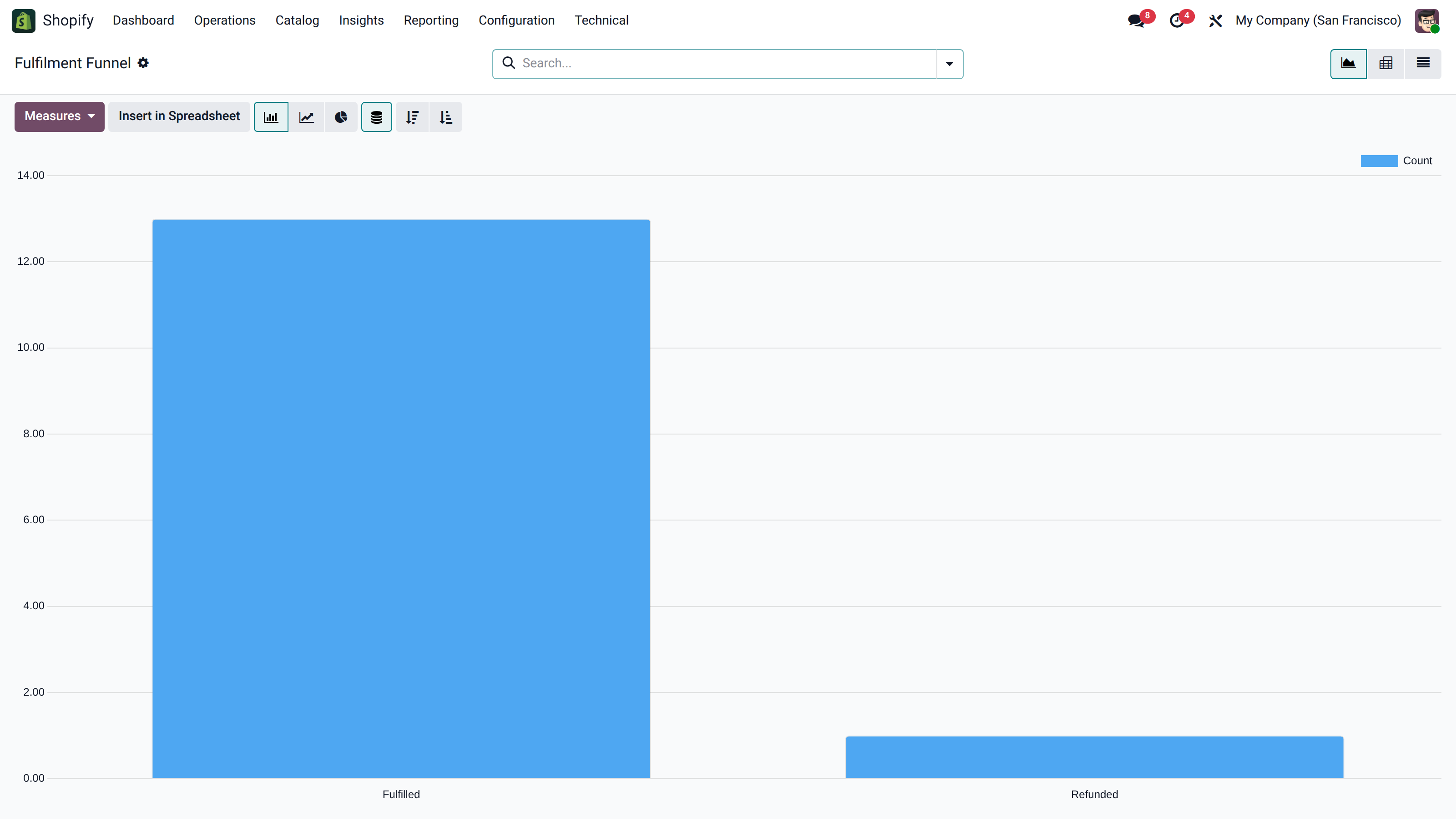
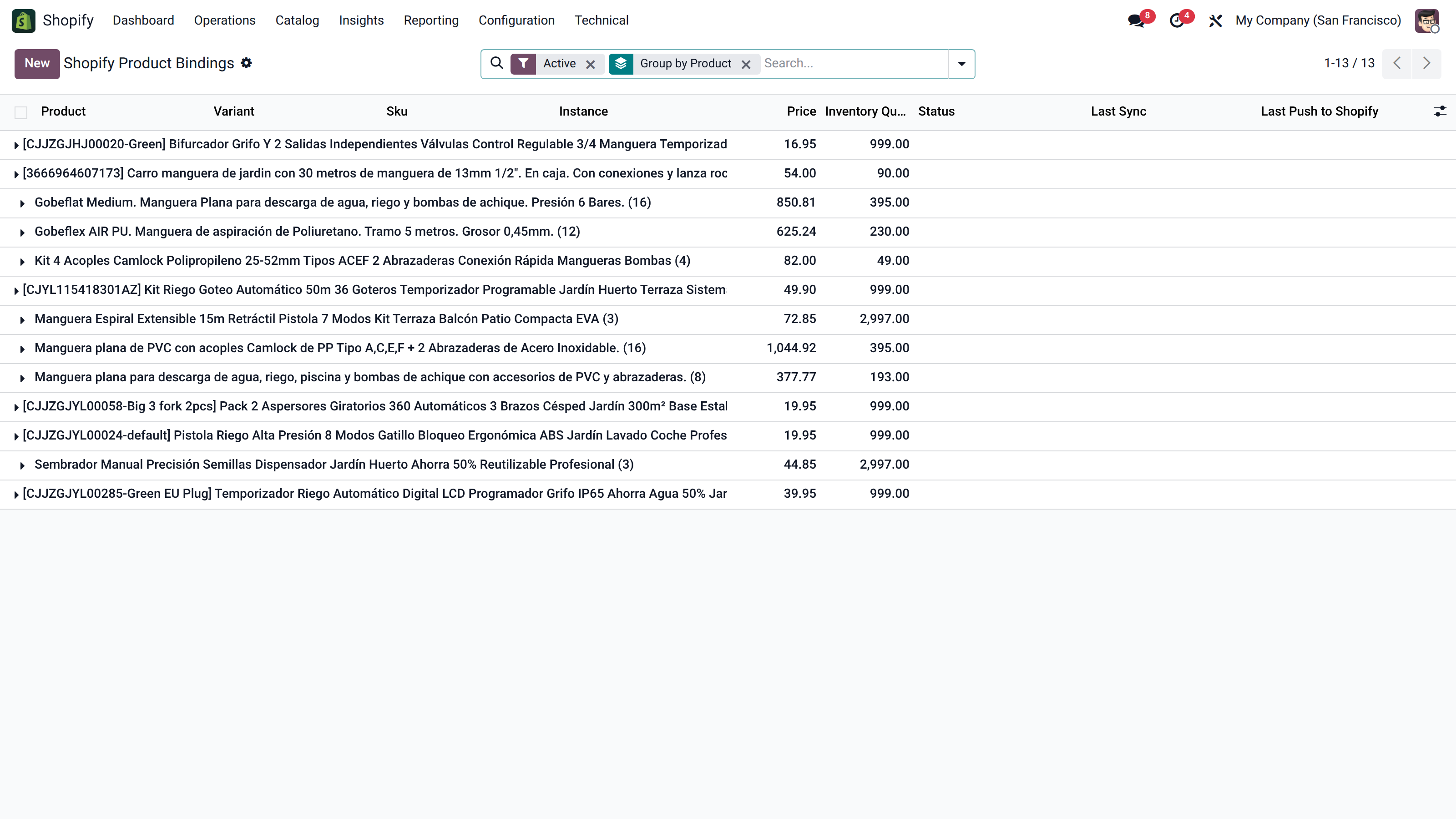
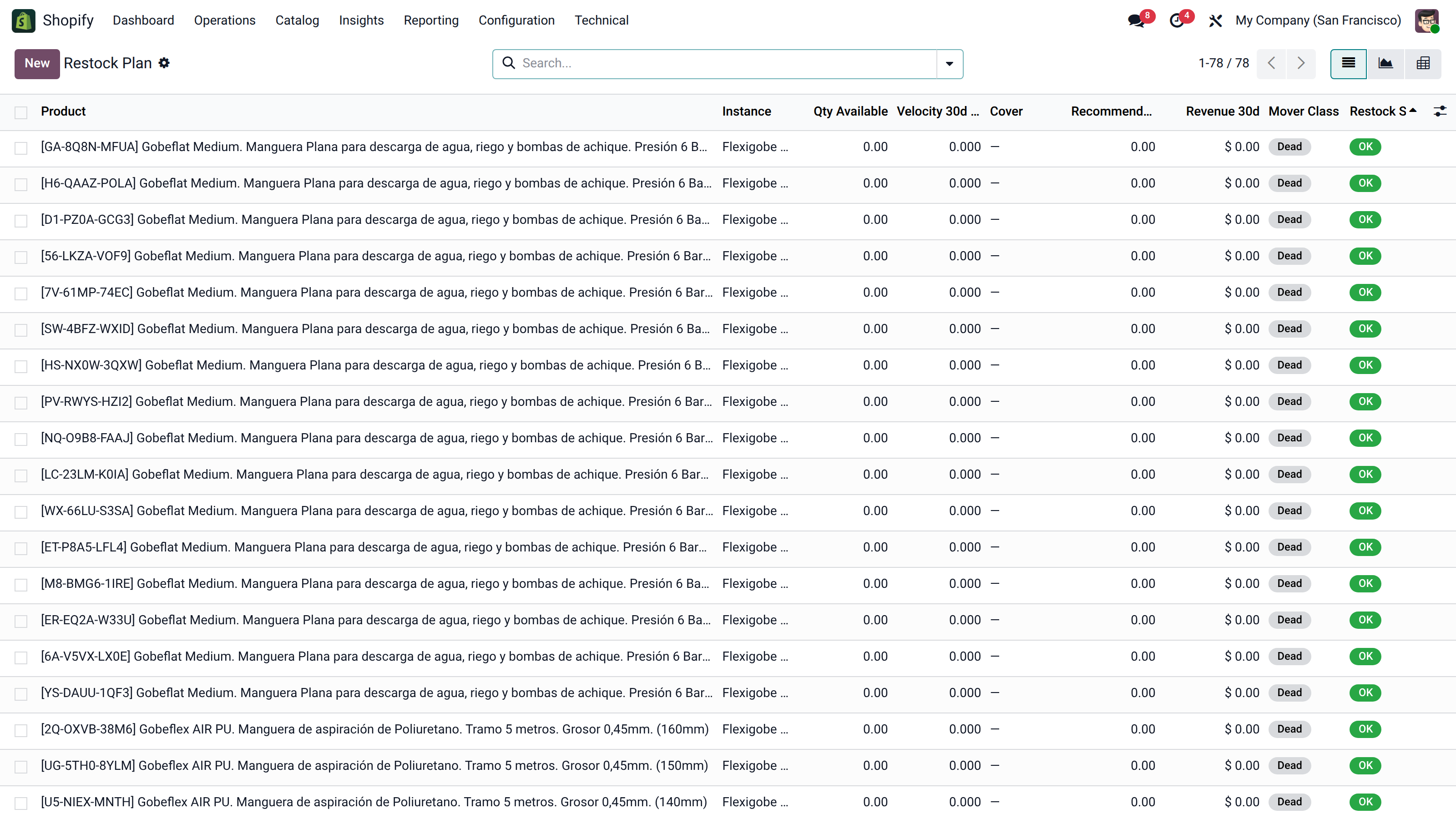
Try the Shopify connector inside a real Odoo 19, no sign-up. User demo / flexigodemo.
A store that sells is good news until the back office can't keep up. Then the usual problems appear: double data entry, stock mismatches and shipment tracking that gets lost along the way.
Every Shopify order is re-entered into Odoo by hand: customer, lines, variants and taxes. It is slow, error-prone and does not scale as volume grows.
If Shopify does not know what you actually have in the warehouse, you sell what is not there. Overselling shows up especially when the same product is sold across more than one channel at once.
You prepare the shipment in Odoo but the tracking number is pasted into Shopify by hand, and refunds get recorded twice or not at all. The customer asks and nobody has the full picture.
It does not promise magic and does not replace Shopify. It does the concrete, useful thing: it syncs the store data with Odoo in both directions so you operate from a single system.
It imports the Shopify order with the customer, the lines with product and variant, quantities, taxes and totals, and lands it as a sales order inside Odoo.
It reconciles the catalog between Shopify and Odoo and pushes the available stock and prices from Odoo, so the store reflects what you really have and at what price.
When you prepare and ship from Odoo, the connector marks fulfilment in Shopify and returns the tracking number, so the customer sees the real status of the order.
It handles Shopify returns and refunds so they are reflected in Odoo: the refund is neither duplicated nor is the returned stock lost.
FlexigoTech is Flexibles y Accesorios Gobe, S.L., from Barcelona. Development is handled by a single developer, so when you ask about order sync or stock you talk directly to whoever wrote the code, not to a salesperson.
It is a native Odoo 19 connector, with no external platform to maintain and no extra SaaS fee. We do not invent reviews or customer cases: it syncs orders, customers, products, stock and prices, sends fulfilment and tracking and handles returns and refunds. The initial setup and Shopify credentials are yours, and if you want we help you get it running.
Shopify rarely comes alone. It usually shows up next to other marketplaces and the need to organize orders, stock and shipping inside a single Odoo.
Yes. The sync is two-way: orders, customers and products from Shopify enter Odoo, and from Odoo stock, prices, fulfilment and tracking number are sent back. Each side keeps the other updated without moving data by hand.
The connector brings the full order: customer, lines with product and variant, quantities, taxes and totals. It also handles returns and refunds, so the refund recorded in Shopify is reflected in Odoo and does not throw off the accounting or the stock.
From Odoo. The connector pushes the available stock and the prices of your products to Shopify, so the store reflects what you really have in the warehouse. This reduces overselling when you sell the same product across several channels besides Shopify.
Yes. There is a live demo, a real Odoo 19 with the connector installed and no sign-up (user demo, password flexigodemo), where you can see how orders come in, how stock and prices sync and how fulfilment goes out with its tracking. When you are clear, you buy the license on the Odoo App Store; and if you need it, we help you with the setup.
Orders, stock, fulfilment and refunds synced both ways with Odoo 19. Try it in the live demo and tell us how you have it set up.