Carts abandoned on a high total
When the basket is expensive, shoppers hesitate. Showing seQura at checkout gives them a way to spread the cost without ever leaving your store.

Selling with Odoo eCommerce and want to offer financing or split payments in the cart? This module adds seQura as a native BNPL payment method, with order reconciliation and payment states handled inside Odoo — no middleware, no separate dashboard to babysit.

The exact screens you get in Odoo — the real thing.
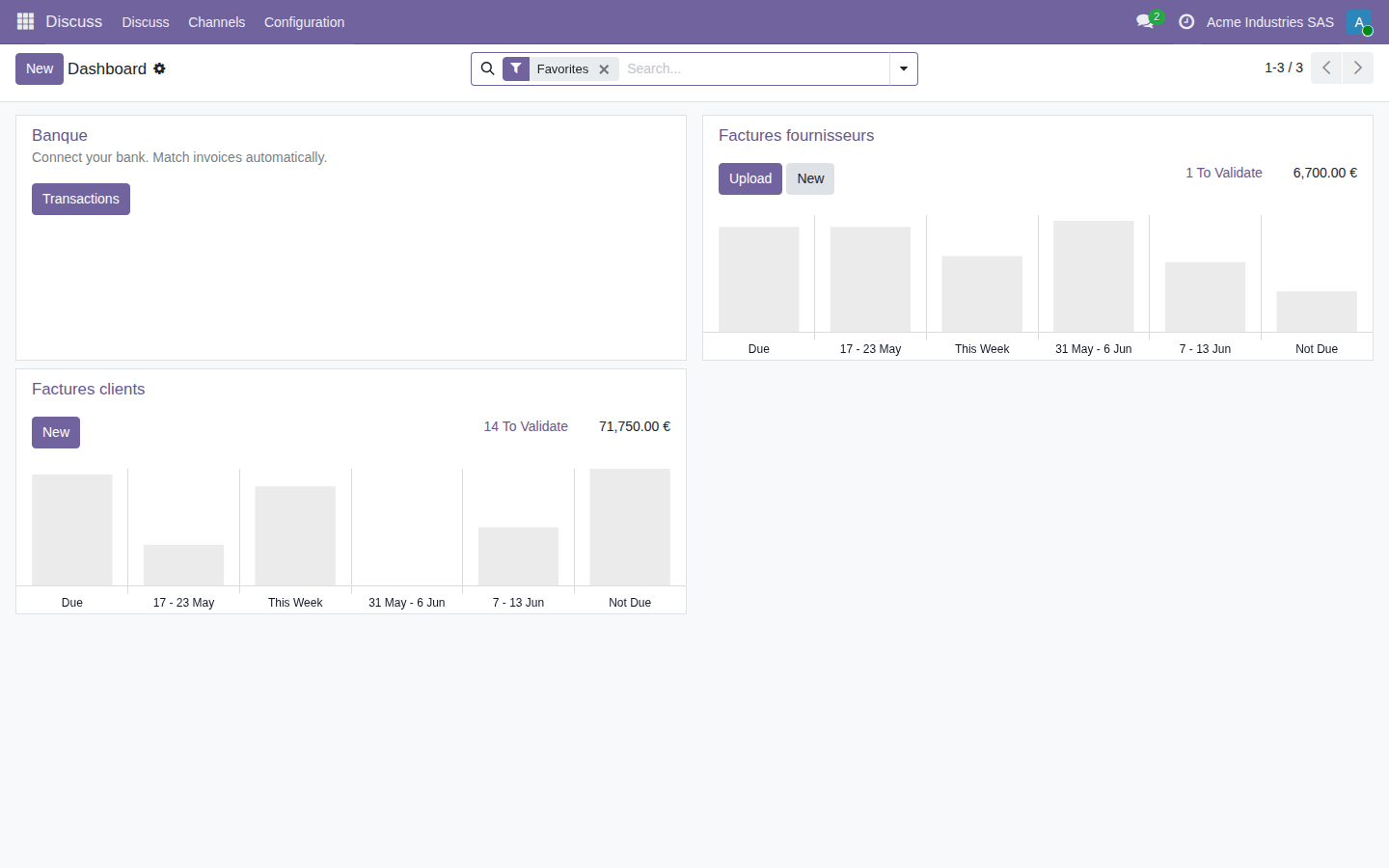
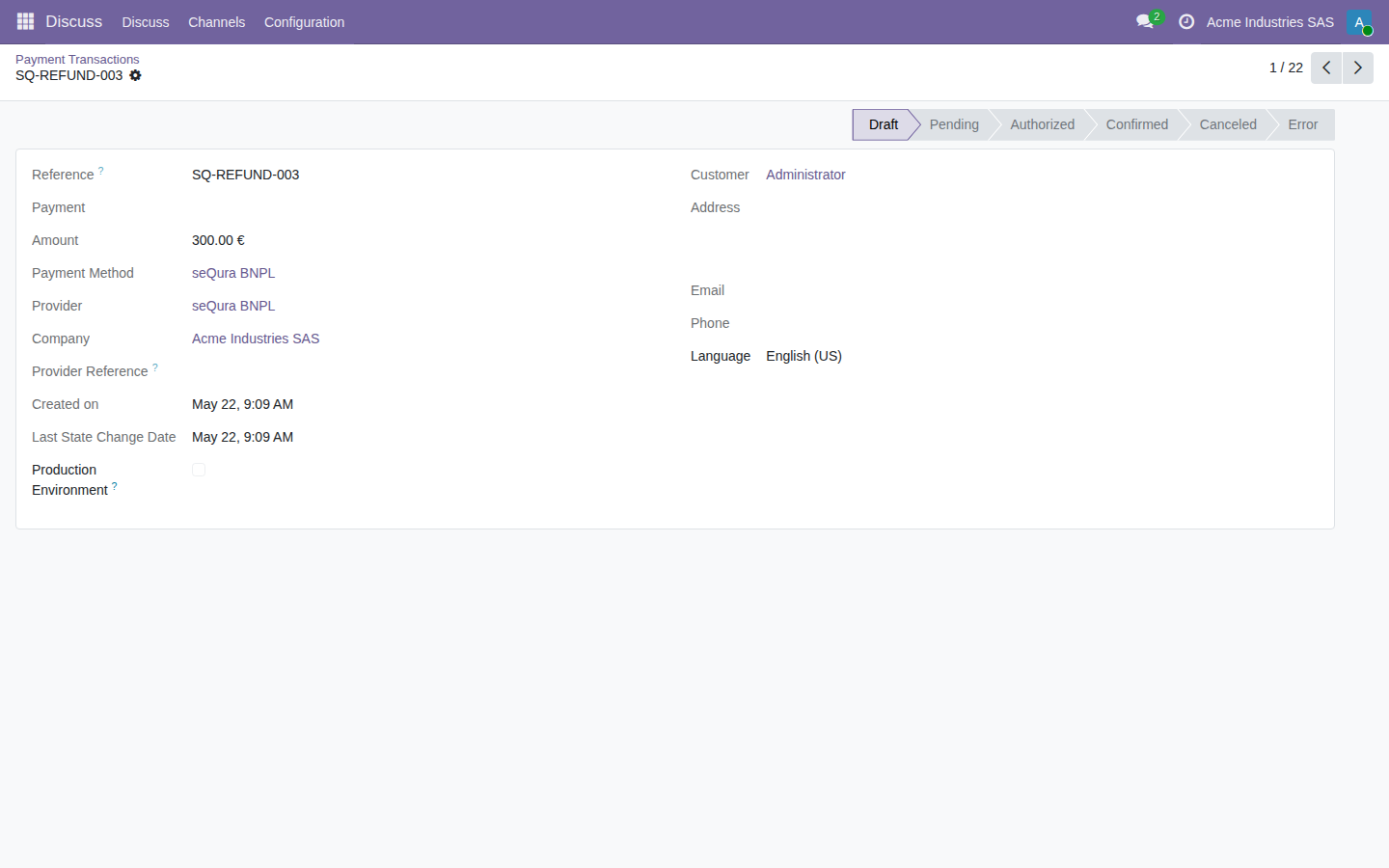
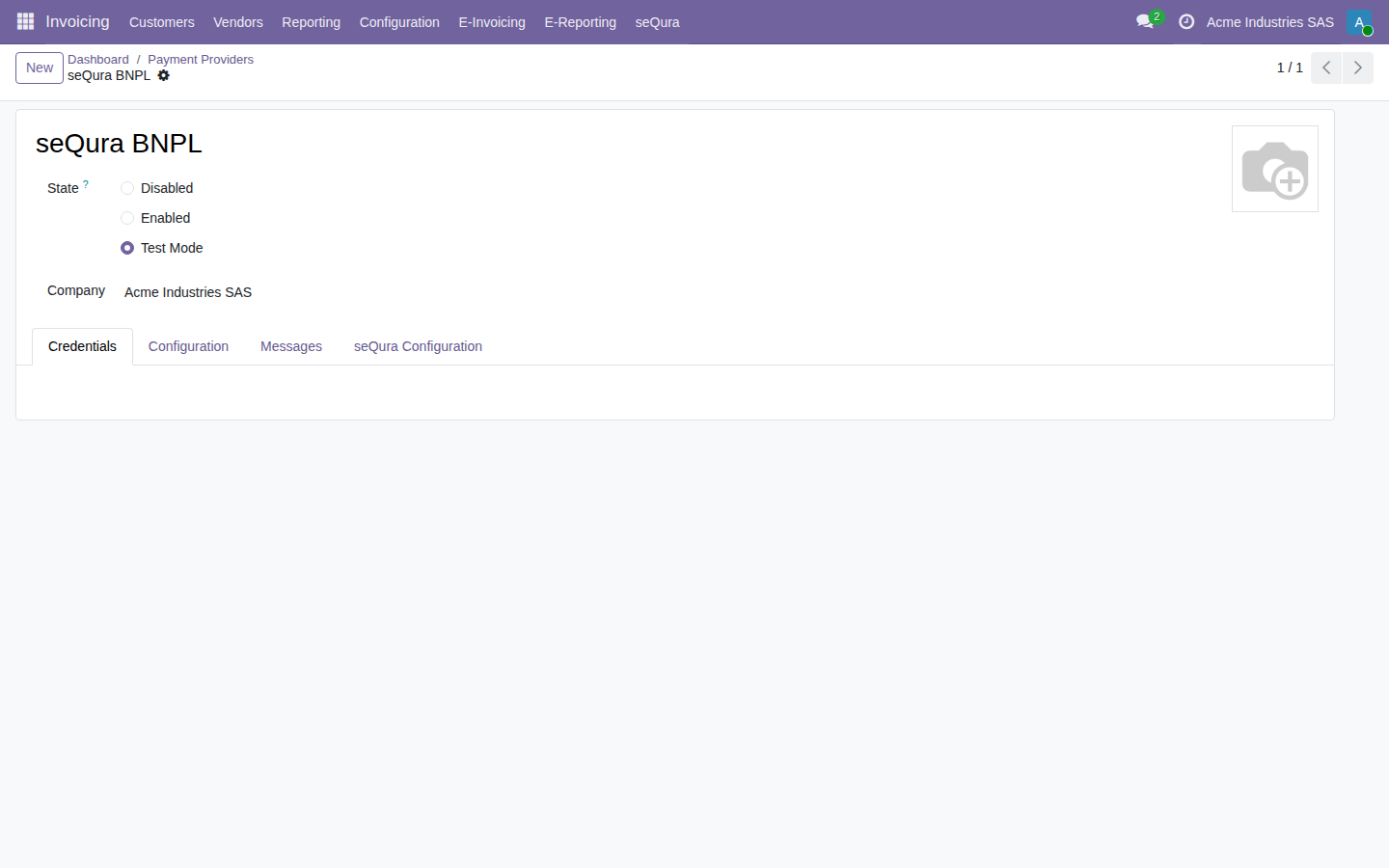
Try the seQura BNPL module inside a real Odoo 19, no sign-up. User demo / password flexigodemo.
Split payments lift conversion and average order value — but only if the charge and the order stay reconciled inside Odoo. That is exactly the part this module closes.
When the basket is expensive, shoppers hesitate. Showing seQura at checkout gives them a way to spread the cost without ever leaving your store.
If you check charges in the seQura dashboard and then reconcile them by hand against each order, the team burns time and you risk accounting mismatches.
With no sync, an order can be confirmed on the website while nobody knows whether the payment is authorized, paid or cancelled. Here the module makes that explicit on the order itself.
A clean payment integration: a native provider, the method live at checkout and real reconciliation — no parallel dashboards, no middleware, no extra monthly bill.
Shoppers see seQura among the cart payment options and pick financing or deferred payment just like any other method — no redirect surprises.
Each seQura transaction result updates the payment and order state in Odoo — authorized, paid, cancelled or error — so nothing has to be matched up by hand.
The module plugs straight into Odoo standard payment.provider and payment.transaction flow. No external bridge to host, no third-party SaaS in the middle.
Configure your seQura credentials, keep test and production apart, and validate the full flow before you ever put it live on real orders.
The module keeps traceability of the consumer-credit information (CCD2 / SECCI) tied to each financing operation, so you can review and justify an instalment order without rebuilding it by hand.
You get the complete source, not an obfuscated black box — and you talk to the developer who wrote it and runs it on Odoo 17, 18 and 19, not a generic reseller.
Four steps, all within your existing Odoo eCommerce flow.
Install the module, add your seQura credentials and enable the provider. seQura shows up as a payment method in Odoo eCommerce like any other.
At the cart, the customer picks seQura and chooses financing or deferred payment. The checkout runs through Odoo standard payment flow.
The seQura result comes back and the module updates the payment and order state — authorized, paid, cancelled or error — right on the sales order.
FlexigoTech (Flexibles y Accesorios Gobe, S.L., Barcelona) is a focused Odoo developer. The seQura module is a native payment provider — not an external connector with middleware, and not a separate SaaS that lands another monthly invoice on your desk. Have a technical question? You talk straight to the person who wrote the code. We do not invent reviews or case studies: what you read here is what the module actually does.
You can buy the licence on the Odoo App Store and install it yourself — the source code is included. Or, if you want the payment method configured properly from day one, with credentials, testing and reconciled states, we can handle the go-live with you. This page links out to the catalogue and to contact, so you take whichever path you prefer.
Buy it once and own it. No subscription, no per-order fee, no middleware bill on top. The module itself never adds a monthly cost — seQura’s own financing terms are set by your contract with seQura.
A single payment on the Odoo App Store. No recurring licence, no hidden usage fees.
You receive the complete, readable source — audit it, adapt it, keep it. No black box.
Ships for all three current series, on both Community and Enterprise. Pick the version that matches your instance.
No monthly fee for the module. If something needs a hand, you reach the developer directly, not a support queue.
A few next steps, so you land where you actually need to be.
It ships for Odoo 17, 18 and 19 as a native payment provider inside Odoo eCommerce, built on the standard payment.provider and payment.transaction flow — so it behaves like any other checkout payment method, not a bolted-on integration.
Yes. It runs on both Odoo Community and Enterprise. It relies on the standard eCommerce and payment layer that ships in Community, so you do not need an Enterprise subscription to add seQura at checkout.
Yes. seQura is Buy Now Pay Later: the shopper chooses financing or deferred payment at checkout and you get paid according to your own contract terms with seQura. The module reflects the payment result on the Odoo sales order.
The module receives the result of each seQura transaction and updates the payment and order state in Odoo (authorized, paid, cancelled or error). Your team works entirely from the ERP instead of checking the seQura dashboard order by order.
Yes. The module keeps traceability of the consumer-credit information (CCD2 / SECCI) tied to each financing operation, so you can review and justify each instalment order without rebuilding it by hand. The contractual content and responsibility of the financing itself remain with seQura as the lender.
Yes. There is a live demo — a real Odoo 19 with the seQura BNPL module already installed and no sign-up (user demo, password flexigodemo). You can see seQura as a checkout payment method and watch payment states flow back onto the order. When you are ready, buy the licence on the Odoo App Store; if you want, we set up your credentials and go-live for you.
Install the module from the Odoo App Store, or talk to us and get it configured with credentials, testing and reconciled states from day one.