Data entered twice
The invoice is already in Odoo, but it has to be typed again into the FIRS/NRS portal. Double the work, double the chance of error, and a FIRS ID that nobody pastes back into the ERP afterwards.

Under Nigeria's FIRS e-invoicing mandate, run by the Federal Inland Revenue Service (FIRS) and the Nigeria Revenue Service (NRS), every merchant-buyer invoice has to be registered and validated on the authority's platform before it reaches the buyer. Doing that in a separate portal, keying the figures in by hand, is slow and easy to get wrong. This Odoo module sends the invoice to FIRS/NRS the moment you confirm it, receives the validation response and writes the FIRS identifier and status straight onto the invoice. Works on Odoo 17, 18 and 19.
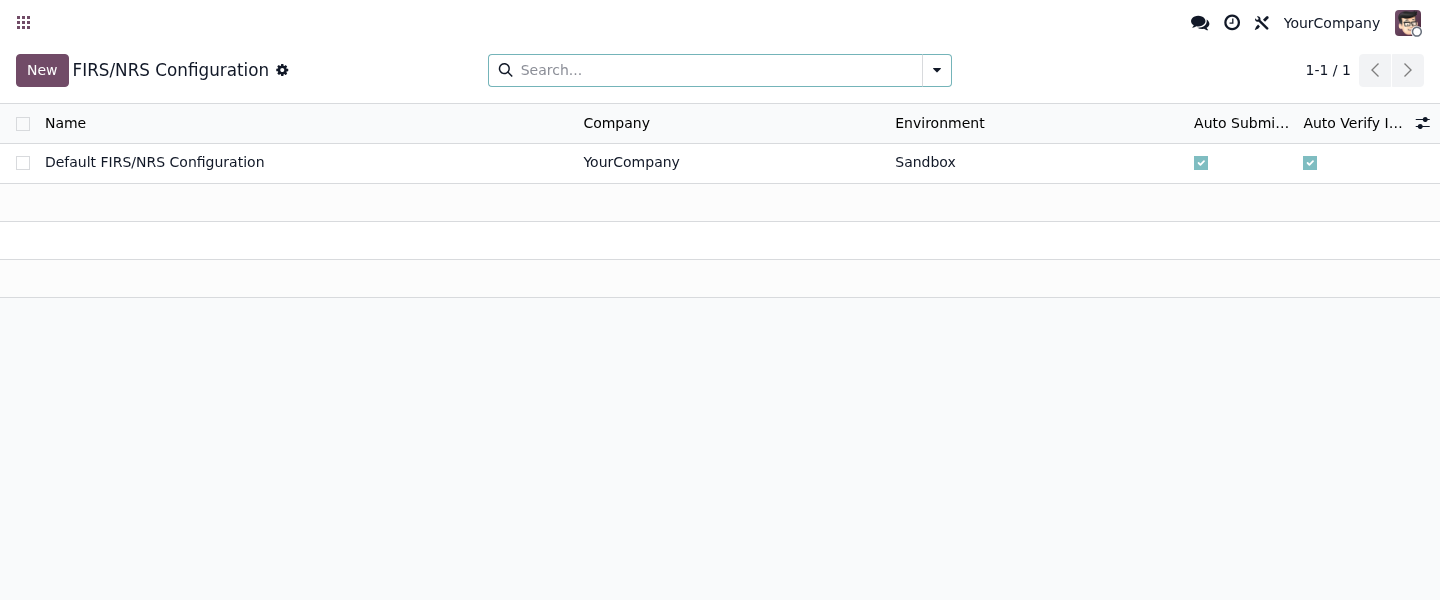
The very screens you get in Odoo, working for real.
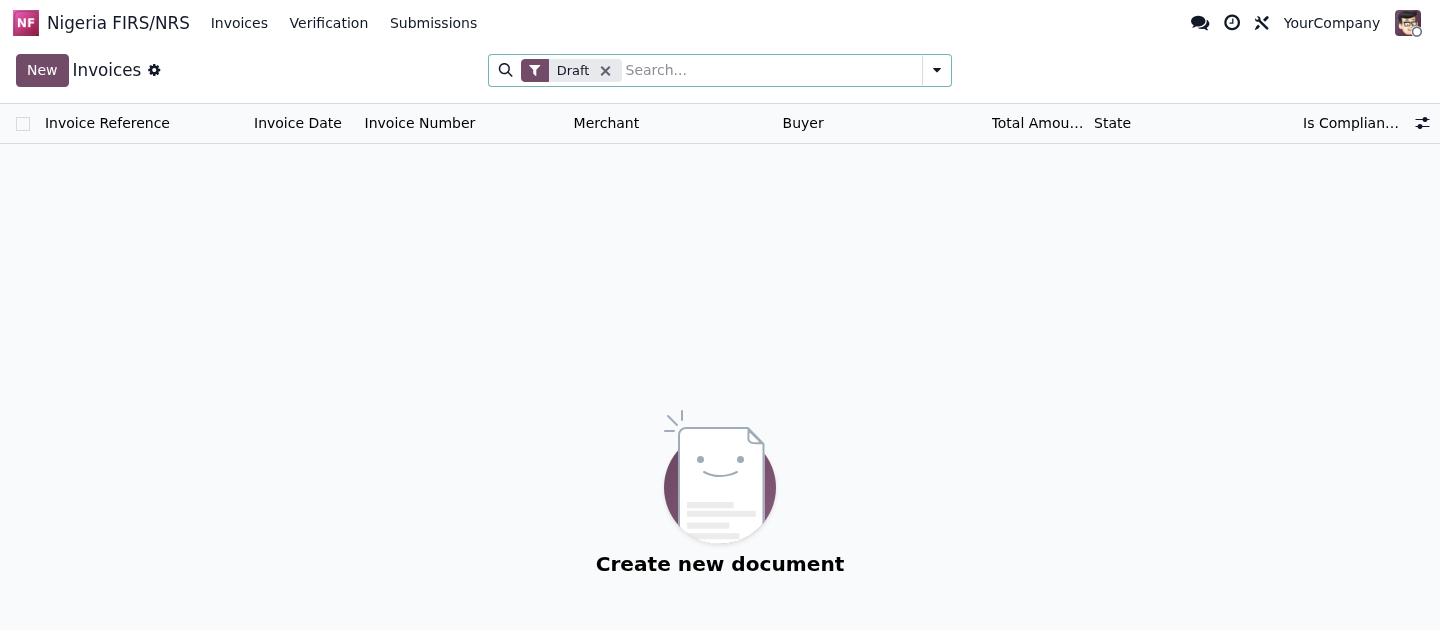

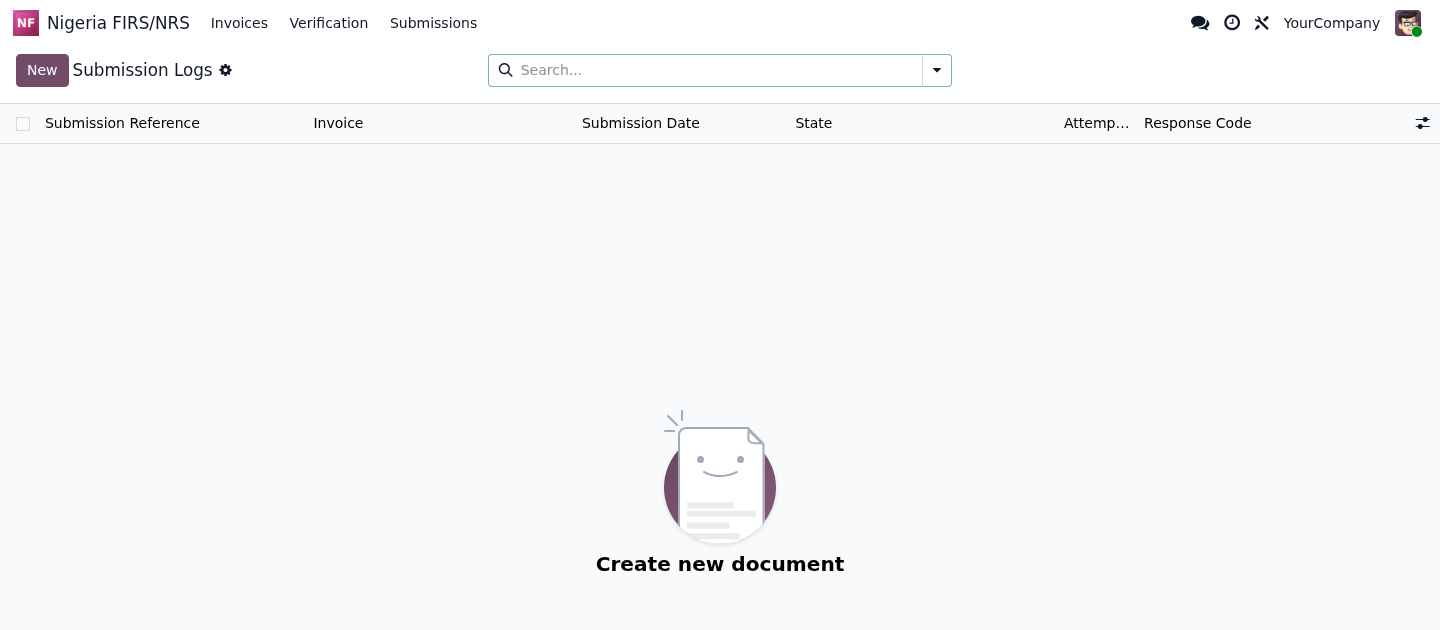
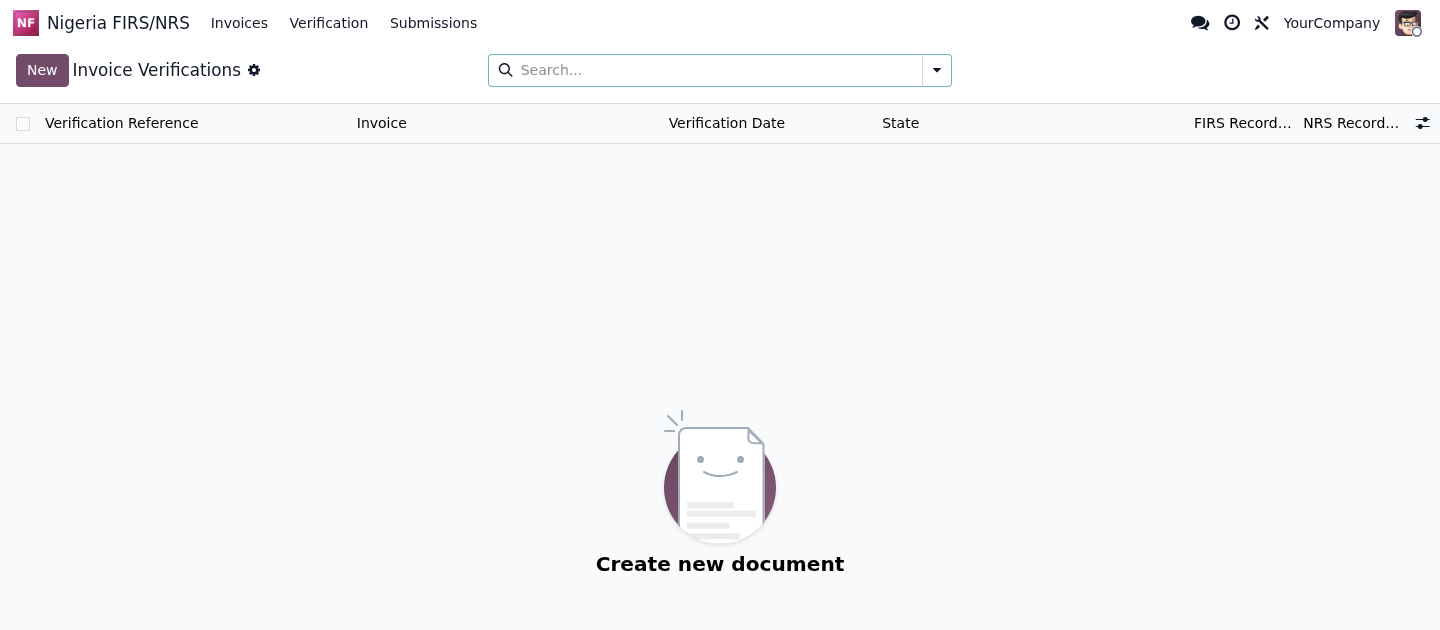
Try the Nigeria FIRS/NRS e-invoicing module inside a real Odoo 19, no sign-up. User demo / flexigodemo.
The obligation to validate every invoice on the authority's platform is clear. What hurts is the how: done in a separate portal, your team ends up re-keying data invoice by invoice, and nobody knows which ones were left unvalidated.
The invoice is already in Odoo, but it has to be typed again into the FIRS/NRS portal. Double the work, double the chance of error, and a FIRS ID that nobody pastes back into the ERP afterwards.
With no status inside the system, an invoice can easily reach the buyer without passing real-time validation, and you only find out when there's already a problem to answer for.
Bolting an external tool onto the invoicing flow means more logins, more sessions and more manual steps. For a lean finance team, every extra portal is one more place the process stalls.
It doesn't replace your tax responsibility or invent authority features. It does the concrete part: connecting your Odoo to the FIRS/NRS platform and keeping the submission, the validation and the status of every invoice inside the ERP.
When you confirm a customer invoice in Odoo, the module transmits it to the FIRS/NRS e-invoicing platform for merchant-buyer validation, without you ever opening a separate portal.
The authority's response (validated or rejected) and its FIRS identifier are recorded on the Odoo invoice itself, so the tax status lives right next to the document it belongs to.
If an invoice is rejected, the reason returned by FIRS/NRS stays visible in Odoo so you can fix it and resubmit, stopping any merchant-buyer invoice from slipping through unvalidated.
Every invoice keeps its own submission and validation history, so compliance tracking happens in the same Odoo you invoice from, not in a separate system you have to reconcile later.
The module ships for Odoo 17, 18 and 19, on both Community and Enterprise, so you can stay on the version you already run instead of forcing an upgrade just to comply.
You get the full source, so your own team or Odoo partner can review it, deploy it on your database and adapt the field mapping to how your company actually invoices in Nigeria.
You keep working the way you already do in Odoo. The module handles the trip to FIRS/NRS in the background.
Create and confirm the customer invoice exactly as you do today, with your customer, TIN, line items and VAT. There is no new screen to learn.
On confirmation, the module sends the merchant-buyer invoice to the FIRS/NRS platform for validation and waits for the response, all from inside the ERP.
Validated or rejected, plus the FIRS identifier and any reason, is written straight onto the invoice, so anyone in finance can see where each invoice stands.
You buy the module once on the Odoo App Store and run it on your own database. The source code is included and there is nothing metered on top.
A single purchase through the Odoo App Store. No subscription, no recurring licence, no charge tied to how many invoices you validate with FIRS/NRS.
You receive the complete module source, so your team or Odoo partner can audit it, deploy it and extend it. No black box, no external SaaS holding your invoice data.
Built and tested for Odoo 17, 18 and 19 on Community and Enterprise, so it fits the version you already run today.
You bring your own FIRS/NRS credentials from the authority to go live; if you get stuck on configuration, you deal with the developer directly, not a ticket queue.
FlexigoTech is Flexibles y Accesorios Gobe, S.L., based in Barcelona. Development is handled by a single developer, so when you ask about the FIRS/NRS submission or the status of an invoice you talk directly to the person who wrote the code, not a salesperson or a first-line support desk forwarding tickets.
It is a native Odoo module (17, 18 and 19) that connects to the FIRS/NRS platform to submit and validate merchant-buyer invoices in real time and store the status in the ERP. It does not replace your tax obligations or guarantee compliance on its own: the taxpayer's responsibility is still yours, and we tell you that before you buy, not after. You need your own FIRS/NRS credentials from the authority to operate.
Mandatory e-invoicing rarely comes on its own. It usually turns up next to the need to tidy up sales, invoicing and compliance inside a single Odoo.
FIRS (Federal Inland Revenue Service) is Nigeria's federal tax authority, and NRS (Nigeria Revenue Service) is the name of its new structure. Under the FIRS e-invoicing mandate, merchant-buyer invoices must be registered on the authority's platform and validated in real time before they are delivered to the buyer. This Odoo module connects your ERP to that platform so the submission goes out straight from the invoice you already raised in Odoo.
Yes. When you confirm a customer invoice in Odoo, the module sends it to the FIRS/NRS platform, receives the response (validated or rejected) and stores the FIRS identifier and status on the invoice itself, without leaving the ERP or retyping the data into a separate portal.
The rejection status and the reason returned by the platform are recorded on the Odoo invoice, so you can see which invoices failed validation and fix and resubmit them. The goal is that no merchant-buyer invoice reaches the buyer unvalidated without anyone noticing.
Yes. The module is a standard Odoo addon and runs on both Odoo Community and Enterprise, on Odoo 17, 18 and 19. It plugs into the customer invoice you already use in Accounting, so you don't need any special edition to submit and validate invoices with FIRS/NRS.
It is a one-time payment of 49 EUR through the Odoo App Store, with the full source code included and no monthly or per-invoice fees from us. You buy it once, install it on Odoo 17, 18 or 19, and use it on your own database. You only need your own FIRS/NRS credentials to go live.
Yes. There is a live demo: a real Odoo 19 with the module installed and no sign-up (user demo, password flexigodemo), where you can see the invoice submission flow, the status returned by FIRS/NRS and the traceability inside the ERP. When you're ready, you buy the license on the Odoo App Store, and if you need it we help you set up the credentials.
The only question is whether you do it by hand in a separate portal or leave it solved inside Odoo. Tell us how you invoice and we'll tell you straight whether the module fits you.