Duplicate contacts on both sides
The same customer gets created in the CRM and again in Odoo, with a different phone or email. Reconciling it by hand every week is slow, and mistakes always slip through.

When your sales team lives in HubSpot or Pipedrive and operations invoices in Odoo, the same customer ends up in both systems and nobody knows which record is right. This module syncs contacts and companies two-way between Odoo and HubSpot or Pipedrive using real-time webhooks: whatever changes on one side appears on the other in seconds, with no copy-pasting. One-time EUR 29 on the Odoo App Store, source code included, no monthly fees, for Odoo 17, 18 and 19.
The very screens you get in Odoo, working for real.
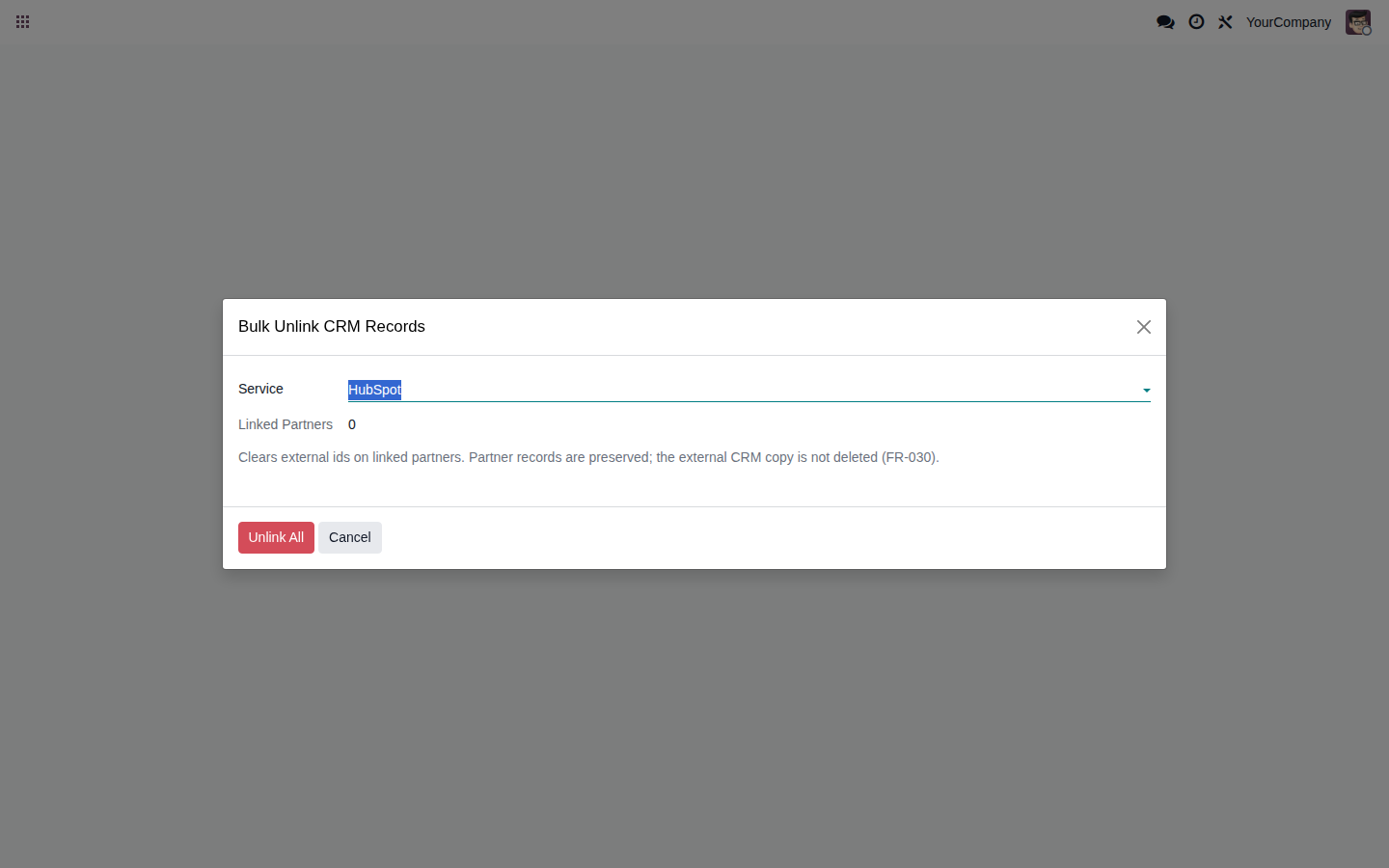
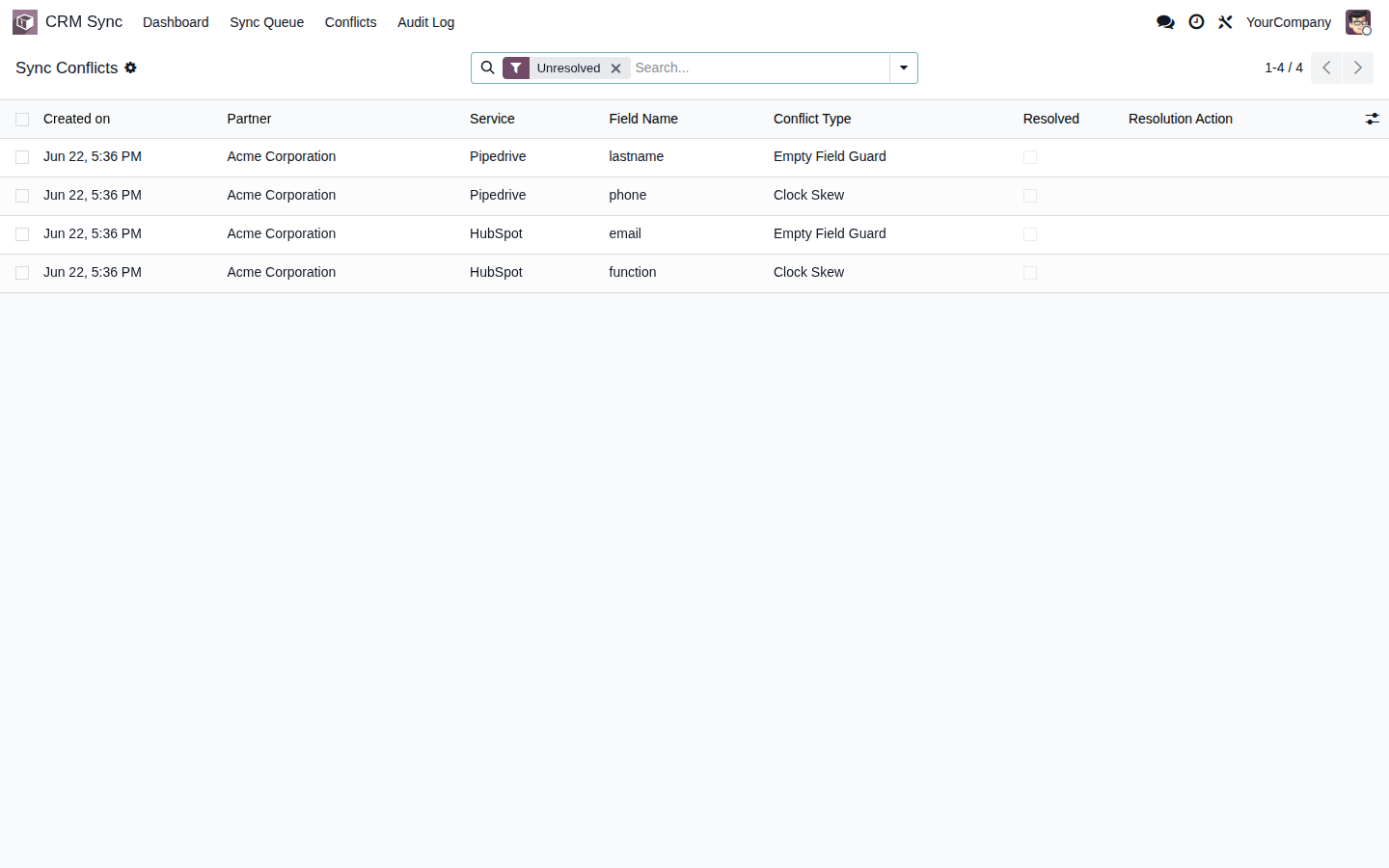
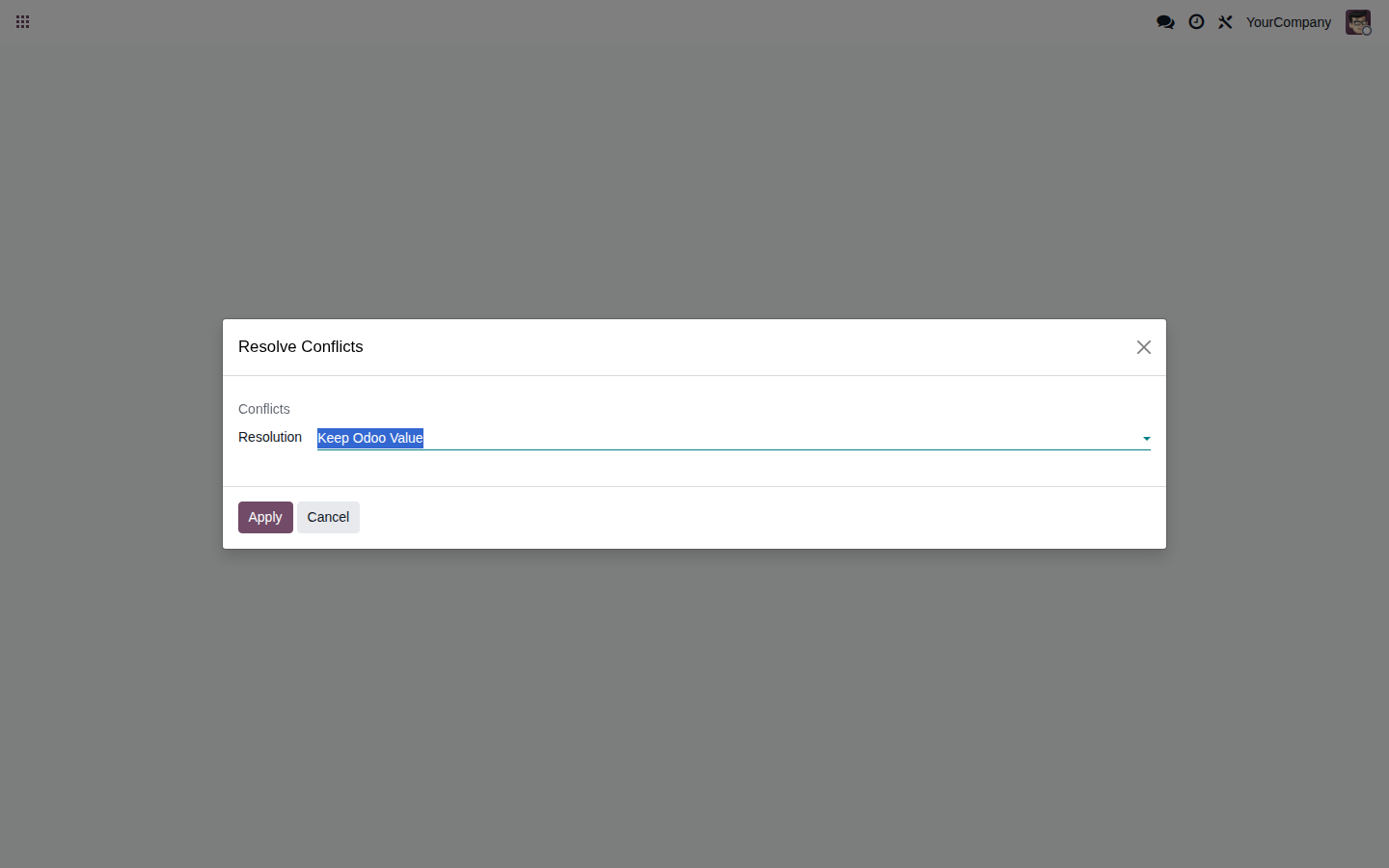
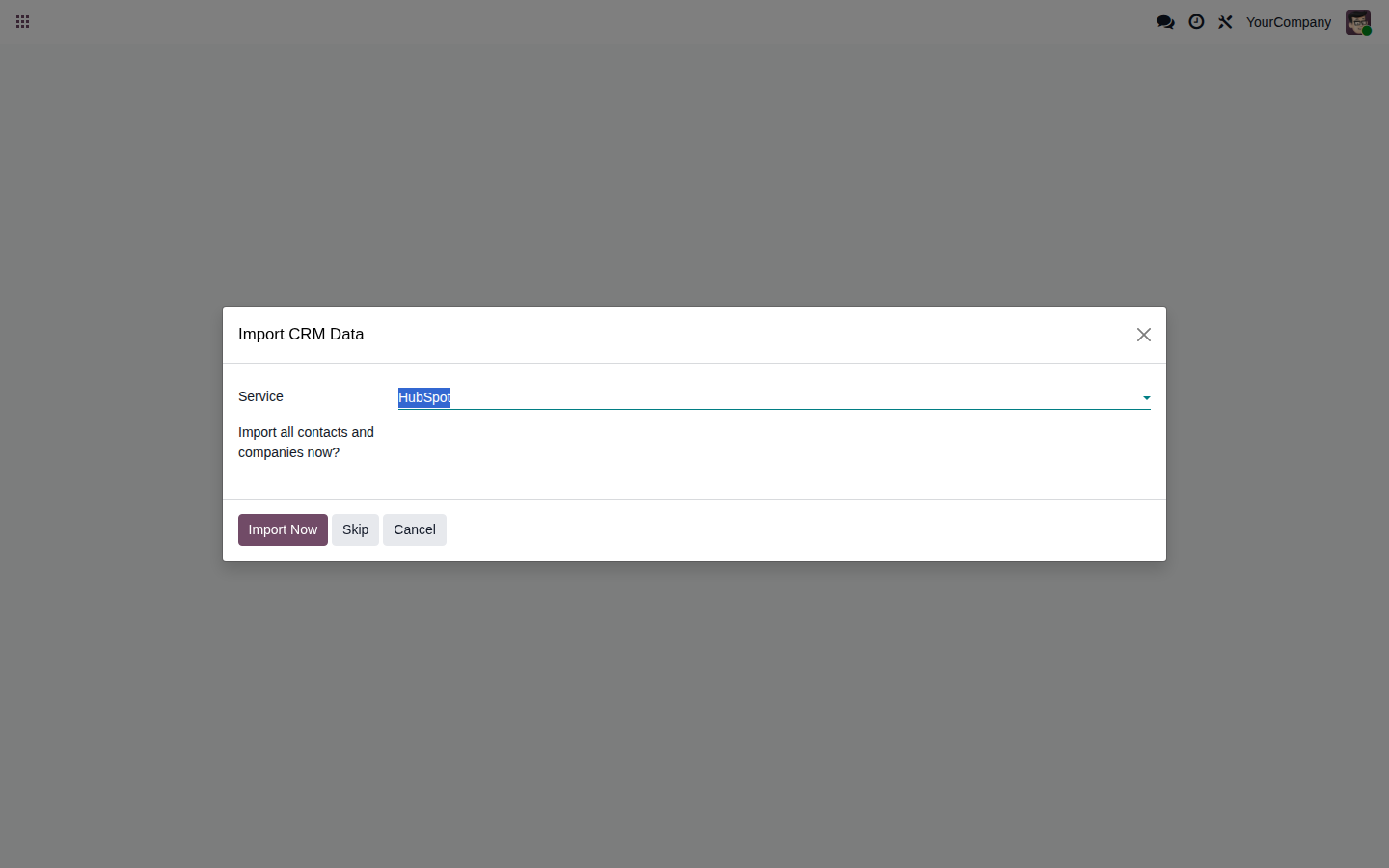
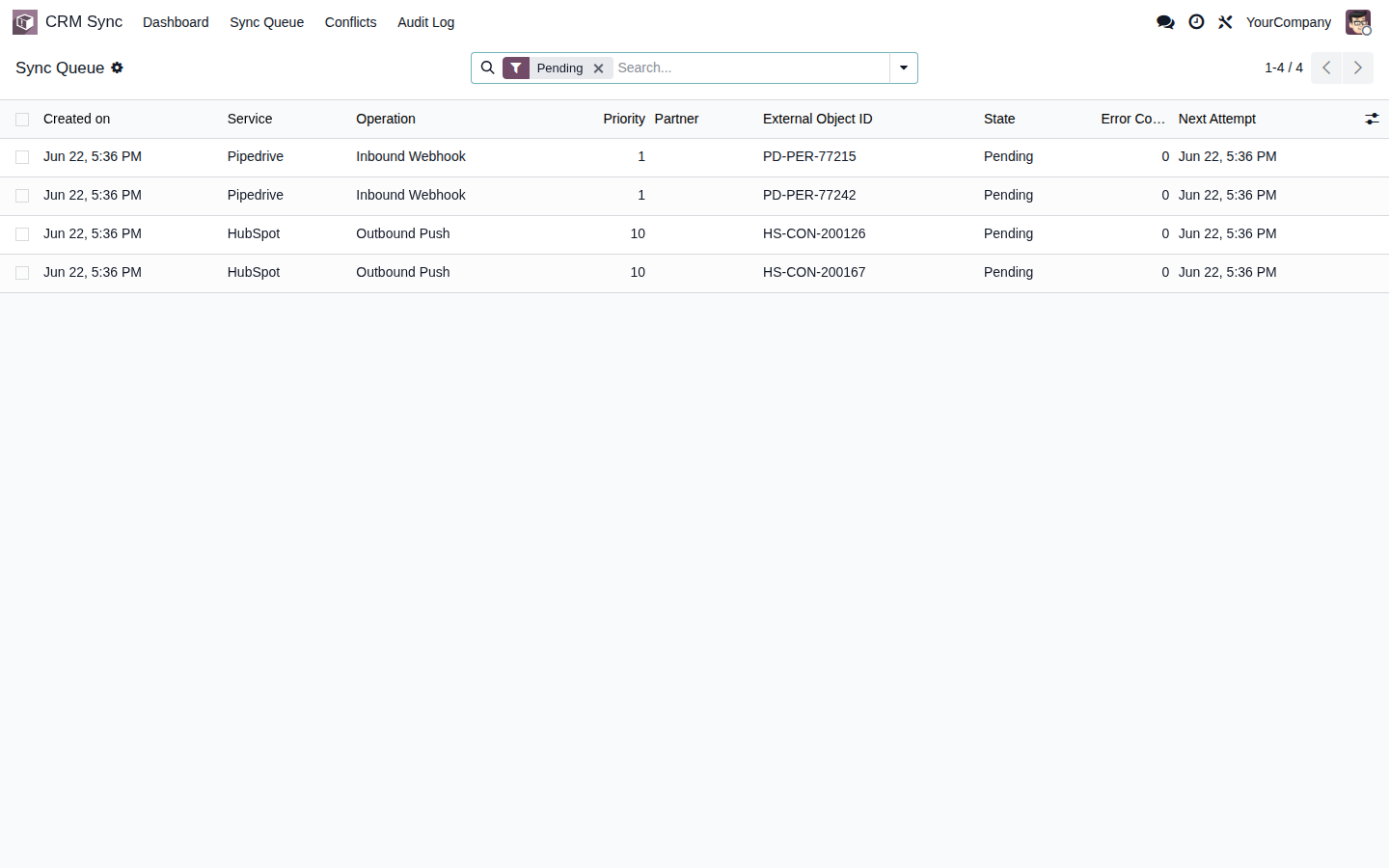
Try the CRM sync inside a real Odoo instance, no sign-up. User demo / password flexigodemo.
Your sales team lives in HubSpot or Pipedrive and operations invoices in Odoo. Without a bridge between them, every customer ends up existing twice, with different data on each side.
The same customer gets created in the CRM and again in Odoo, with a different phone or email. Reconciling it by hand every week is slow, and mistakes always slip through.
Sales fixes an email or a phone number in HubSpot or Pipedrive, but Odoo keeps the old value. Each system ends up with its own version of the customer and nobody knows which one is right.
Without a sync, someone spends hours moving contacts and companies from one system to the other. It is manual busywork that adds nothing and introduces exactly the errors you wanted to avoid.
This is the Lite version: contacts and companies with their core fields, synced both ways between Odoo and HubSpot or Pipedrive. No vague promises. This is exactly what it does.
Changes in HubSpot, Pipedrive or Odoo propagate to the other systems instantly through webhooks. No polling delays, no manual sync runs.
If the same field changes in two systems at nearly the same time, the most recent timestamp wins. Deterministic and transparent: no conflict is ever left unresolved.
Every sync action (direction, source, timestamp and result) is logged and searchable inside Odoo, so you can debug issues and satisfy audits without guessing.
HubSpot and Pipedrive credentials are stored encrypted in Odoo and tokens refresh automatically, so you never have to re-authenticate by hand.
Webhooks catch the real-time changes; a periodic reconciliation (60 minutes by default, configurable) picks up any missed event to guarantee both sides stay consistent.
Before any data leaves Odoo for HubSpot or Pipedrive, the module asks for an initial acknowledgement and logs the transfers for your GDPR Article 30 processing register.
No middleware to host, no external platform to babysit. You install the module, connect your CRM once, and the sync runs on its own.
Install the module on your Odoo 17, 18 or 19 and connect HubSpot, Pipedrive or both via OAuth. Credentials are stored encrypted and tokens refresh automatically.
Confirm the GDPR transfer acknowledgement, then contacts and companies start syncing both ways. Webhooks push every change instantly; a Last-Write-Wins rule settles any clash.
The reconciliation cron sweeps for anything a webhook may have missed, and the audit trail records every action. You watch it work instead of copying data by hand.
You buy it once on the Odoo App Store for EUR 29 under the OPL-1 license, which means the source code is included and there are no monthly fees. It works on Odoo 17, 18 and 19, on Community and Enterprise, and it does not add any separate SaaS or middleware you would have to pay for or maintain.
It is a native Odoo module with no external platform to maintain and no extra SaaS fee. We do not fake reviews or customer stories. The Lite version syncs contacts and companies two-way between Odoo and HubSpot or Pipedrive; deals, activities and custom object mapping are out of scope, and we tell you that before you install, not after. FlexigoTech is Flexibles y Accesorios Gobe, S.L., in Barcelona, and development is handled by a single developer, so when you have a question about the sync you talk directly to the person who wrote the code.
Connecting your CRM to Odoo rarely comes alone. It usually shows up next to the need to organise contacts, sales and data inside a single system.
It syncs contacts and companies with their core fields (name, email, phone, addresses, job title) between Odoo and HubSpot or Pipedrive. The sync is two-way and real-time through webhooks: a change made in Odoo shows up in your CRM and the other way around, with no manual copy-pasting between systems.
No. The Lite version syncs contacts, companies and their core fields. Deals, activities, notes, attachments and custom field mapping are out of scope, which keeps the module lightweight and fast. If you need more, we can extend it as custom development.
Both at once if you want. Each Odoo contact can be linked to HubSpot, to Pipedrive or to both on the same instance. If the same field changes in two systems at nearly the same moment, the most recent timestamp wins thanks to Last-Write-Wins conflict resolution.
Yes. It runs on both Odoo Community and Enterprise, for Odoo 17, 18 and 19. It builds on the standard Contacts app (res.partner), which is present in Community, so you do not need any Enterprise-only app for it to work.
The module asks for an initial acknowledgement before any data leaves Odoo for HubSpot or Pipedrive, and it logs those transfers for your GDPR Article 30 processing register. It does not replace the legal review of the data processing agreements you sign with those vendors.
Yes. There is a live demo, a real Odoo instance with the module installed and no sign-up (user demo, password flexigodemo), where you can see the two-way contact and company sync in action. When you are ready, you buy it on the Odoo App Store for a one-time EUR 29 (OPL-1 license, source code included) and, if you need it, we help you connect your HubSpot or Pipedrive account.
The question is whether you reconcile it by hand every week or let Odoo and your CRM sync on their own. Tell us which CRM you use and we'll tell you straight whether the module fits.