The know-how lives in one person
When the operator who knows how to build that part number is off sick or retires, the how-to leaves with them. New hires take weeks to get up to speed because there is no clear instruction to follow.

Your operators get a manufacturing order that tells them what to produce, but not how to build it step by step. That know-how lives in the senior operator's head and walks out the door when they are off sick or retire. This module for Odoo MRP uses AI to draft step-by-step work instructions from your product and its bill of materials, gives operators a Q&A copilot to answer questions on the spot, inserts quality and safety checkpoints where they matter, and logs scrap with its reason and a full audit trail.
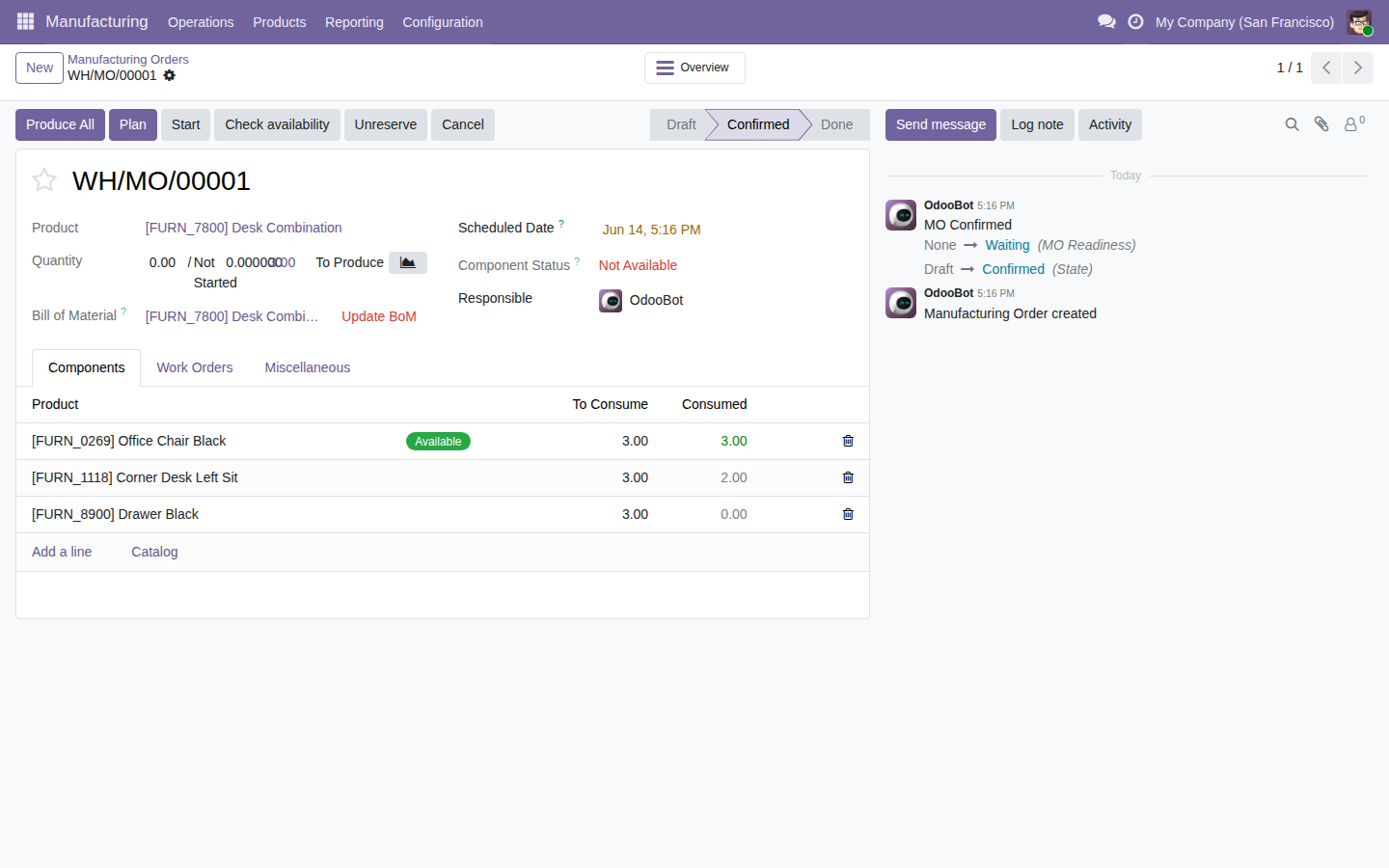
The very screens you get in Odoo, the real thing.
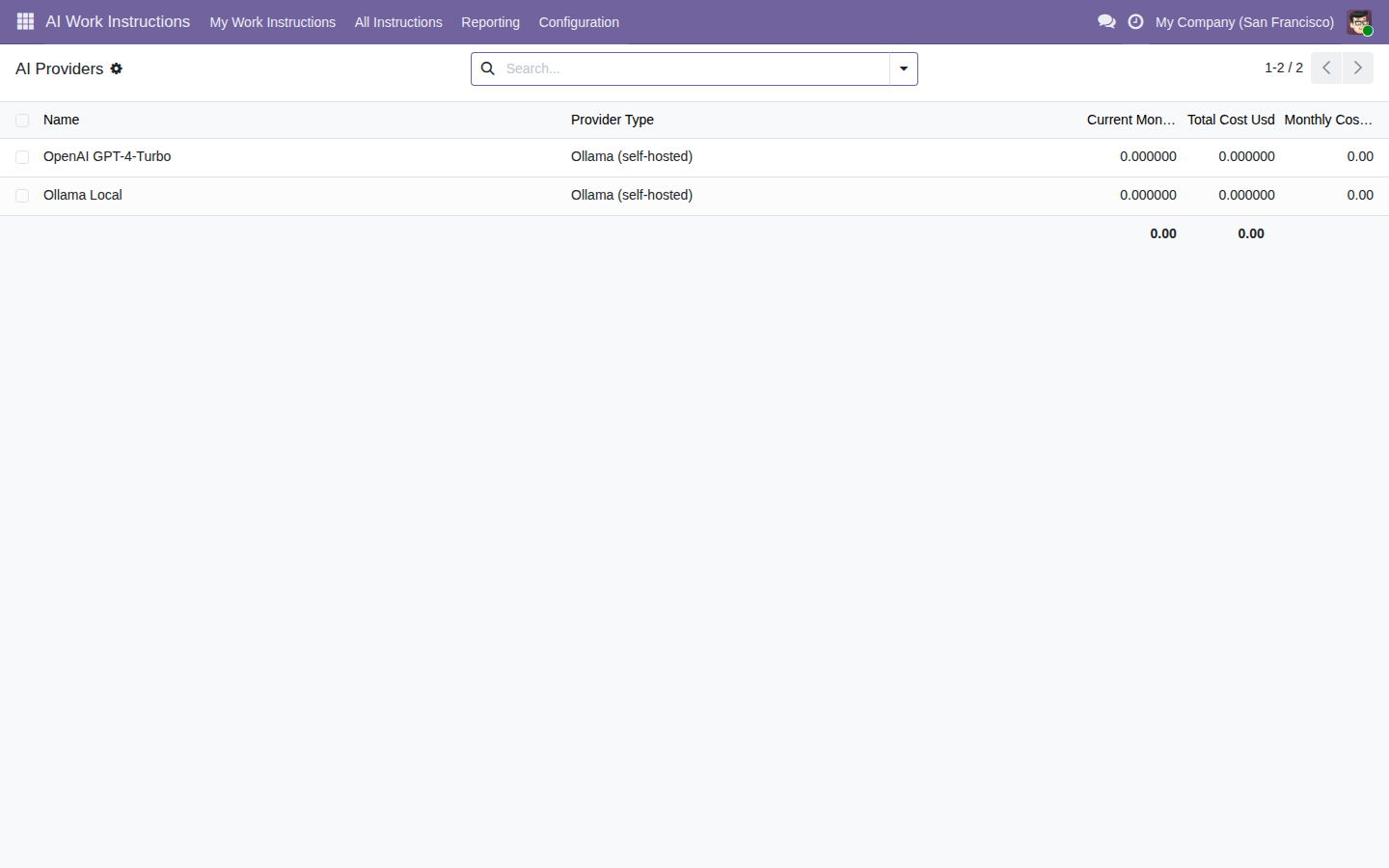
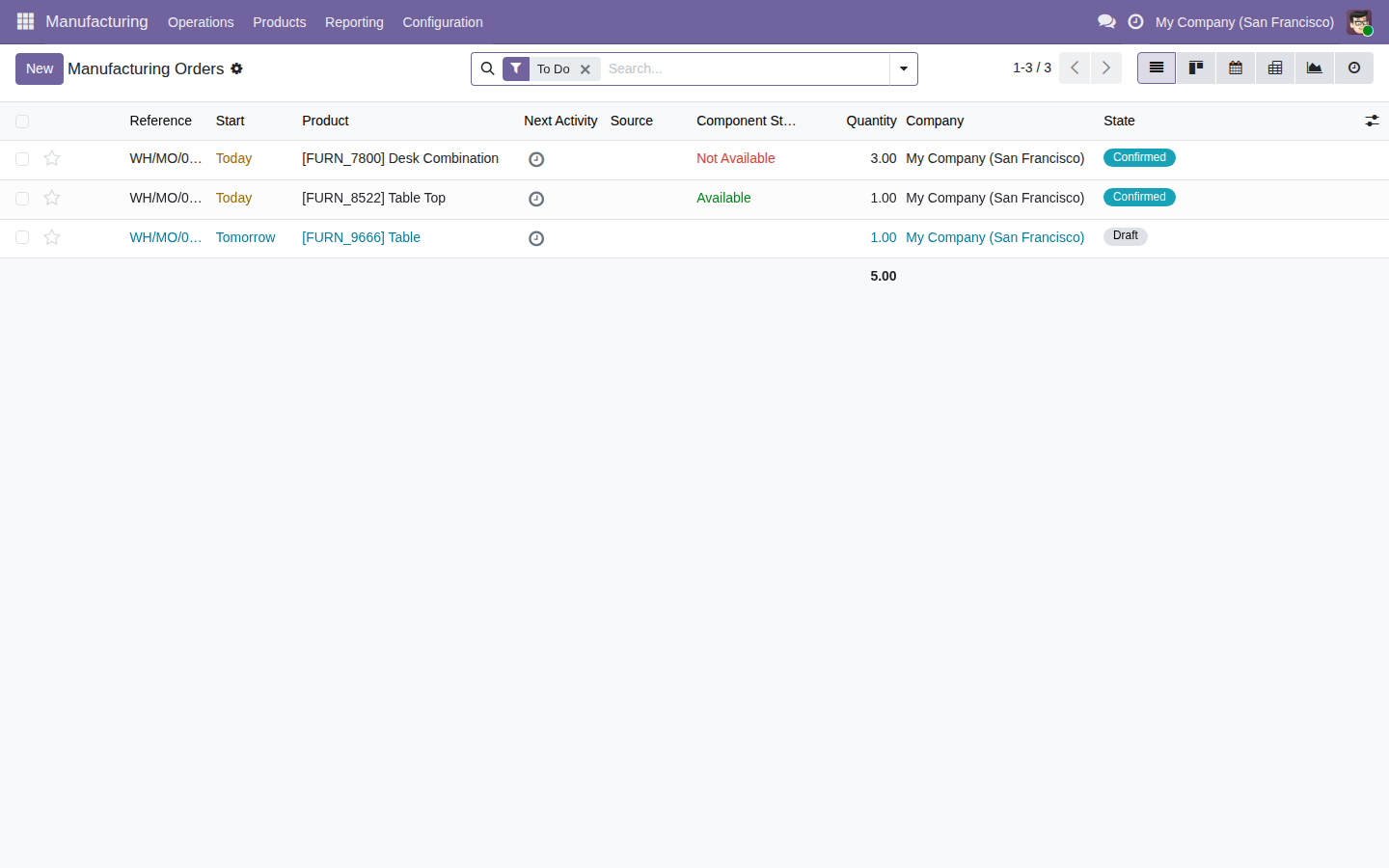
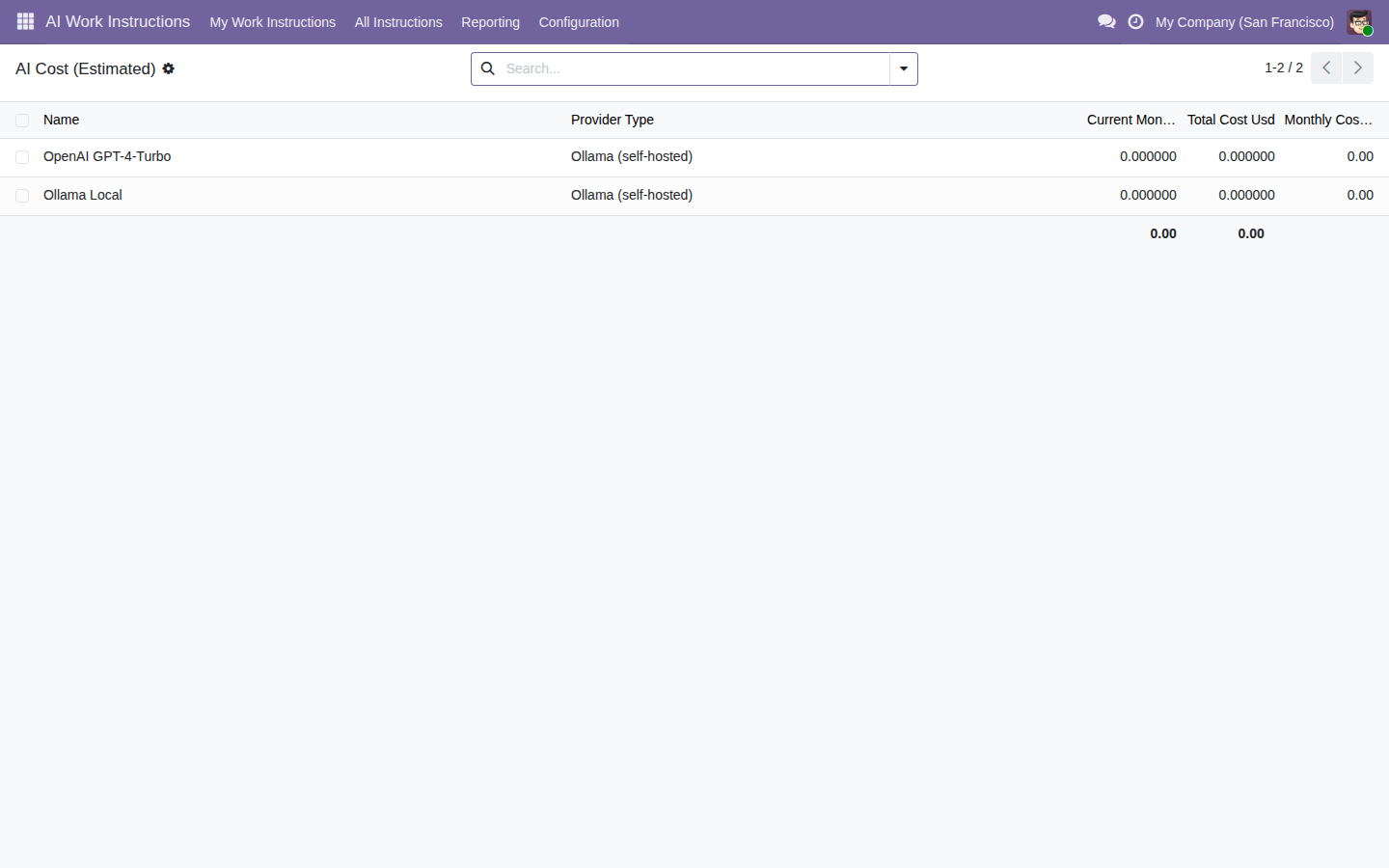
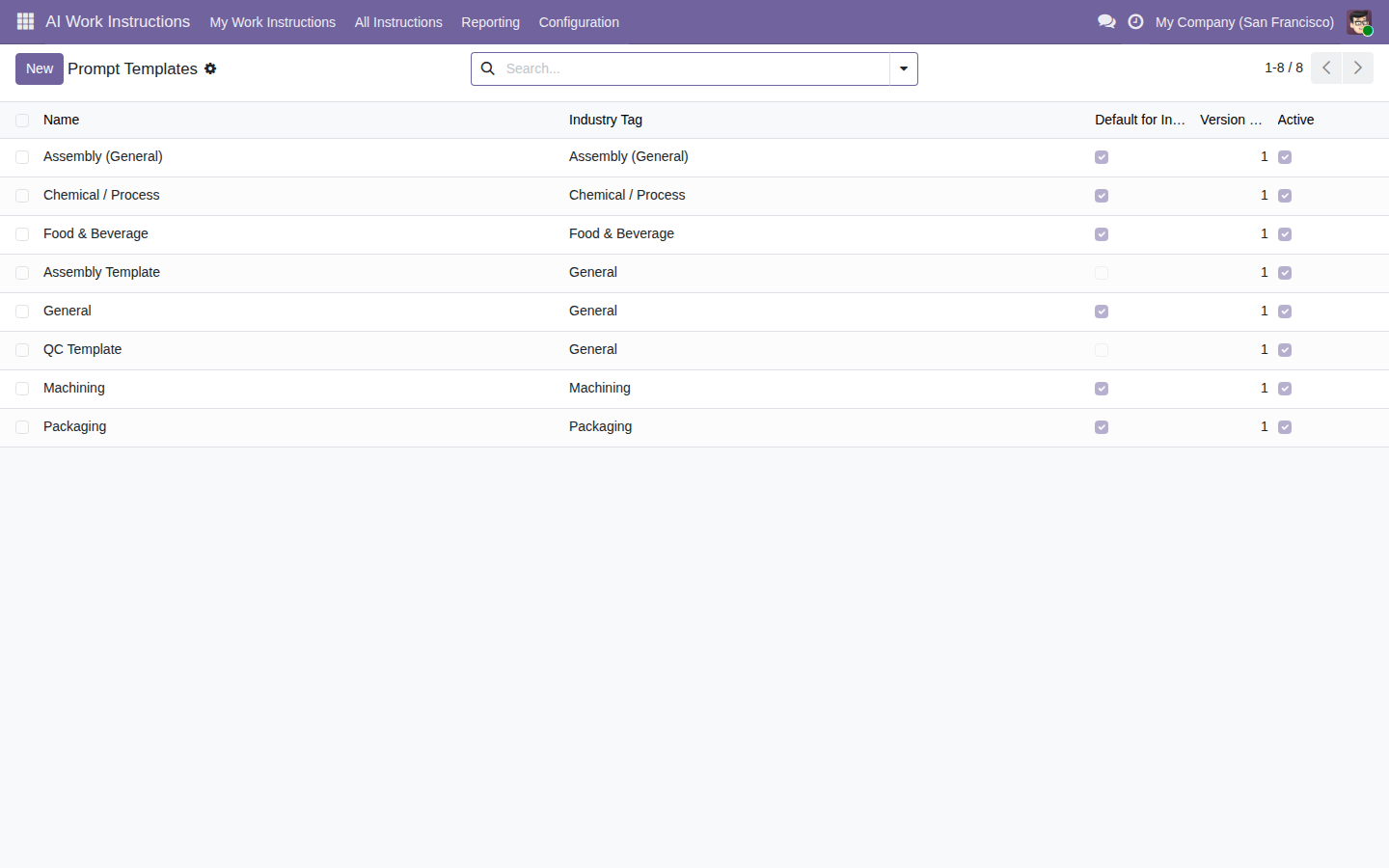
Try the manufacturing copilot inside a real Odoo 19, no sign-up. User demo / flexigodemo.
Odoo's manufacturing order tells you what to produce and with which materials, but how to build it right usually lives outside the system: in the senior operator's memory, in an outdated PDF, or on a laminated sheet taped to the machine.
When the operator who knows how to build that part number is off sick or retires, the how-to leaves with them. New hires take weeks to get up to speed because there is no clear instruction to follow.
A skipped step or a quality check nobody performed doesn't show up on the manufacturing order: it shows up at the customer, in the return or in the rework. Without checkpoints inside the flow itself, the mistake travels downstream.
Discarded material gets written down by hand, or not at all. Without a log that captures the reason and a trail, there is no way to know which part number wastes the most material, or to back it up in a quality audit.
It doesn't replace Odoo MRP or decide for the operator. It does the concrete, useful part: draft the instruction with AI, answer questions on the shop floor, flag the quality and safety checks, and log scrap with a trail.
From the product, its bill of materials and the work-center operations, the AI drafts a step-by-step instruction for the manufacturing order. There is always a human review step before it goes live to the operator.
The operator asks a specific question about the step in front of them and gets an answer on the spot, without stopping the line or waiting for the supervisor to free up. Process knowledge stays right there on the shop floor.
Checks are placed at the critical steps of the instruction itself: quality verifications and safety warnings the operator confirms right where they apply, not on a separate sheet filled in at the end or never read.
Every material discard is logged with its reason from the instruction itself, leaving an auditable trail of who, when and why. Real data to analyse waste and answer quality audits.
You connect your own OpenAI or Anthropic API key, or a self-hosted Ollama if you don't want anything to leave your server. Manufacturing data never passes through FlexigoTech: zero telemetry. You also set a monthly AI spend ceiling, responses are cached, and static fallback templates kick in if the AI is unreachable.
Everything lives on the same manufacturing order in your own Odoo, with no separate SaaS or middleware to keep alive. The module is packaged for Odoo 17, 18 and 19, ships with full source code, and is a one-time 49 EUR purchase with no recurring fees.
Three steps, all inside Odoo MRP. No data leaves your system beyond the AI provider you choose and control.
Open a manufacturing order and the module reads the product, its bill of materials and the work-center operations, then drafts a step-by-step work instruction using your own AI provider key.
You edit the draft, add or reorder steps, and place quality and safety checkpoints where they matter. Nothing reaches the operator until you approve it. The AI writes the first version; you stay in control.
On the shop floor, operators follow the instruction step by step, confirm the checkpoints, and ask the Q&A copilot whenever a step is unclear, without stopping the line. Every scrap is logged with its reason as it happens.
FlexigoTech is Flexibles y Accesorios Gobe, S.L., based in Barcelona. Development is handled by a single developer, so when you ask about the copilot, how it generates the instructions or the scrap log, you talk directly to the person who wrote the code, not to a salesperson or a first-line support desk forwarding tickets.
It is a native Odoo MRP module (available for Odoo 17, 18 and 19), with no external platform to maintain and no extra SaaS fee. We don't invent reviews or customer case studies. The AI drafts the instructions, but the decision stays yours: there is a human review step before the instruction reaches the shop floor. We tell you that before you buy, not after.
Manufacturing rarely travels alone. It usually shows up together with the need to organise production, quality and traceability inside a single Odoo.
It is a module for Odoo MRP that uses AI to generate step-by-step work instructions for each manufacturing order or operation, adds quality and safety checkpoints, provides a Q&A copilot for the operator on the shop floor, and logs scrap with its reason, leaving an auditable trail. It doesn't replace Odoo MRP: it builds on top of it and enriches shop-floor operations. It is available for Odoo 17, 18 and 19, and you pick the version when you buy.
The AI drafts the instructions from the product, its bill of materials and the operations already defined in your Odoo, and there is always a human review step before the instruction is published to the operator. The goal is to save you the work of writing the first draft, not to decide for you: you validate, edit and approve before anything reaches the shop floor.
Every time material is discarded or a unit is rejected, the operator records the scrap with its reason directly from the work instruction. That leaves an auditable trail of who did what, when and why, which is useful for analysing the causes of waste, answering quality audits and improving the process with real data instead of guesswork.
You use your own AI provider with your own API key: OpenAI, Anthropic (Claude) or a self-hosted Ollama on your server if you don't want anything to leave your infrastructure. Zero telemetry: your manufacturing data never passes through FlexigoTech; only the AI provider you choose and control ever sees it. You pay the AI usage directly to your provider, separate from the module license (49 EUR, one-time payment), and you cap it from inside Odoo with a monthly spend ceiling. Responses are cached to reduce calls, and if the AI is unreachable the module falls back to static templates so the line never stops.
Yes. The module builds on Odoo's Manufacturing (MRP) app, which ships with Odoo Community, so it runs on Community as well as Enterprise. It is packaged for Odoo 17, 18 and 19, and you choose the series when you buy. You bring your own AI provider key (OpenAI, Anthropic or self-hosted Ollama), and everything runs inside your own Odoo, with no separate SaaS or middleware to maintain.
Yes. There is a live demo, a real Odoo 19 with the module installed and no sign-up (user demo, password flexigodemo), where you can see how the work instructions are generated, the Q&A copilot, the checkpoints and the scrap log. When you are ready, you buy the license on the Odoo App Store, and if you need it we help you configure it and get the first instruction ready.
Get it written down, step by step, inside the same Odoo manufacturing order. Tell us what you manufacture and we'll tell you straight whether the module fits.